

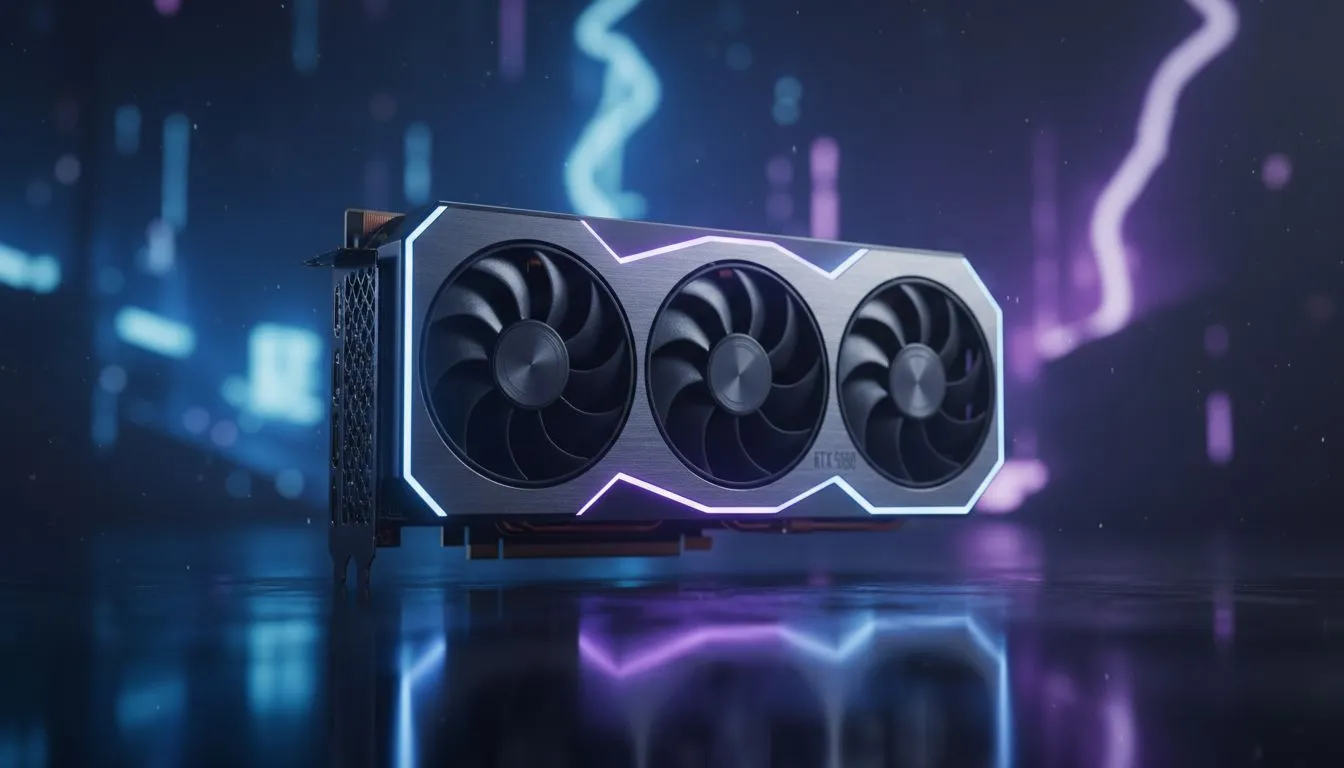
Understanding the RTX 5060 Performance Profile
Dropping into Mega City or Tilted Towers with stuttering frames is a recipe for a quick trip back to the lobby. This RTX 5060 Fortnite 240FPS Guide: Achieve Stable 240FPS is your roadmap to buttery smooth gameplay. Whether you are climbing the ranks in Arena or just enjoying Creative, hitting that 240Hz ceiling is finally within reach for South African gamers.
The RTX 5060 is designed to dominate the 1080p competitive landscape. It leverages the latest architecture to provide massive efficiency gains over previous generations. When looking at the latest NVIDIA graphics cards, the 5060 stands out as the sweet spot for value and performance. It handles the chaotic end-games of Fortnite without breaking a sweat... provided your settings are dialed in correctly. 🚀
Optimising Settings for Stable 240FPS
To maintain a consistent frame rate, you must look beyond the "Epic" presets. Fortnite is a CPU-intensive game, but the GPU still does heavy lifting during build fights. We recommend using "Performance Mode" within the in-game settings. This reduces the load on your hardware and provides the lowest possible input latency.
Performance Pro Tip ⚡
Always disable "Record Replays" in your Fortnite settings if you are struggling with frame drops. This simple change reduces background CPU usage significantly, allowing your RTX 5060 to focus entirely on pushing those 240 frames per second without interruptions.
Thermal management is equally important for maintaining high clocks. If you opt for MSI's custom cooling solutions, you can push the card further without thermal throttling. Keeping your GPU under 70 degrees Celsius ensures that your boost clocks stay high during intense South African summer gaming sessions. 🔧
Hardware Synergy and Refresh Rates
A powerful GPU is only half the battle. To truly benefit from this RTX 5060 Fortnite 240FPS Guide, you need a monitor that can actually display those frames. A 240Hz panel is essential. Without it, those extra frames are essentially wasted. Furthermore, ensure your CPU can keep up. A modern i5 or Ryzen 5 is the bare minimum to avoid bottlenecking your new card.
While NVIDIA is the current king of features like Reflex, some users might explore Intel Arc graphics cards for budget-friendly alternatives. However, for the most stable driver support in competitive titles, the RTX 5060 remains the safer bet for most local players. ✨
Exploring Alternative GPU Options
Not everyone is a pure gamer. If you spend your day rendering 3D models and your nights in the Battle Bus, you might consider professional workstation graphics cards. These offer different driver optimisations but usually lack the raw gaming punch of the GeForce line at similar price points.
For those who prefer the Red Team, AMD Radeon graphics cards offer incredible raw rasterisation performance. They often provide more VRAM for your money, which can be helpful in other titles... though Fortnite typically favours NVIDIA's architecture for high-refresh stability. ⚡
Ready to Achieve Stable 240FPS? The RTX 5060 is the ultimate tool for competitive Fortnite players in South Africa. If you want to eliminate lag and climb the ranks with confidence, we have the stock you need. Explore our massive range of graphics card specials and find the perfect machine to conquer your world.





