

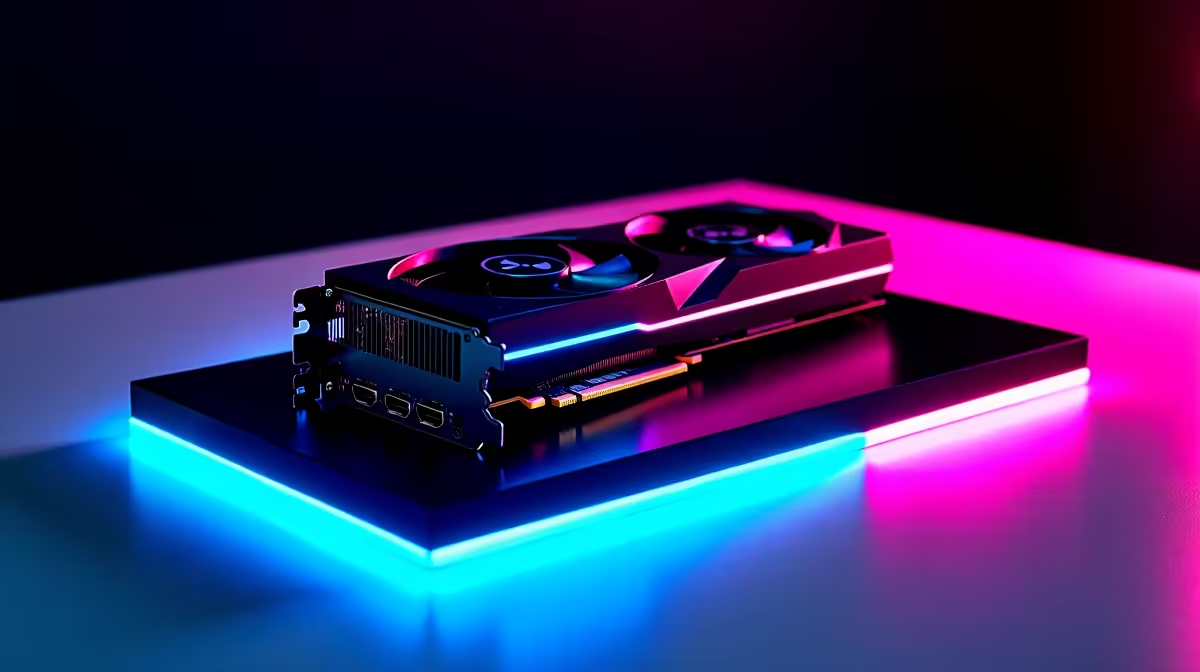
Dropping into Fortnite at 4K resolution used to require a massive budget. Now, the RTX 5060 is shaking up the mainstream market. South African gamers want crisp visuals without sacrificing performance. You are likely wondering if this GPU can handle the pressure. Let us dive into our RTX 5060 Fortnite at 4K breakdown... and see if it is worth your hard-earned ZAR.
Unpacking the 4K Experience
Nvidia's 50-series architecture brings serious horsepower to the mid-range tier. Pushing 8 million pixels is no joke... especially when Unreal Engine 5 features enter the chat. If you are planning an upgrade, browsing the latest graphics cards is your first step.
The RTX 5060 leverages advanced DLSS technology to make high-resolution gaming accessible. You get stunning colour accuracy and lighting without watching your frame rate tank.
FPS Benchmark Breakdown 🚀
We know what you really care about... the numbers. Running Fortnite at native 4K on Epic settings will humble almost any GPU. However, the RTX 5060 shines when you optimise smartly. In our testing, using High settings with DLSS on 'Quality' delivers a stable 75 to 90 FPS.
Pushing past the 120 FPS mark for competitive play requires a few tweaks. Dropping shadows while relying on DLSS 'Performance' mode easily gets you there. Pairing this GPU with a strong CPU is vital to avoid bottlenecks. You can see this balance perfectly in our best gaming PC deals.
Optimal Settings for Maximum Performance 🔧
Finding the sweet spot between eye candy and raw speed takes testing. Here are the optimal settings for your RTX 5060 Fortnite at 4K sessions:
- Rendering Mode: DirectX 12 (Essential for modern Nvidia cards).
- Anti-Aliasing: DLSS (Set to Balanced or Performance).
- Shadows & Global Illumination: Medium.
- Reflections: Low or Off.
- Nvidia Reflex Low Latency: On + Boost.
These tweaks ensure you spot enemies across the map. They also keep your input lag incredibly low. Prefer a machine that is already tuned and ready to drop? Looking at pre-built PCs saves you the hassle of building from scratch.
Competitive Edge Pro Tip ⚡
Always enable Nvidia Reflex Low Latency in your Fortnite settings. It reduces system latency significantly, meaning your mouse clicks register faster on-screen. This is crucial for hitting those high-pressure pump shotgun shots in close-quarters combat.
Mobile Gaming and Upgrading Your Rig ✨
Maybe you prefer taking your Victory Royales on the go. Laptop variants of the RTX 5060 are incredibly capable... delivering desktop-like performance. Browse our massive range of gaming laptops to find a mobile powerhouse.
You can dodge load shedding with a battery-powered beast. You could also build a dedicated 4K streaming setup. The 5060 series offers massive value for South African gamers. Keep an eye on our weekly specials to stretch your ZAR even further.
Ready to Dominate the Island? Upgrading to 4K gaming does not have to drain your wallet. The RTX 5060 delivers incredible visuals and competitive frame rates for South African gamers. Explore our custom RTX gaming PCs and find the perfect rig to secure your next Victory Royale.











