


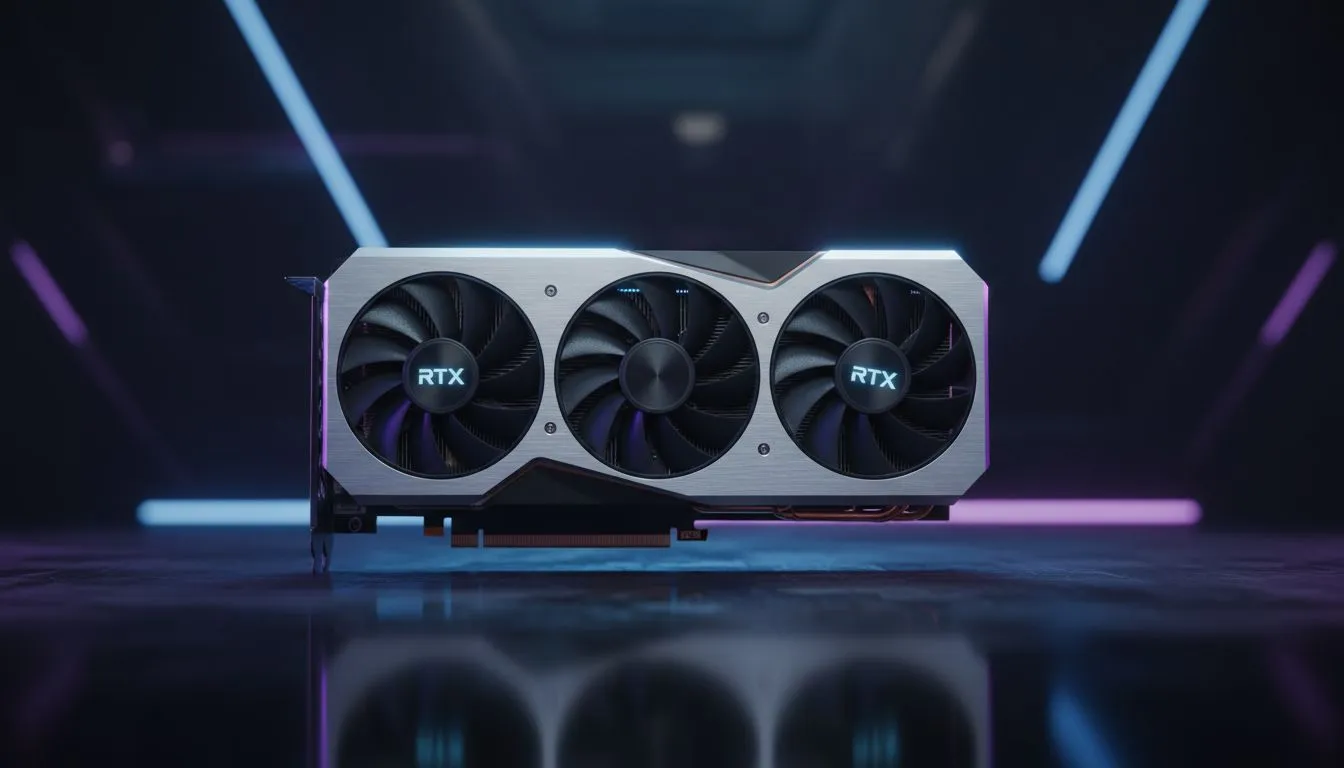
Tired of your frame rate tanking during a chaotic Baron pit fight? The RTX 5060 is the new sweet spot for League of Legends players in South Africa looking to dominate the Rift. Whether you are climbing the ranks in Solo Queue or competing in local tournaments, hitting that 240Hz ceiling is finally affordable. Let's look at how this hardware helps you uncap teamfight FPS. ⚡
Why the RTX 5060 LoL FPS Guide Matters for Teamfights
League of Legends is famously easy to run... until ten players start spamming ultimates in the jungle. This is where older hardware chokes. The RTX 5060 uses refined architecture to ensure your minimum frame rates stay high. When you look for specific models, MSI graphics cards often provide the best thermal headroom for our hot South African summers. Maintaining a cool GPU ensures the clock speeds don't throttle when the action gets intense.
Optimising Your Settings to Uncap Teamfight FPS
To truly benefit from this RTX 5060 LoL FPS Guide, you need to look past the "Ultra" preset. While the card handles it easily, competitive play is about stability. Disabling shadows can reduce the load on your CPU... which is often the real bottleneck in League. If you are comparing options, some builders still look at Intel Arc graphics cards for budget builds, but NVIDIA’s driver stability in eSports titles remains the gold standard for many.
Performance Pro Tip ⚡
Within the League of Legends client, navigate to the 'Game' tab and enable 'Movement Prediction'. This setting helps the game feel more responsive on South African connections by smoothing out the visual movement of your champion during minor latency spikes.
Comparing Architecture and Local Value
Choosing the right card in the ZAR 6,000 to ZAR 9,000 range is tough. Many local gamers also consider AMD Radeon graphics cards because of their raw performance per Rand. However, the RTX 5060 brings DLSS 3.5 and better power efficiency to the table. This efficiency means you can get away with a smaller power supply... saving you more money on your total build cost at Evetech.
Professional and Creative Flexibility
Not every PC is just for gaming. If you spend your mornings editing 4K video or working in CAD, you might have considered workstation graphics cards for their certified drivers. But for most users, the RTX 5060 offers a perfect balance. It provides enough CUDA cores for rendering while delivering the high refresh rates needed for the Rift. You can find the latest deals on all NVIDIA and ATI graphics cards to see which fits your budget this month. 🚀
Final Performance Tweaks for the Rift
To ensure your teamfights stay buttery smooth, always set your Windows Power Plan to 'High Performance'. This prevents the GPU from entering a low-power state during quiet moments in the laning phase. When the 5-man gank finally happens, your card will be ready to push every frame without hesitation. ✨
Ready to Uncap Your Performance? The right GPU makes the difference between a winning play and a frustrating lag spike. For the best prices and the widest range of hardware in South Africa, we have you covered. Explore our massive range of graphics card specials and find the perfect machine to conquer the Rift.











