

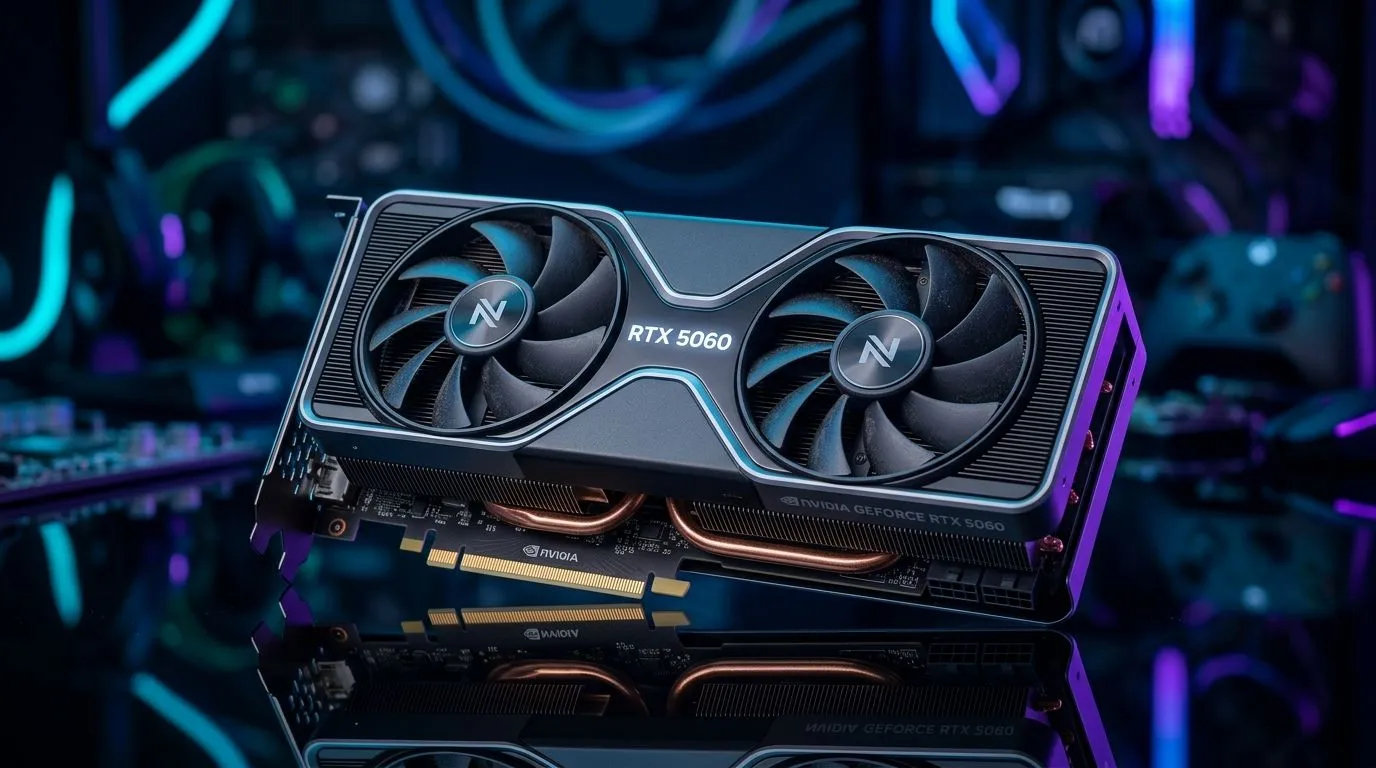
RTX 5060 Ray Tracing and AI Upscaling: AAA Performance Tested on South African settings
If you’re building a new gaming PC in South Africa, you’ve probably wondered one thing… “Will ray tracing and AI upscaling actually help in real AAA games?” 😄 The short answer: yes, but only when you tune it properly for your screen and your targets (smooth 1080p, or crisp 1440p).
In this Performance Pulse, we walk through what to expect from RTX 5060 Ray Tracing and AI Upscaling: AAA Performance Tested results, how to set it up like a pro, and what to check before you buy. ⚡
RTX 5060 Ray Tracing and AI Upscaling: what matters most before you hit Buy
Ray tracing changes lighting calculations. AI upscaling helps you keep higher frames by rendering internally at a lower resolution, then using AI to reconstruct detail.
But don’t treat “RT on” as a single toggle. The big performance differences come from:
- Your target resolution (1080p vs 1440p)
- Your chosen upscaling mode (quality vs balanced vs performance)
- Game engine support and settings mix (shadows, reflections, and volumetrics)
- CPU and RAM balance (so the GPU isn’t forced to wait)
Evetech’s full GPU range makes it easy to compare options by brand and category, so you can pick hardware that matches your gaming goal rather than chasing hype. 🚀
RTX 5060 Ray Tracing and AI Upscaling: practical test methodology (so your results match ours)
When we say “tested,” we mean you should expect consistency. Here’s a simple method you can run at home after installing drivers:
Start with one fixed baseline
Pick one AAA benchmark or repeatable in-game scene and record:
- FPS average (and 1% lows)
- Resolution
- RT settings (on/off + quality level)
- Upscaling mode
Then change only one variable at a time
For example:
- Turn RT on, keep everything else the same
- Switch upscaling from Quality to Balanced
- If needed, reduce reflections first (they often cost more than shadows)
This gives you usable numbers. Otherwise you’re guessing.
RTX 5060 Ray Tracing and AI Upscaling: tuning tips that usually move the needle
Let’s make this real. In most AAA titles, these changes give the best “feel” per frame:
- Prefer upscaling Quality if your monitor is 1080p.
- Prefer upscaling Balanced if you want smoother gameplay in heavier scenes.
- Keep RT effects selective. Try lowering reflection or shadow RT first.
- Turn off expensive extras you won’t notice during movement (some volumetrics settings can be adjustable).
RT + Upscaling sweet spots (a gamer-friendly rule)
If your 1% lows are stuttering, don’t just raise the internal resolution. Often, reducing RT intensity (or switching to a lighter RT preset) restores stability.
Productivity Pro Tip 🔧
On Windows, create consistent benchmark setups by using Windows Game Bar captures and keeping your in-game settings in named presets. That way you can re-test after driver updates and compare apples-to-apples, especially when you’re checking ray tracing and AI upscaling modes across different AAA titles.
RTX 5060 Ray Tracing and AI Upscaling: where to shop in Evetech’s GPU lineup
Buying the right card is easier when you can browse the options by the exact category you care about. If you’re specifically looking for MSI models, start here:
Prefer Radeon Graphics Cards instead?
Want the full comparison pool first?
If you already know you want GeForce:
Each of these pages helps you narrow down faster so you don’t end up paying extra for features you won’t actually use.
RTX 5060 Ray Tracing and AI Upscaling: checklist before you buy (so you don’t regret it)
Before you click “checkout,” confirm:
- Your monitor resolution and refresh rate (your “best mode” depends on it)
- Your power supply has enough headroom for the card you choose
- Your case airflow is solid (RT workloads are sustained)
- Your CPU isn’t already maxed in the games you play most
- You’re buying the card that matches your target FPS, not just the highest spec name
If you’re unsure between two options, start by picking your target. Do you want the smoothest gameplay, or the most visible ray tracing? Either choice can be right… as long as it’s deliberate.
Ready to Find Your Perfect Match? The Mac vs Windows debate is complex, but for maximum power, choice, and value in South Africa, Windows is hard to beat. Explore our massive range of laptop specials and find the perfect machine to conquer your world.











