

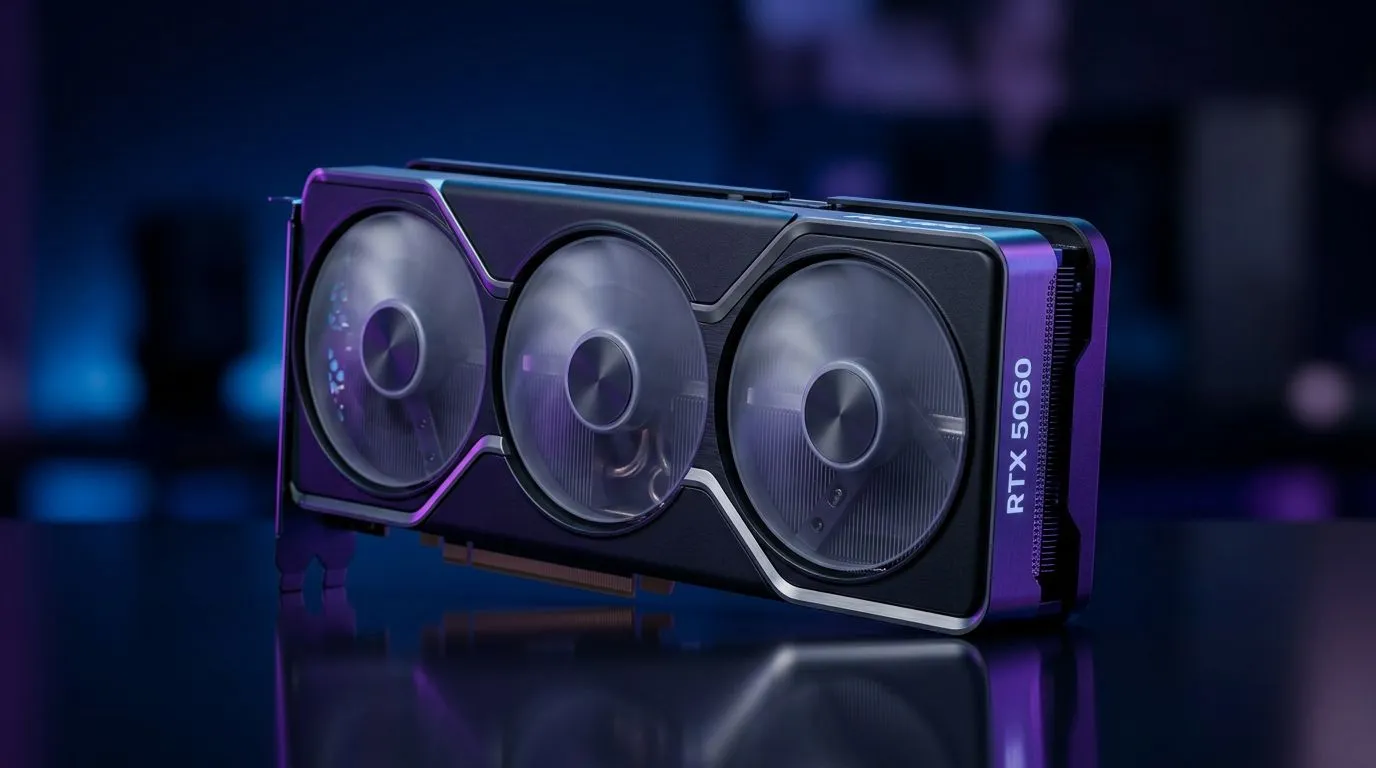
RTX 5060 Specs Explained: What They Mean for Your Gaming Performance (and why you should care in SA)
If you’re hunting an upgrade in South Africa, the spec sheet can feel like a wall of numbers. But those numbers decide whether you’ll be flying through Cyberpunk 2077 at smooth frame rates… or stuck juggling settings just to stay playable. ⚡
In this guide, we’ll break down RTX 5060 Specs Explained: What They Mean for Your Gaming Performance in plain language. You’ll learn what matters (and what doesn’t), how to sanity-check benchmarks, and how to choose the right card for your monitor and budget.
RTX 5060 Specs Explained: What They Mean for Your Gaming Performance for real-world FPS
Let’s start with how to interpret GPU specs without getting lost.
Core specs that actually affect gaming
When people ask “what will it run?”, the biggest spec drivers usually are:
- GPU architecture and compute capability: impacts how efficiently the GPU handles modern rendering.
- VRAM amount and memory bandwidth: influences performance in higher textures and higher resolutions. More VRAM often helps with stutter in demanding games.
- Power (TDP) and cooling: affects boost behaviour during longer gaming sessions.
- Video features (encode/decode): relevant if you stream or record clips.
Important: exact RTX 5060 core counts, VRAM size, and memory bandwidth should be verified against the specific model you’re buying. Different partner cards (cooling, clocks, power limits) can change real performance. If you’re shopping, always match the spec to the specific SKU.
To explore which brands and models Evetech stocks, start here:
RTX 5060 Specs Explained: What They Mean for Your Gaming Performance at 1080p, 1440p, and 4K
Now the practical part… resolution changes the “job” your GPU has to do.
1080p (the “high FPS” lane)
At 1080p, GPUs often hit limits from:
- CPU demand in heavily scripted games
- memory bandwidth less than at higher resolutions, but still relevant in texture-heavy titles
- scaling features like DLSS (if supported by your games)
What to look for: a good balance between raw performance and stable boosts, because 1080p is where frame pacing matters most.
1440p (the “look better, still smooth” lane)
At 1440p, texture detail and effects cost more. That’s where VRAM becomes harder working, especially with modern “ultra” texture packs.
What to look for: a model with enough VRAM headroom and solid cooling so boosts don’t drop during long sessions. 🔧
4K (the “it’s demanding” lane)
At 4K, you’re usually GPU-bound and power-hungry. Even strong cards need smart settings.
What to look for: whether your setup supports upscaling and frame generation features in your target games (and whether your monitor supports the refresh you’re aiming for).
RTX 5060 Specs Explained: What They Mean for Your Gaming Performance (and how to avoid buying the wrong card)
Here’s the micro-mistake many buyers make: choosing the “best” GPU without matching it to their monitor and gaming habits.
A quick buyer checklist before you click “add to cart”
- Your monitor resolution and refresh rate: 60Hz, 144Hz, 240Hz… they’re not the same target.
- Your games list: competitive shooters feel different to story RPGs.
- Your settings style: do you want high textures, ray tracing, or max FPS?
- Your CPU and PSU: a great GPU can’t fully stretch if your PSU is weak or your CPU bottlenecks.
If you want to see what’s available by brand or category, browse directly:
- Explore GeForce graphics cards on Evetech
- Browse MSI graphics cards on Evetech
- Shop Radeon graphics cards on Evetech
RTX 5060 Specs Explained: What They Mean for Your Gaming Performance with smart settings (not guesswork)
Once you have the card, settings will decide the difference between “runs” and “feels great”.
Start with a baseline you can repeat
Pick one game and set:
- resolution to your monitor
- textures to a level you like
- then tune the rest based on frame stability
If you rely on upscaling, test both “performance” and “quality” modes. In South African homes, your electricity and cooling conditions also matter, so stable tuning beats chasing peak numbers.
Recording, streaming, and creator use (where specs become more than gaming)
If you stream or record, encoder/decoder features and system RAM can change performance more than you’d expect. If you do both gaming and content creation, it’s worth thinking about your full workflow.
Productivity Pro Tip ✨
On Windows, use the PowerToys FancyZones utility to create custom snap layouts for your windows. It's a lifesaver for managing multiple apps on an ultrawide monitor, letting you organise your timeline, preview window, and asset folders perfectly for video editing.
RTX 5060 Specs Explained: What They Mean for Your Gaming Performance: what to ask Evetech before you buy
If you’re unsure, ask before you commit. The best upgrade is the one that fits your system and your target games, not just the one with the biggest headline number.
When you message or browse, ask about:
- compatibility with your current PSU
- which RTX 5060 variant Evetech recommends for your resolution
- whether the models in stock have strong cooling for long sessions
- upgrade path options (RAM, CPU, monitor refresh)
That’s how you avoid paying twice… once for the card, and again when you realise it doesn’t match your setup. 🚀
Ready to Find Your Perfect Match? Upgrade decisions are easier when you can compare options fast, from the RTX series to broader GPU needs, all in one place. Explore our massive range of laptop specials and find the perfect machine to conquer your world.











