

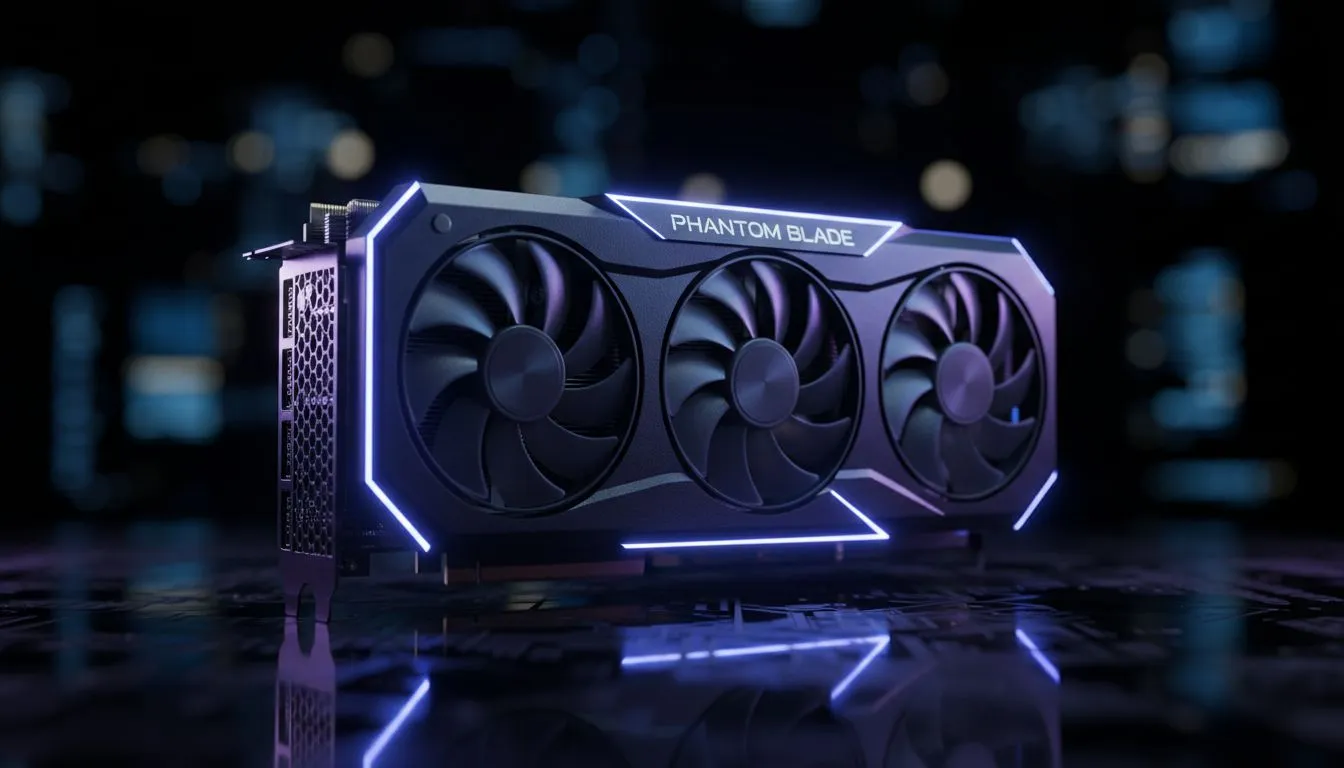
Optimising your RTX 5060 for Phantom Blade
There is nothing worse than lining up a perfect parry in Phantom Blade only for a frame drop to ruin your flow. If you are rocking an RTX 5060 and experiencing micro-stutters, you are not alone. These performance hiccups can break the immersion of such a fast-paced title. Let’s look at the ultimate RTX 5060 stutter fix to get your combat feeling buttery smooth again ⚡.
Dialling in your NVIDIA settings for smooth combat
The first step to achieving a stable frame rate is ensuring your software environment is ready for battle. While the 50-series architecture is incredibly efficient, Phantom Blade can be demanding on VRAM. Start by updating to the latest Game Ready drivers. Many South African gamers overlook the importance of a clean driver installation... using tools like DDU can often resolve deep-seated performance issues.
If you find that your current setup is still struggling after a clean install, it might be worth browsing our range of NVIDIA graphics cards to see how the latest hardware stacks up. Specifically, high-quality builds like MSI NVIDIA graphics cards offer superior cooling solutions that help maintain high clock speeds during intense boss fights, preventing thermal throttling stutters.
Combat Precision ⚔️
To eliminate input lag while using Frame Generation, always enable NVIDIA Reflex in the game settings. This reduces the "heavy" feeling of the mouse or controller, ensuring your parries and dodges register exactly when you press the button.
Balancing VRAM and system stability
Phantom Blade uses high-resolution textures that can quickly fill the 8GB buffer on some entry-level cards. To implement a reliable RTX 5060 stutter fix, try lowering the "Texture Quality" by one notch. This often frees up enough VRAM to stop the dreaded "hitch" when moving between different zones in the game world.
While NVIDIA is a popular choice, some users find better value in other architectures depending on their specific workload. For instance, AMD Radeon graphics cards often provide more raw VRAM at similar price points, which can be a massive advantage in texture-heavy titles. Alternatively, the latest Intel Arc graphics cards are becoming increasingly competitive through consistent driver optimisations for modern APIs like DirectX 12.
Beyond gaming: Workstation stability
If you use your PC for more than just gaming... perhaps for rendering or video editing in between sessions... your hardware needs might be different. While a gaming card is great for Phantom Blade, professional workstation graphics cards are designed for 24/7 stability and certified drivers. However, for the average player in SA looking for the best bang-for-buck, sticking to the RTX 5060 with the right settings is the way to go.
Ensure your Windows Power Plan is set to "High Performance" and disable any unnecessary background recording software. These small tweaks, combined with DLSS set to "Quality" mode, will ensure your journey through the world of Phantom Blade is free from interruptions ✨.
Ready to Find Your Perfect Match? Finding the right balance between price and performance is essential for any South African gamer. Whether you need an RTX 5060 stutter fix or a total system overhaul, we have the hardware to help. Explore our massive range of graphics cards and find the perfect machine to conquer your world.











