

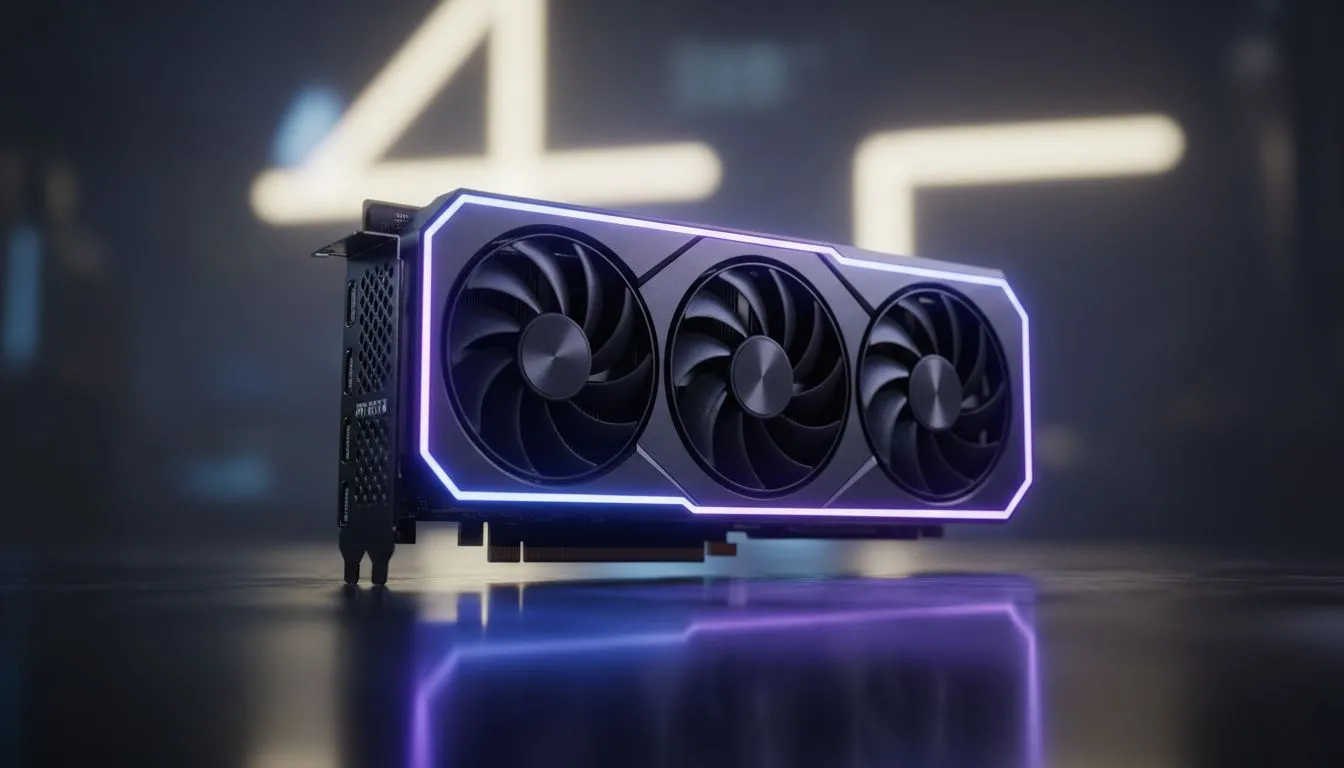
Why Streets of Tarkov Stutters on Modern Hardware
Dropping into Streets of Tarkov only to have your frame rate tank at the Lexos intersection is a nightmare every South African PMC knows too well. Even with the raw power of the latest hardware, optimization is essential. This RTX 5060 Tarkov Streets Stutter Fix Guide will help you reclaim your frames and ensure those high-stakes raids remain buttery smooth throughout the wipe. 🔧
The primary issue with Streets is its massive memory footprint and heavy reliance on single-core CPU performance. While the latest NVIDIA graphics cards offer incredible architectural leaps, Tarkov often requires a bit of fine-tuning to stop the micro-stutters caused by texture streaming. If you are running an RTX 5060, you have the benefit of the latest DLSS features, but raw power alone won't save you from poorly managed VRAM usage.
The RTX 5060 Tarkov Streets Stutter Fix Guide: Step-by-Step
To start your journey toward a stutter-free experience, you need to look at how your OS interacts with your hardware. Ensure that "Hardware-Accelerated GPU Scheduling" is toggled on in your Windows settings. This allows your GPU to manage its own memory more effectively. High-performance variants, specifically NVIDIA graphics cards from MSI, often come with excellent factory overclocks that help push through the dense geometry found in the Klimov Shopping Mall area. ⚡
Optimising In-Game Settings
Inside the Tarkov settings menu, navigate to the Graphics tab. Set your Texture Quality to "Medium" if you find your VRAM is hitting its limit... even though the 5060 is capable, Streets is a different beast entirely. Enable "Street Texture Loading Mode" to offload some of the initial pressure. While some users might consider Intel Arc graphics cards for budget builds, the RTX 5060’s Reflex technology gives you a distinct latency advantage during those frantic dorm room shootouts.
Performance Pro Tip ⚡
Always enable the 'Automatic RAM Cleaner' in the Tarkov game settings. Streets of Tarkov is notorious for memory leaks that can eat up 32GB of RAM in a single session. This setting helps clear out unused assets every few minutes, preventing that dreaded mid-raid stutter when you're trying to extract with a GPU in your pouch.
Advanced Driver Tweaks
Don't overlook the NVIDIA Control Panel. Set "Power Management Mode" to "Prefer Maximum Performance" and "Texture Filtering - Quality" to "Performance". These small changes ensure your card doesn't down-clock during quieter moments of a raid. Unlike workstation graphics cards which are tuned for stability in CAD, your RTX 5060 is built for rapid frame delivery... make sure your settings reflect that. 🚀
Hardware Synergy and Local Support
If you have tried every software fix and still see frame drops, it might be time to look at your broader system balance. Tarkov thrives on fast storage and high-speed memory. Even if your squadmates are rocking AMD Radeon graphics cards and seeing different results, the bottleneck is often the same... data throughput. Upgrading to a faster NVMe SSD can significantly reduce the stuttering experienced when scavs spawn into the map.
Investing in the right hardware means fewer frustrations when the loot is on the line. Whether you are building from scratch or looking for a quick upgrade to stay competitive in the South African gaming scene, choosing components that work in harmony is the best way to avoid the "Tarkov'd" experience. ✨
Ready to Upgrade Your Raid Experience? Don't let stutters be the reason you lose your gear. For the best prices on the latest GPUs and expert advice right here in South Africa, we've got you covered. Explore our massive range of NVIDIA graphics cards and find the perfect machine to conquer Streets of Tarkov.











