

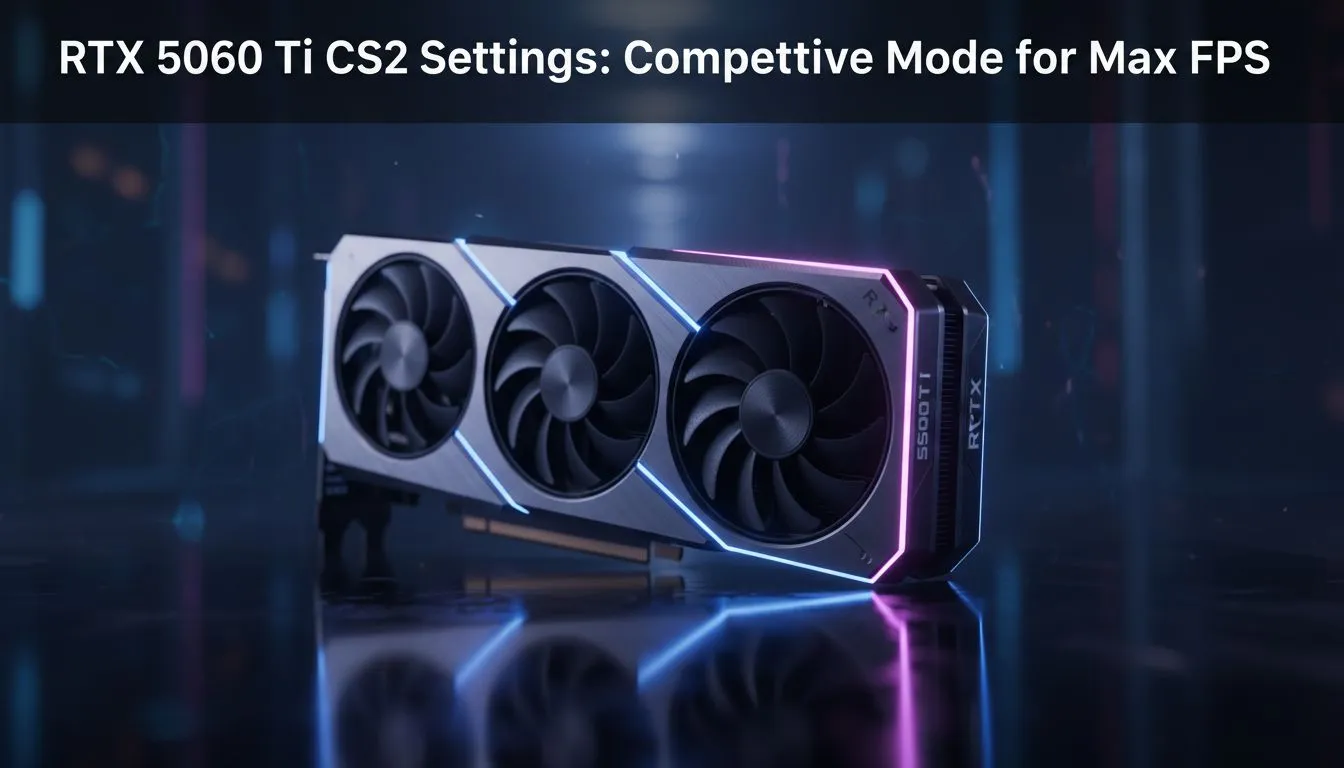
Struggling to hold a tight angle on Mirage because of frame drops? In the South African competitive scene, every millisecond counts when your ping is sitting at 15ms. To dominate the local leaderboards, you need the right hardware. Getting your RTX 5060 Ti CS2 settings for max FPS (Competitive Mode) sorted is the first step toward buttery smooth gameplay and hitting those crisp headshots. 🎯
Optimising Your RTX 5060 Ti for Competitive CS2
The transition to Source 2 brought stunning visuals, but it also increased the load on your hardware. While the 50-series architecture is incredibly efficient, simply cranking everything to "Ultra" is a recipe for input lag. For those hunting for the best NVIDIA graphics cards to power their rig, the RTX 5060 Ti represents the sweet spot for high-refresh-rate 1080p and 1440p gaming in South Africa.
To achieve the lowest possible system latency, you need to balance visual clarity with raw performance. Most local pros prefer a "Low" or "Medium" preset for shadows and textures. This ensures that the silhouette of an enemy crossing "Long" on Dust II is sharp, without the GPU being bogged down by unnecessary particle effects.
Essential In-Game Video Settings
When configuring your RTX 5060 Ti CS2 settings for max FPS (Competitive Mode), pay close attention to these specific toggles:
- Boost Player Contrast: Enabled (Essential for spotting enemies in dark corners).
- Wait for Vertical Sync: Disabled (Input lag is the enemy).
- Multisampling Anti-Aliasing Mode: 4x MSAA (Provides a clean look without a massive performance hit).
- Global Shadow Quality: Medium (High enough to see player shadows, low enough to save frames).
- Model / Texture Detail: Low.
- Shader Detail: Low.
- Particle Detail: Low.
If you are looking for a card with superior cooling to maintain these frames during a hot Gauteng summer, checking out MSI graphics cards is a smart move. Their thermal designs ensure your clock speeds don't throttle when the match goes into overtime. 🔧
NVIDIA Reflex and Latency Management
One of the biggest advantages of using an RTX card is access to NVIDIA Reflex. In a game like CS2, where peekers' advantage is a constant topic of discussion, reducing the "click-to-photon" delay is vital. Setting Reflex to "Enabled + Boost" keeps your GPU clock speeds high... ensuring that the frame is ready the exact moment you click your mouse.
CS2 Performance Pro Tip ⚡
Always disable 'Texture Streaming' in the advanced video settings. While it sounds helpful for lower-VRAM cards, it can cause micro-stutters during fast movements on the RTX 5060 Ti. Keeping your textures in the high-speed VRAM ensures a much more consistent frame time graph during intense fire fights.
Exploring Hardware Alternatives in South Africa
While NVIDIA remains the dominant force in the local pro scene, the market is more diverse than ever. If you are building a budget-focused esports rig, you might consider Intel Arc graphics cards which have seen massive driver improvements for DirectX 11 and 12 titles.
Alternatively, many local gamers find incredible value in the AMD Radeon graphics cards lineup. These cards often provide higher raw VRAM which can be useful if you plan on streaming your matches to Twitch or YouTube. For those who use their PC for more than just gaming... perhaps 3D rendering or heavy video editing... workstation graphics cards offer the stability required for professional environments while still being capable of pushing decent frames in CS2. 🚀
Final Performance Tweaks for Max FPS
Beyond the in-game menu, ensure your Windows Power Plan is set to "High Performance". In South Africa, where electricity costs are always on our minds, it is tempting to use "Balanced" mode... but for competitive gaming, you want your CPU and GPU to have access to all the juice they need.
By fine-tuning your RTX 5060 Ti CS2 settings for max FPS (Competitive Mode), you aren't just making the game look smoother... you are giving yourself a tangible advantage. When you can track a target without stuttering, your confidence increases, and your rank will likely follow. ✨
Ready to Find Your Perfect Match? The quest for the ultimate CS2 experience starts with the right hardware. Whether you are chasing the highest possible refresh rates or looking for the best value in South Africa, we have the gear to get you there. Explore our massive range of graphics card specials and find the perfect machine to conquer your world.











