

Quick Answer
The RTX 5060 Ti delivers strong Cyberpunk 2077 performance at 1080p and 1440p, typically pushing 80 to 110fps at Ultra settings without ray tracing and 60 to 80fps with Path Tracing enabled at 1440p using DLSS 4 Quality mode. This guide covers benchmark context, best settings for SA systems, and what to expect in the open world versus scripted sequences.
RTX 5060 Ti Cyberpunk 2077 Benchmark: What the Numbers Mean
Cyberpunk 2077 remains one of the most demanding GPU benchmarks available because it stresses every part of the rendering pipeline simultaneously - geometry, lighting, shadows, and now Path Tracing via RT Overdrive mode. The RTX 5060 Ti sits in the upper mid-range of Nvidia's 50-series stack, and its performance in this title reflects both the architectural improvements of Blackwell and the maturity of DLSS 4 Frame Generation.
At 1080p Ultra settings with ray tracing off, expect 100 to 130fps in most scenarios. The open-world Night City sections are GPU-heavy with dense geometry and light sources - frame rates drop to the lower end of this range in busy street areas. At 1440p Ultra with RT Medium, expect 75 to 95fps natively, which climbs to 110 to 140fps with DLSS 4 Quality mode enabled.
Path Tracing (RT Overdrive) is the title's most demanding mode and requires DLSS to be playable on the 5060 Ti. At 1440p with DLSS 4 Quality, expect 55 to 75fps - perfectly playable and visually stunning, but you will occasionally dip below 60fps in the densest outdoor night scenes.
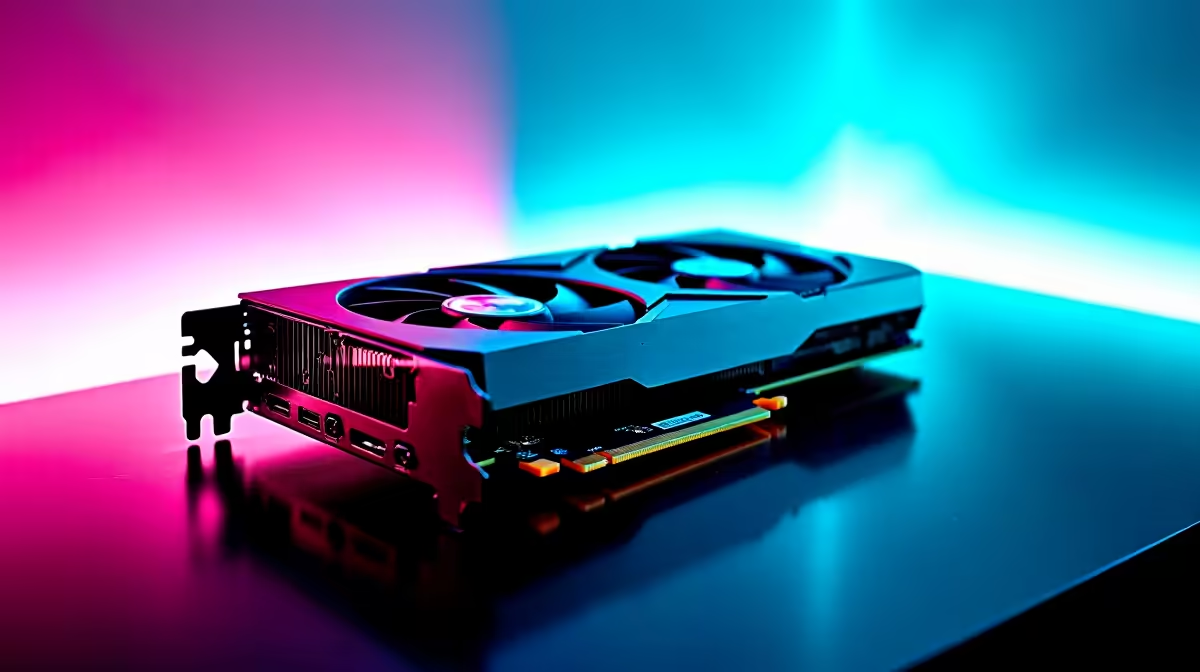
For the card itself, browse the GPU range at Evetech to check current RTX 5060 Ti availability and pricing in South Africa.
Best Settings for the RTX 5060 Ti in Cyberpunk 2077
For 1440p gaming targeting consistent 80fps-plus without ray tracing: set Crowd Density to High (not Ultra - this is the biggest single performance saving in open-world areas), Volumetric Fog and Clouds to Medium, and Shadows to High. Everything else can stay at Ultra. DLSS should be set to Quality mode for a clean image. This configuration delivers 90 to 120fps in most areas.
For the best ray tracing experience on the 5060 Ti: enable RT Lighting on Ultra, RT Shadows on High, and leave Reflections at Medium. Disable Path Tracing unless you specifically want to use it for screenshots or cinematic moments and accept sub-60fps performance in those scenes.
For competitive play or maximum smoothness: drop to 1080p, disable all ray tracing, set DLSS to Performance mode, and cap your frame rate at 120fps to maintain consistency. The 5060 Ti will sustain 120fps in all but the most demanding outdoor night city areas at this configuration.
Thermal and Power Behaviour in SA Conditions
South African ambient temperatures, particularly in Gauteng summers, affect GPU thermals more than most international benchmarks account for. In a well-ventilated mid-tower case with ambient temperatures of 28 to 33 degrees Celsius, the RTX 5060 Ti will run warmer than the 20-degree-ambient international benchmarks suggest.
Expect GPU temperatures of 72 to 80 degrees Celsius under sustained Cyberpunk 2077 load in typical SA indoor conditions. This is within spec but justifies ensuring your PC case has at least two intake and one exhaust fan with a clear airflow path over the GPU. A side intake fan positioned directly over the GPU makes a measurable difference in these conditions.
Power draw for the 5060 Ti in Cyberpunk 2077 peaks around 160 to 180W under full load. A quality 650W PSU is sufficient, with 750W recommended if you are also running a high-end CPU in the same build.
DLSS 4 and Frame Generation on the RTX 5060 Ti
The RTX 5060 Ti supports DLSS 4 Multi Frame Generation, which is Nvidia's latest frame interpolation technology. In Cyberpunk 2077 with DLSS 4 Quality mode and Frame Generation enabled at 1440p, rendered frame counts of 70fps can present as 120 to 130fps to the display. Latency increases slightly with Frame Generation enabled, but Nvidia Reflex mitigates much of this.
Frame Generation is most valuable in Path Tracing mode where native frame rates would otherwise hover around 50fps. It makes Path Tracing genuinely playable on the 5060 Ti - a significant quality-of-life improvement over the previous generation where this mode required a flagship card.
Frequently Asked Questions
Is the RTX 5060 Ti enough for 4K in Cyberpunk 2077? Native 4K at Ultra is too demanding for the 5060 Ti. With DLSS 4 Quality mode (rendering at roughly 1440p internally), you can achieve 50 to 65fps at 4K Ultra without ray tracing. It is functional but the RTX 5070 or higher is the right card for a smooth 4K experience in this title.
How does the 5060 Ti compare to the previous generation RTX 4060 Ti in Cyberpunk? The RTX 5060 Ti offers roughly 20 to 30% higher native performance than the RTX 4060 Ti in Cyberpunk 2077, with the additional benefit of DLSS 4 Multi Frame Generation which was not available on 40-series cards.
Will loadshedding damage my GPU mid-gaming session in Cyberpunk? A sudden power cut during a gaming session risks corruption of open game saves but does not typically damage GPUs. A quality UPS with enough capacity to allow a clean shutdown is the recommended solution for SA gamers who experience regular loadshedding.
What CPU should I pair with the RTX 5060 Ti for Cyberpunk 2077? Cyberpunk 2077 benefits significantly from fast single-core CPU performance. A modern 6-core or 8-core processor with strong single-thread performance prevents CPU bottlenecks at 1080p and 1440p. Check Evetech's range for current generation options.











