

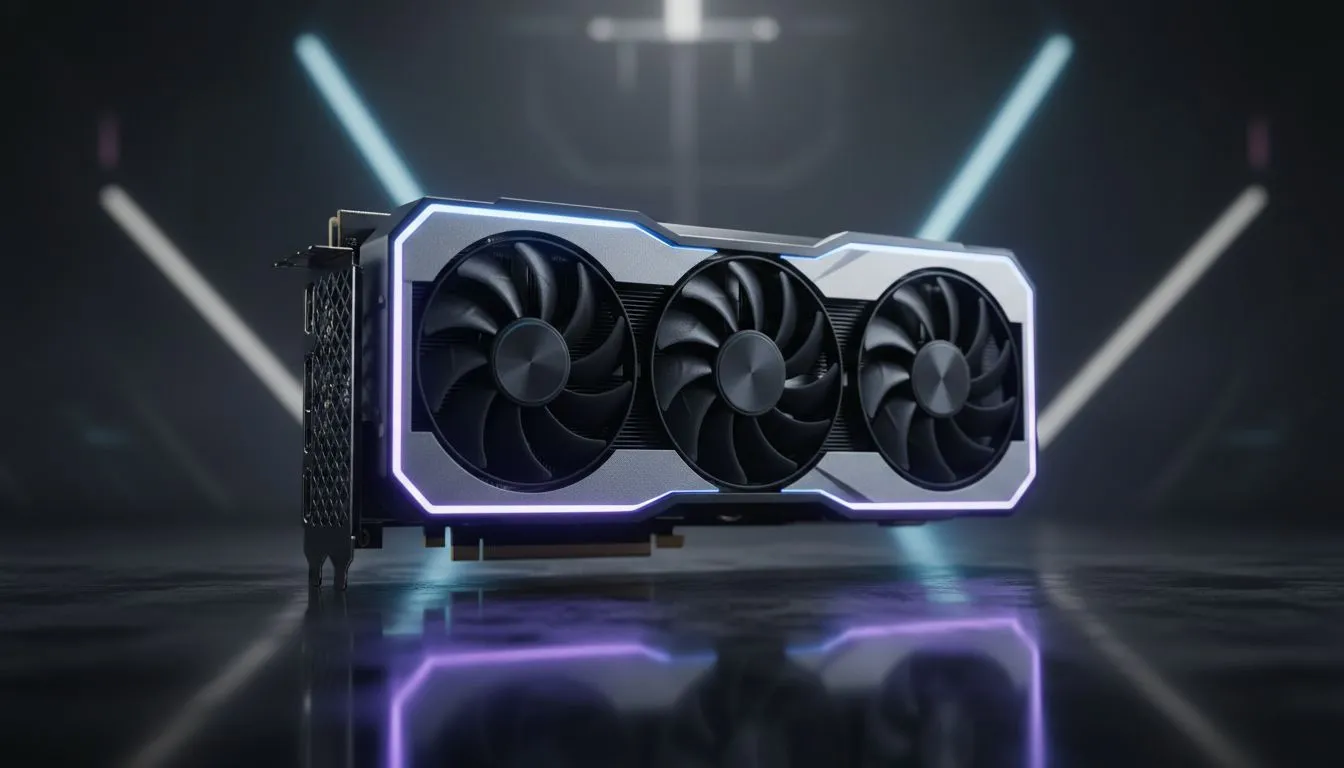
If you have just unboxed a new GPU in Johannesburg or Cape Town, you want every frame to count. Moving from 60Hz to 144Hz is a massive leap for competitive gaming. To truly master your RTX 5060 Ti high refresh rate settings, you need to balance visual fidelity with raw speed. Let us look at how to hit that 144Hz sweet spot without sacrificing too much detail. 🚀
Achieving Fluidity with RTX 5060 Ti High Refresh Rate Settings
The RTX 5060 Ti is built for efficiency and speed. When targeting a 144Hz refresh rate, your goal is to keep your frame times consistent. Fluctuations can lead to stuttering, which is the last thing you want during a heated match in Counter-Strike or Valorant. To start, ensure your Windows display settings and NVIDIA Control Panel are actually set to 144Hz. Many gamers forget this simple step... leaving performance on the table.
When browsing the latest GeForce Graphics Cards, you will notice that modern architecture relies heavily on AI upscaling. For the RTX 5060 Ti, DLSS is your best friend. Setting DLSS to 'Quality' or 'Balanced' at 1080p can push your frame rates well above the 144fps mark. This allows you to maintain high graphical settings while enjoying buttery smooth motion.
Optimising In-Game Graphics for 144Hz
Not every setting needs to be on 'Ultra' to look good. In fact, some settings actually hinder your competitive edge. Shadows and reflections are often the biggest performance drains. Lowering these to 'Medium' can provide a significant boost to your frames per second. This is a common tactic when comparing different NVIDIA & ATI Graphics Cards to see which offers the best value for high-refresh gaming in South Africa.
NVIDIA Reflex Pro Tip ⚡
Always enable NVIDIA Reflex in your game settings if available. Set it to 'On + Boost' to reduce system latency. This ensures that the time between your mouse click and the action on screen is as short as possible, which is vital for 144Hz monitors.
Balancing Visuals and Performance
If you are coming from older Radeon Graphics Cards, you will find the NVIDIA ecosystem offers unique tools like Frame Generation. While Frame Gen is incredible for AAA titles, for pure competitive 144Hz gaming, native frames are usually preferred to keep latency at a minimum. 🔧
Consider the cooling solution on your card as well. High-end models, such as various MSI graphics cards, feature superior thermal designs. This allows the GPU to maintain higher boost clocks for longer periods... preventing thermal throttling during those long summer gaming sessions in Pretoria. ⚡
Key Settings to Tweak:
- Texture Filtering: Keep this high; it has a low performance impact.
- Ambient Occlusion: Turn this down or off for a cleaner look and more frames.
- Volumetric Clouds: These are performance killers... set them to low.
- G-Sync: Enable this to eliminate screen tearing without the lag of V-Sync.
By fine-tuning these RTX 5060 Ti high refresh rate settings, you ensure that your hardware is working for you, not against you. Stay fast, stay cool, and keep those frames high. ✨
Ready to Find Your Perfect Match? The RTX 50-series offers incredible efficiency and power for South African gamers. For maximum frames, choice, and value, our range is hard to beat. Explore our massive range of NVIDIA graphics cards and find the perfect machine to conquer your world.











