

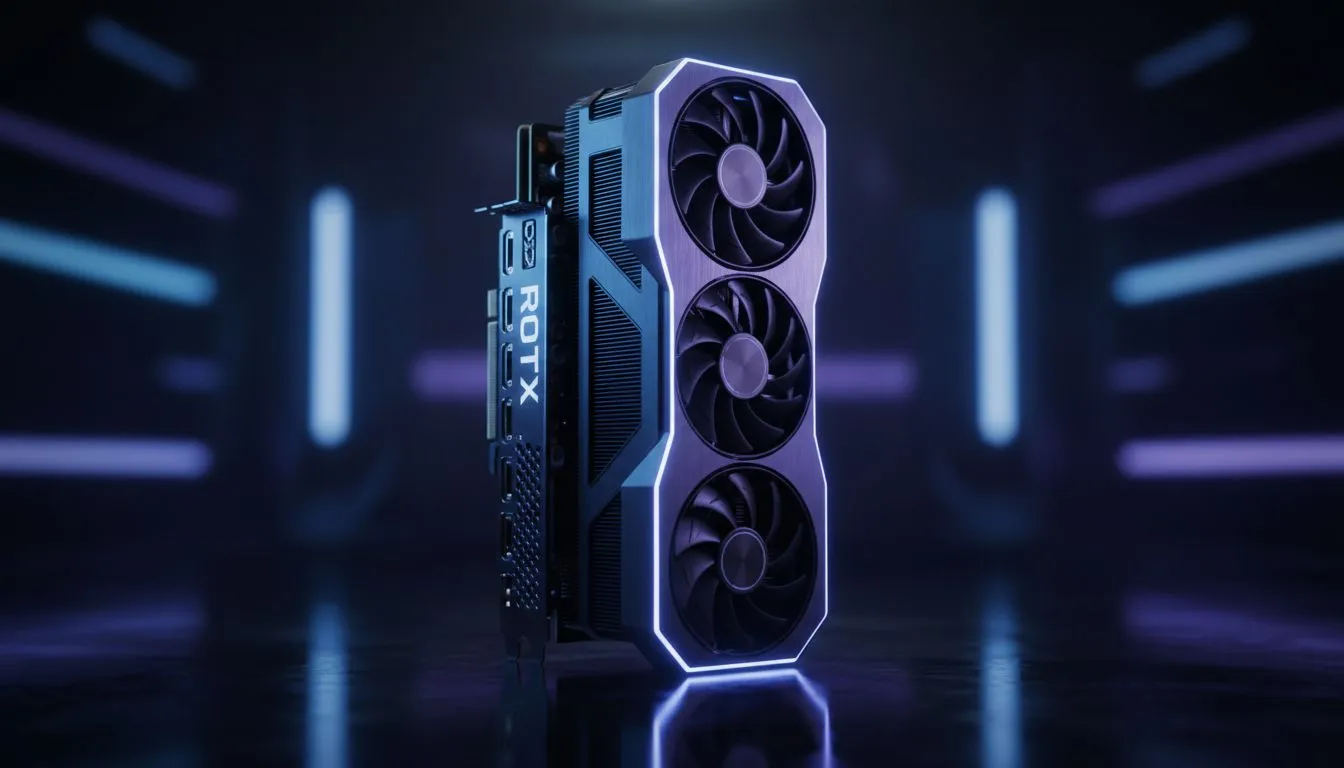
The Great CS2 Debate: RTX 5060 Ti Laptop vs Desktop
Counter-Strike 2 has changed the landscape for South African competitive players. High refresh rates are no longer a luxury... they are a requirement for climbing the Premier ranks. With the arrival of the 50-series, many local gamers are asking: RTX 5060 Ti: Laptop vs Desktop for CS2 - Is It Worth It? Choosing between a portable powerhouse and a traditional tower involves more than just looking at raw frames per second. ⚡
Performance Benchmarks in Counter-Strike 2
CS2 relies heavily on single-core CPU performance and modern GPU architecture. A desktop RTX 5060 Ti typically offers a higher Total Graphics Power (TGP) limit compared to its mobile sibling. This allows for higher clock speeds during intense utility-heavy executes on maps like Ancient or Inferno. However, the gap is narrowing. If you browse the latest GeForce RTX gaming laptops on special, you will notice that thermal management has improved drastically. Modern mobile chips can now maintain high boost clocks without immediate throttling.
For a South African gamer, the desktop version provides a slight edge in 1% lows. This means fewer stutters when a smoke grenade pops in your face. But the laptop version is no slouch... delivering well over 300 FPS at 1080p competitive settings. When you look for the best gaming laptop deals, you are often getting a calibrated high-refresh display included in the price.
The Load Shedding Factor and Portability
In South Africa, power stability is always a concern. A desktop requires a substantial UPS to keep you in the game during a sudden outage. A laptop has a built-in battery that acts as a natural buffer. This gives you enough time to finish your round or switch to an inverter system. Many players are leaning towards Ryzen laptop deals because of their legendary power efficiency, which is vital when running on backup power. 🚀
CS2 Optimisation Tip ⚡
To get the most out of your RTX 5060 Ti, ensure 'Nvidia Reflex Low Latency' is set to 'Enabled + Boost' in the CS2 video settings. This reduces system latency by keeping the GPU clock speeds high, even in CPU-bound scenarios. It makes your mouse clicks feel instantaneous during those tight corner peeks.
Balancing the Budget in ZAR
Value is subjective, but the numbers don't lie. A desktop build requires a separate monitor, keyboard, and mouse. By the time you add a 240Hz screen to a 5060 Ti tower, the total cost often exceeds a high-end portable unit. We are seeing incredible Intel laptops on special that bundle everything into one sleek chassis.
If you are a student or a gamer on a strict budget, you might be searching for gaming laptops under R20k. While the RTX 5060 Ti usually sits slightly above that entry-level bracket, the performance jump over previous generations makes it a much better long-term investment for CS2 and future esports titles. ✨
Is It Worth It for the Competitive Player?
So, is the RTX 5060 Ti worth it for CS2? If you value the ability to attend local LANs or play during power transitions, the laptop version is a clear winner. The performance difference is negligible in a game as well-optimised as CS2. You get a machine that handles work, study, and elite-level gaming in a single package. For the pure enthusiast who never leaves their desk, the desktop still holds the crown for raw cooling and upgradeability... but the margin is thinner than ever before. 🔧
Ready to Find Your Perfect Match? The RTX 5060 Ti laptop vs desktop debate is complex, but for maximum versatility and performance in South Africa, the latest mobile hardware is hard to beat. Explore our massive range of laptop specials and find the perfect machine to conquer your world.
\











