

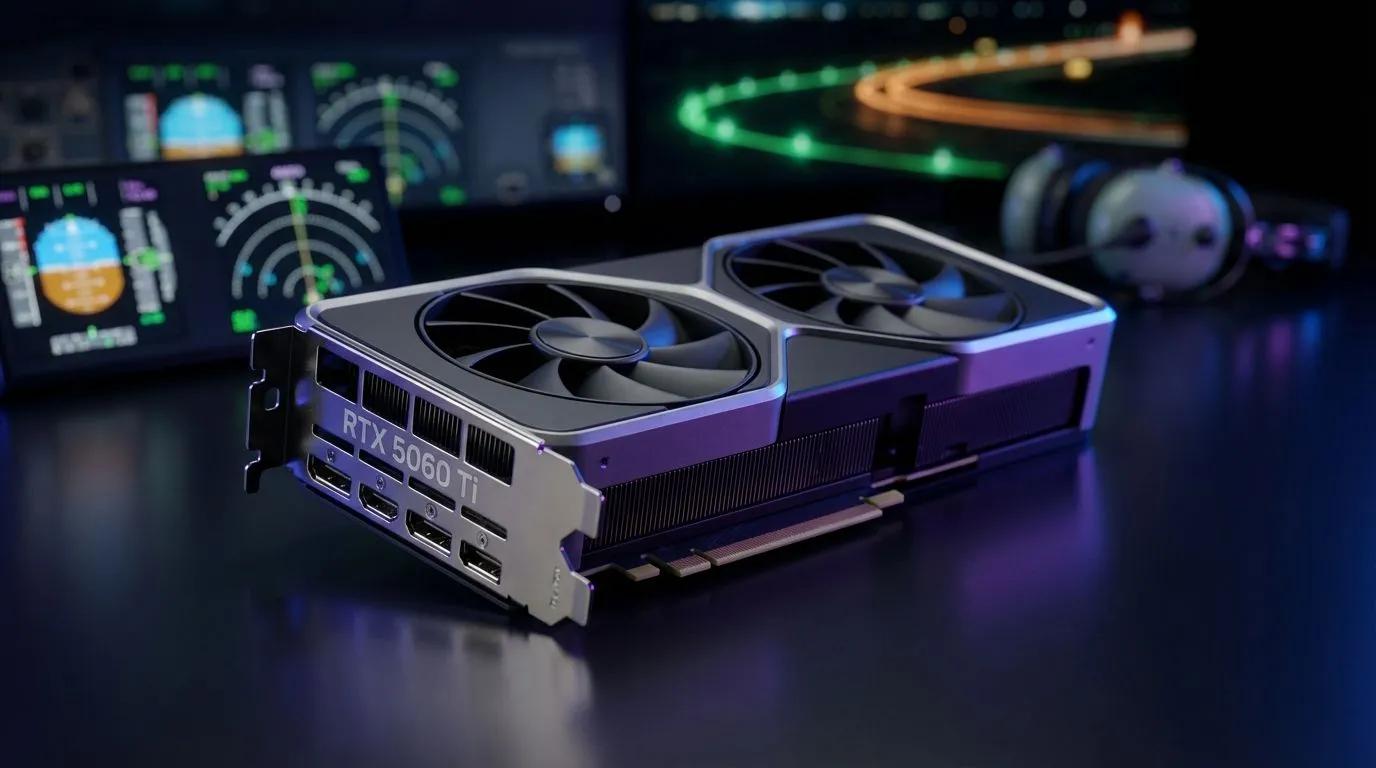
There is nothing quite like the pressure of a final approach into OR Tambo with a VATSIM controller barking instructions. You need every frame to count. If your simulator stutters while you are hand-flying a heavy jet... things go wrong quickly. Finding the right RTX 5060 Ti MSFS Settings for VATSIM is essential for keeping your flight smooth and your landings safe ✨.
Optimising RTX 5060 Ti MSFS Settings for VATSIM
The 50-series architecture brings incredible efficiency to the table. When looking at the latest NVIDIA graphics cards, the 5060 Ti is the sweet spot for 1080p and 1440p aviators. To get the most out of your card... start by enabling Frame Generation. This technology uses AI to insert frames... effectively doubling your perceived smoothness without taxing the hardware.
For VATSIM users, player models are the biggest performance hog. Set your "Generic Plane Models" to "On" for both AI and Multiplayer traffic. This reduces the VRAM load significantly. If you are using high-end models from MSI GPUs, you can afford to push the "Texture Resolution" to Ultra while keeping "Terrain Level of Detail" at a sensible 150.
Balancing Visuals and Network Stability
VATSIM requires your sim to remain responsive. A sudden frame drop can lead to a "pilot flying" error on the network. While some gamers explore Intel Arc graphics cards for entry-level builds... the RTX 5060 Ti offers the DLSS 3.5 advantage which is vital for Microsoft Flight Simulator.
Smooth Skies Pro Tip ⚡
Always set your Max Frame Rate in the NVIDIA Control Panel to 3 or 5 FPS below your monitor's refresh rate. This helps reduce latency and prevents your GPU from overworking during complex VATSIM taxi operations... especially at busy airports like FACT or FAOR.
Hardware Comparisons for Flight Simulation
Is the 5060 Ti always the best choice? For professional flight training, some users still look toward workstation graphics cards for certified stability. However, for the average simmer in South Africa, the consumer 50-series provides far better value for money.
If you aren't tied to the NVIDIA ecosystem, AMD Radeon graphics cards offer massive VRAM buffers which help with 4K textures. But for VATSIM... where CPU overhead is high... NVIDIA's driver efficiency often wins. Expect to spend between R9,000 and R12,000 for a quality 5060 Ti variant in the local market 🚀.
Final Tweaks for the Perfect Approach
To ensure your RTX 5060 Ti MSFS Settings for VATSIM are truly dialled in... turn off "Motion Blur" and "Bloom". These effects often mask the clarity needed to read cockpit instruments during night arrivals. Set "Anisotropic Filtering" to 16x in the NVIDIA Control Panel rather than in-game for a crisper runway texture.
By following these steps, you will maintain a solid 60+ FPS even at the most crowded fly-in events 🔧.
Ready to Find Your Perfect Match? The flight simulation world is demanding, but for maximum power, choice, and value in South Africa, a modern NVIDIA GPU is hard to beat. Explore our massive range of laptop specials and find the perfect machine to conquer your world.











