

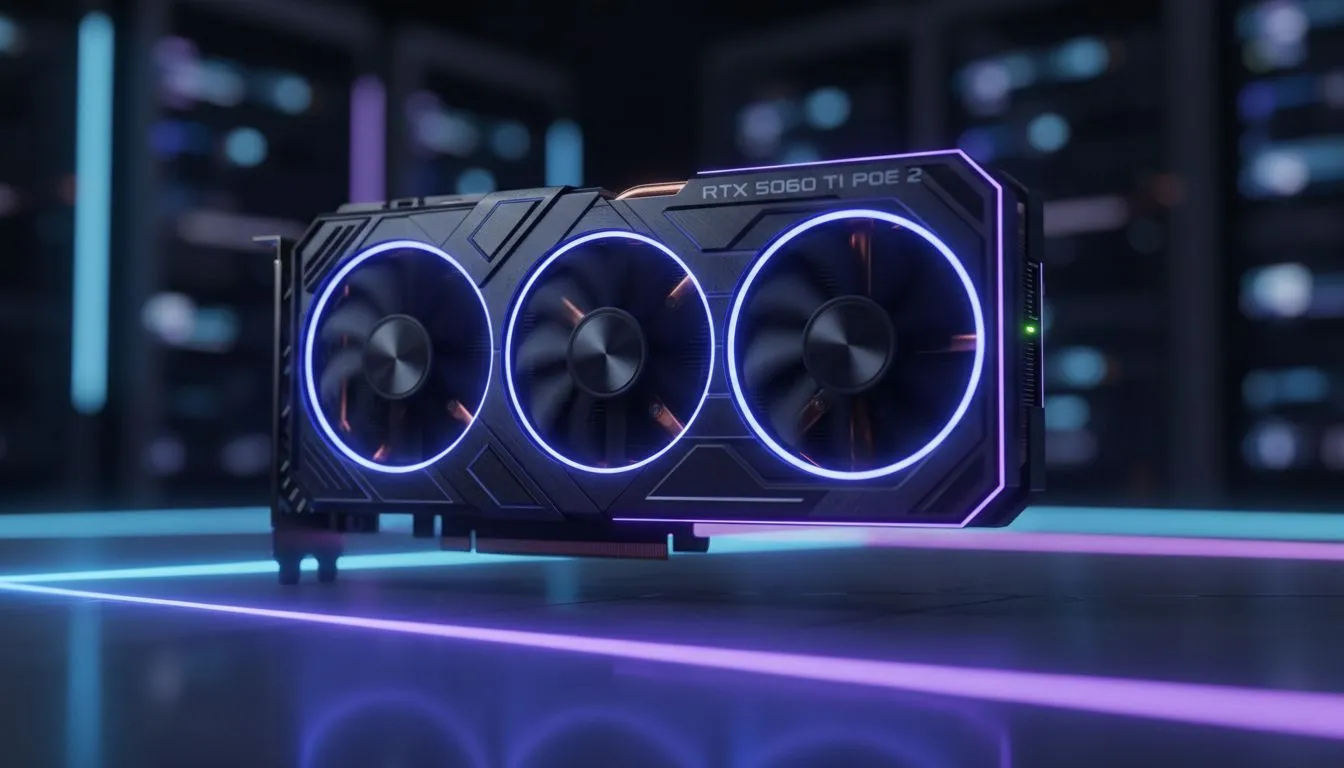
Optimising Your Experience: RTX 5060 Ti PoE 2 Best Settings for Visual Clarity
Path of Exile 2 is finally here, and if you are rocking an RTX 5060 Ti in South Africa, you want every frame to count. Grinding through the dark, gritty environments of Wraeclast requires more than just raw power... it needs precision. Finding the RTX 5060 Ti PoE 2 Best Settings for Visual Clarity is the difference between spotting a lethal boss telegraph or ending up back at the checkpoint.
Dialling in the RTX 5060 Ti PoE 2 Best Settings
Visual clarity in an action RPG is about removing the "mud" from the screen. For the 5060 Ti, your first stop should be the resolution scaling. While this card handles 1080p with ease, 1440p requires some smart adjustments. We recommend using DLSS on the 'Quality' preset. This keeps the image sharp while providing a much-needed frame rate cushion.
If you find your current hardware struggling to keep up with the latest updates, you might consider browsing the latest NVIDIA graphics card deals to ensure your rig stays competitive. Keeping your drivers updated is equally vital for maintaining that crisp look.
Visual Clarity Pro Tip ⚡
Disable Screen Shake and set Global Illumination to Medium. These two changes significantly reduce visual clutter during high-intensity combat. This allows you to see ground effects much more clearly without sacrificing the dark atmosphere of the game.
Balancing Performance and Aesthetics
Texture quality should stay on 'High' since the 5060 Ti has enough VRAM for PoE 2’s standard assets. However, shadow quality is a known performance killer. Dropping shadows to 'Medium' can give you a 10% performance boost without drastically altering the game's look. For those who want the best thermal performance and build quality, checking out premium MSI graphics cards can help maintain higher boost clocks during those chaotic endgame maps.
Local gamers often face heat issues during the South African summer... keeping your card cool is essential for stability. Ensure your case has adequate airflow to prevent thermal throttling when the screen fills with spells and monsters.
Exploring Alternative Hardware Options
While the RTX 5060 Ti is a fantastic mid-range choice, the market offers various paths for different needs. Some users might look at Intel Arc graphics cards for their impressive AV1 encoding capabilities if they plan to stream their PoE 2 journey.
If you use your PC for more than just gaming, such as rendering or 3D design, you might require dedicated workstation graphics cards for professional-grade stability. On the other hand, pure rasterisation fans often lean towards AMD Radeon graphics cards for excellent raw performance at a competitive price point in ZAR. Whatever your choice, the goal remains the same... achieving a smooth, clear experience that lets you focus on the loot.
Ready to Find Your Perfect Match? Finding the right balance for Path of Exile 2 is easy when you have the right hardware. For maximum power, choice, and value in South Africa, our range of GPUs is hard to beat. Explore our massive range of laptop specials and find the perfect machine to conquer your world.











