

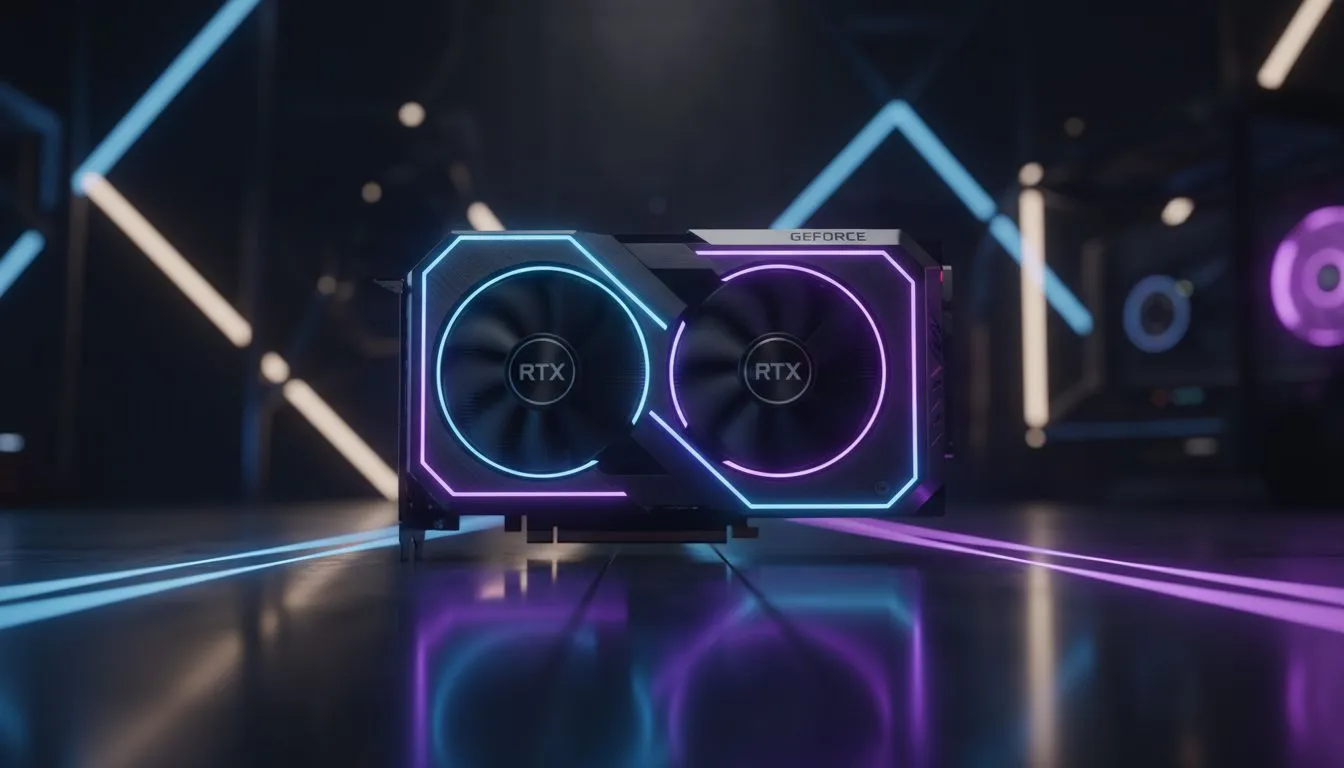
Maximising Frames with RTX 5060 Ti Tarkov Settings
Surviving a raid in Escape from Tarkov isn't just about skill. It is about seeing that bush-wookie before he sees you. With the new RTX 5060 Ti, South African players finally have the frame budget to push visibility without sacrificing performance. Let's dial in your RTX 5060 Ti Tarkov settings to ensure you aren't just another loot pile on Customs. ⚡
When browsing for the latest NVIDIA graphics cards, the 60 Ti series usually hits the sweet spot for 1080p and 1440p enthusiasts. To get the most out of your card, start by setting Texture Quality to High. Tarkov is notoriously heavy on VRAM... however, the 5060 Ti handles this well. Keep Shadows on Low or Medium to prevent enemies from blending into dark corners.
Balancing Visuals and Performance
If you are using premium hardware like MSI graphics cards, you can afford to push the "LOD Quality" slightly higher. This helps identify distant targets on larger maps like Woods or Lighthouse. While some competitors might look at AMD Radeon graphics cards for raw value, NVIDIA users have the massive advantage of DLSS. Setting DLSS to 'Quality' or 'Balanced' can provide a significant FPS boost in busy areas like the Streets of Tarkov.
Visibility Pro Tip ⚡
Use the 'Painkillers' effect to your advantage by slightly increasing your sharpness in the Post-FX menu. Avoid over-sharpening, as it creates "halos" around objects... this makes it harder to spot movement through foliage. Aim for a sharpness value between 30 and 50 for the best balance.
Visibility and Post-FX for Local Raids
Lighting in Tarkov can be a nightmare... especially when the sun sets or during heavy rain. Even if you are coming from Intel Arc graphics cards, you will notice that NVIDIA's Reflex Low Latency is a must-have for those split-second gunfights. Ensure this is set to "On + Boost" in your settings menu. 🔧
It is also important to remember that gaming performance differs from professional tasks. While workstation graphics cards are great for rendering, they lack the driver optimisations that make the RTX 5060 Ti shine in Tarkov. For the best visibility, head into the Post-FX settings. Use the 'Clarity' slider sparingly... too much will tank your frames. A touch of 'Adaptive Sharpen' goes a long way in making player silhouettes pop against the drab grey backgrounds of the Norvinsk region. 🎯
Investing in a 50 series card in South Africa often means spending upwards of R9,000 to R12,000 depending on the model. Protecting that investment with the right settings ensures you get every cent of value out of your hardware. Keep your HBAO on "Performance" and SSR "Off" to maintain a stable frame rate when the action gets intense. 🚀
Ready to Dominate the Extraction? Finding the right balance between visibility and performance is the key to surviving Tarkov. If you are looking to upgrade your rig for the next wipe, we have you covered. Explore our massive range of NVIDIA graphics cards and find the perfect machine to conquer your raids.











