

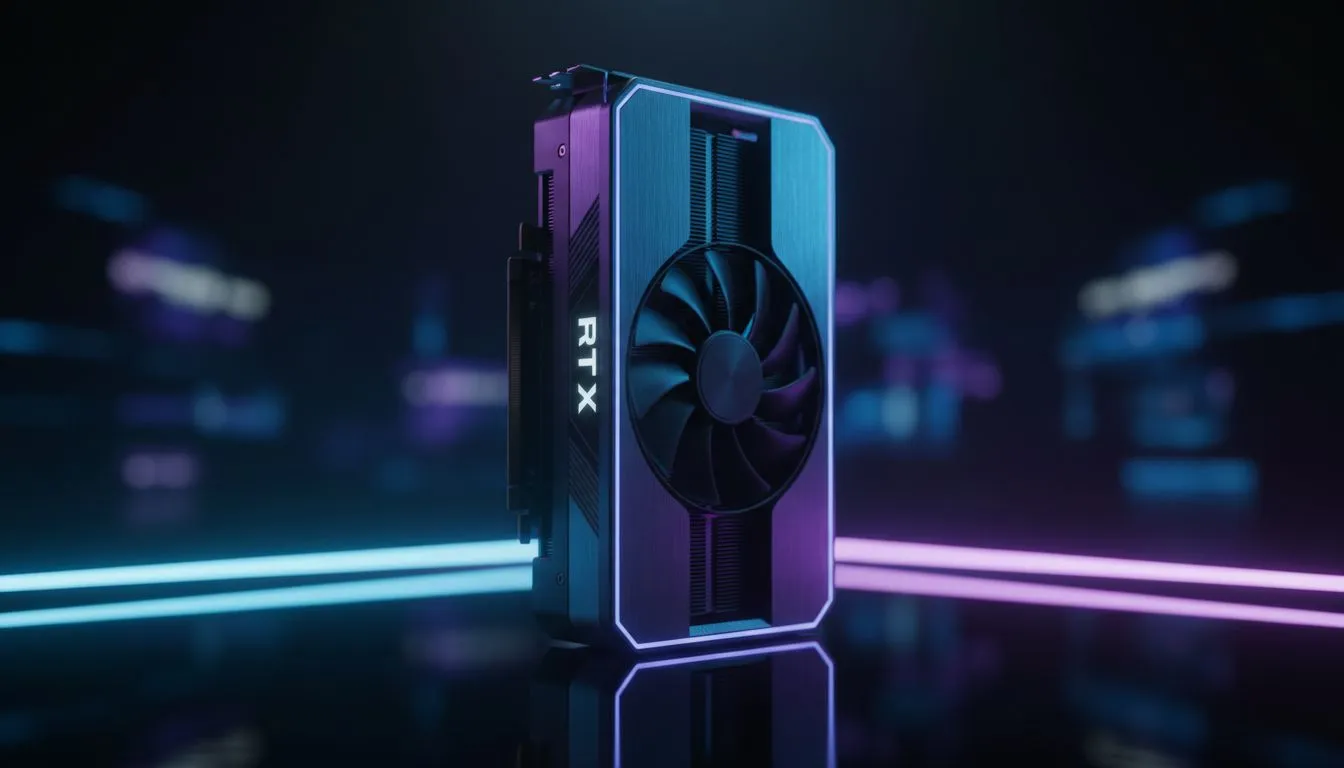
Climbing the ranks in Valorant requires more than just raw aim... it demands frame-perfect precision. With the RTX 5060 Ti hitting the South African market, local players finally have a mid-range beast that can push 400+ FPS without breaking a sweat. If you want to click heads like a pro, your settings need to be as sharp as your reflexes. ⚡
Achieving Peak RTX 5060 Ti Valorant Performance
The RTX 5060 Ti is built for high-refresh-rate gaming. While Valorant is primarily a CPU-bound title, having a modern GPU ensures your frame times remain consistent during chaotic utility dumps. If you are currently browsing budget gaming PCs, you will find that the 50-series architecture offers incredible efficiency for the price.
To get the most out of your card, ensure that "Multithreaded Rendering" is enabled in the video settings. This is the single most important setting for modern hardware. It allows Valorant to spread the workload across your CPU cores, preventing the GPU from waiting on instructions.
The Best Competitive Guide to Graphics Settings
For a truly competitive experience, we prioritise clarity over eye candy. Most professional players opt for a mix of low and medium settings to reduce visual clutter. If you are looking at PCs under R20k, you can easily maintain a steady 300 FPS with these tweaks:
- Material Quality: Low (Reduces distracting textures)
- Texture Quality: Medium (Keeps skins looking crisp without heavy load)
- Detail Quality: Low (Removes extra grass and debris)
- UI Quality: Low
- Vignette: Off
- V-Sync: Always Off
NVIDIA Reflex Pro Tip ⚡
Always set NVIDIA Reflex Low Latency to 'On + Boost'. This overrides the power-saving features of your GPU, keeping the clock speeds high and ensuring the lowest possible input lag from your mouse click to the action on screen. It is essential for holding tight angles on Ascent or Bind.
Minimising Latency for the South African Server
Our local servers in Johannesburg and Cape Town offer great ping, but hardware latency can still hold you back. The RTX 5060 Ti supports the latest NVIDIA technologies to keep your system responsive. Checking out the best gaming PC deals will often reveal bundles that include high-refresh monitors... which are mandatory to see the benefit of high FPS.
Advanced Visual Settings
Keep "Anti-Aliasing" at MSAA 2x or 4x. This smoothens out jagged edges on character models, making them easier to track at long distances. "Anisotropic Filtering" should be set to 4x or 8x to keep floor textures sharp without sacrificing performance. Turn off "Bloom" and "First Person Shadows" as they only serve to distract you during intense gunfights. 🚀
Finding the Right Build for Radiant Ranks
If you are serious about your rank, your hardware should never be the bottleneck. For those with a bit more room in the budget, exploring PCs above R20k ensures you have the thermal headroom for long gaming sessions during those hot South African summers.
Choosing the right pre-built PC deals can save you the hassle of configuration, letting you jump straight into the range to warm up your flick shots. With the right RTX 5060 Ti Valorant settings, you are no longer just playing the game... you are dominating it. ✨
Ready to Dominate the Leaderboards? Valorant demands speed, and the RTX 5060 Ti delivers it in spades. For the best performance, choice, and value in South Africa, our custom builds are ready to carry you to Radiant. Explore our massive range of gaming PC specials and find the perfect machine to conquer the competition.











