

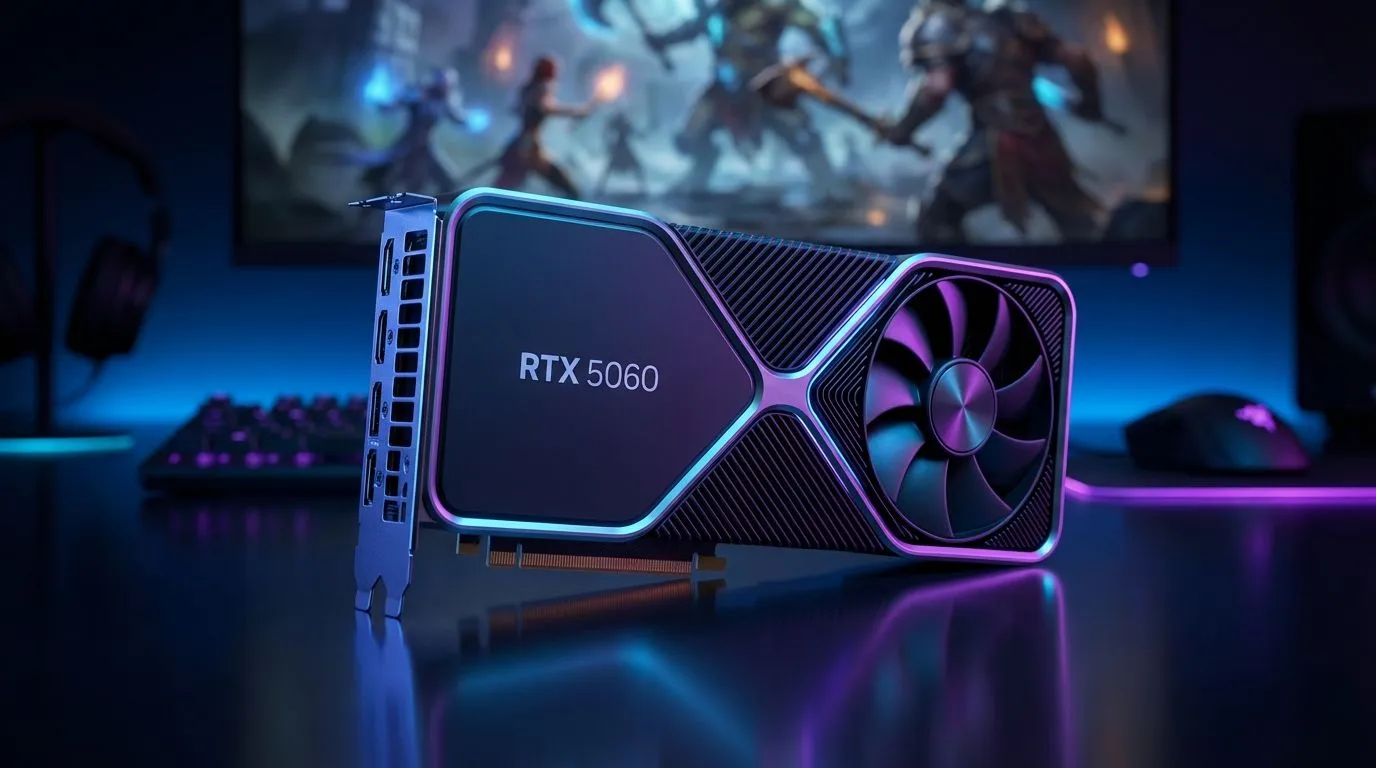
Optimising Your RTX 5060 for Azeroth
Imagine landing in Valdrakken after a long flight from Orgrimmar, only for your screen to turn into a slideshow. It's frustrating, especially when you've invested in a modern GPU. This RTX 5060 WoW lag fix guide will help you reclaim your performance. Whether you're facing stuttering in 40-man raids or frame drops in the latest expansion zones, we have the solutions to get you back to smooth gameplay. ⚡
Settings That Kill Your FPS
World of Warcraft is a strange beast. Its engine has been updated for decades, leading to some odd performance bottlenecks. To begin your RTX 5060 WoW lag fix, you need to address the "Compute Effects" and "Ray Traced Shadows" settings. Even though your card supports them, WoW’s implementation can cause massive frame time spikes during chaotic boss fights.
First, verify your hardware is seated correctly and your power supply is coping with the load. If you're looking to compare your current setup or check for driver updates, our full range of NVIDIA and ATI graphics cards offers a baseline for what to expect in modern titles. For those using premium partner models, specifically MSI graphics cards, ensure that software like Dragon Centre isn't forcing a "Silent Mode" that throttles your clock speeds during intense encounters.
Hardware Synergy and Cooling
South African summers can be brutal on mid-range cards. If your RTX 5060 is hitting thermal limits, it will downclock, leading to those dreaded raid drops. Ensure your case has adequate airflow... three intake fans and at least one exhaust is the local standard for a reason.
While World of Warcraft is traditionally an NVIDIA-friendly title, some players experiment with Intel Arc graphics cards for budget-friendly performance. However, the RTX 5060 remains the king of efficiency for South African gamers looking to keep electricity bills down while pushing high frame rates.
If you ever find yourself pivoting from gaming to high-end 3D design or video rendering, you might even consider workstation graphics cards, though they aren't the primary choice for raiding. For the pure performance enthusiasts who aren't tied to Team Green, our AMD Radeon graphics cards provide excellent rasterisation power that can often brute-force through WoW's unoptimised areas. 🔧
WoW Engine Pro Tip ⚡
World of Warcraft is notoriously CPU-bound. Even with an RTX 5060, your processor might be the bottleneck during raids. Navigate to your System settings and lower the 'Compute Effects' and 'Liquid Detail' to Fair. These settings put heavy strain on the CPU-GPU communication pipeline... lowering them can instantly stabilise your frame times without making the game look like it's from 2004.
Final Tweaks for Maximum FPS
To truly eliminate raid drops, set your "Graphics API" to DirectX 12. This allows for better multi-core CPU usage, which is vital for the RTX 5060 to breathe. Ensure your "Render Scale" is set to 100%... anything higher is essentially supersampling and will tank your performance for very little visual gain at 1080p. 🚀
Ready to Eliminate the Lag for Good? Don't let a stuttering frame rate cost you the kill. For maximum power, choice, and the best hardware value in South Africa, Evetech has you covered. Explore our massive range of graphics card specials and find the perfect upgrade to conquer Azeroth.











