

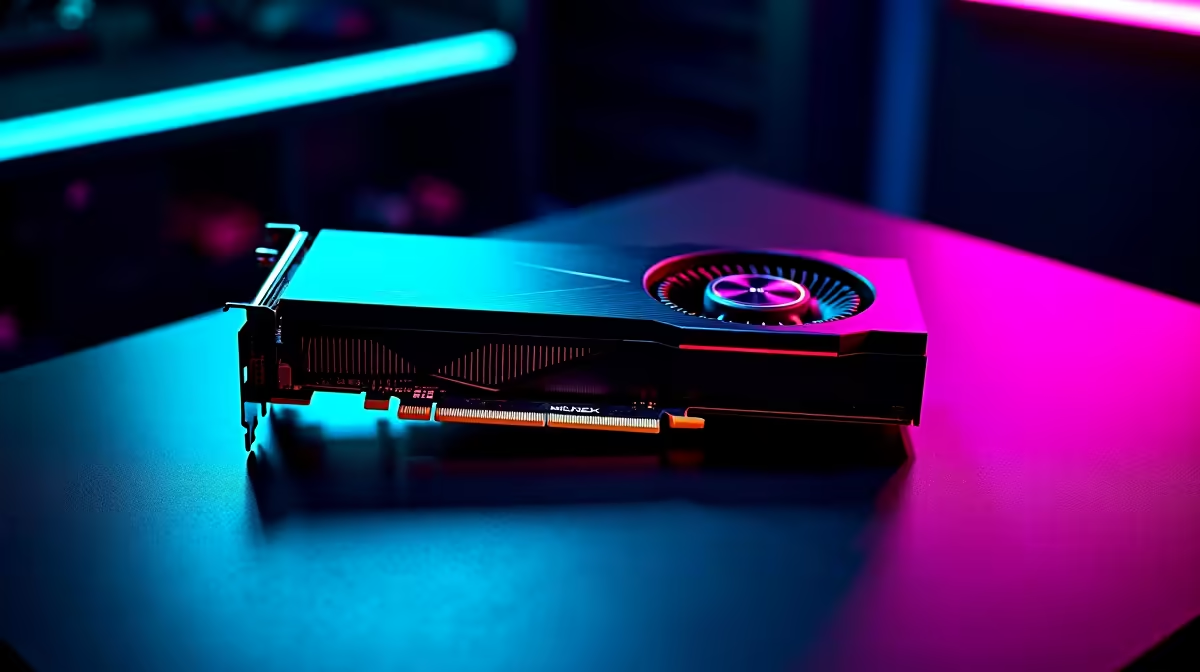
Dropping into Urzikstan with a stuttering frame rate is a guaranteed trip to the Gulag. South African gamers know the pain of losing a gunfight to dropped frames. But with the latest hardware hitting our shores, those days are over. If you want to dominate local lobbies, maximising your RTX 5070 Call of Duty Warzone FPS is the first step to securing those high-kill victories.
Next-Gen Power: What to Expect 🚀
NVIDIA's 50-series architecture brings serious firepower to competitive shooters. When looking at early performance benchmarks, the results are incredibly impressive. At 1440p resolution, you can comfortably push past the 160 frames per second mark on high settings. This ensures every slide-cancel and flick-shot registers with pinpoint precision.
If you prefer to play at 4K, expect a highly playable 90 to 100 frames per second. Naturally, hitting these premium numbers means you need to explore the latest graphics cards featuring the new Blackwell architecture. It is a solid investment that pays off every time you win a close-quarters battle.
Best Settings for Maximum Frame Rates ⚙️
Raw power is great... but smart configuration is even better. To squeeze every drop of performance out of your rig, you need to tweak the in-game menus. Start by setting your texture resolution to Normal. High textures eat up VRAM without offering a massive visual upgrade in fast-paced combat. Next, enable DLSS 3 with Frame Generation. This technology works absolute magic for your overall frame output.
Turn off ray tracing completely. While it looks beautiful in single-player campaigns, it is a massive resource hog that offers zero competitive advantage in multiplayer. Set shadow map resolution to low and disable screen space reflections. These small tweaks drastically improve your 1% low frame rates, ensuring smooth tracking during chaotic firefights. If you prefer a system that works straight out of the box without the hassle of building, checking out our pre-built PC deals is a brilliant move for any competitive player.
Latency Pro Tip ⚡
Always enable NVIDIA Reflex Low Latency in your Warzone settings. Set it to 'On + Boost' to ensure your system prioritises input response times. This is absolutely crucial for reducing system latency and winning those split-second sniper duels across the map.
Avoiding Bottlenecks in Your Setup
A top-tier GPU cannot do all the heavy lifting alone. Call of Duty is notoriously CPU-intensive. Pairing a next-gen card with an outdated processor will cripple your frame rates. To get the best value for your hard-earned ZAR, you need a balanced system. You can easily find perfectly matched components by browsing the best gaming PC deals available right now.
For gamers who travel frequently or want to game through load-shedding, portability is key. Modern mobile GPUs offer incredible desktop-like performance. You can still maintain a competitive edge on the go by investing in high-refresh-rate gaming laptops. Finally, building a dream setup does not have to break the bank. Keeping a close eye on our weekly specials ensures you get premium gear at prices that make sense for the South African market.
Ready to Dominate the Warzone? Your skills deserve hardware that can keep up. Whether you are upgrading your GPU or buying a whole new rig, we have exactly what you need. Explore Evetech's massive range of gaming PC specials and secure the ultimate competitive advantage today.











