

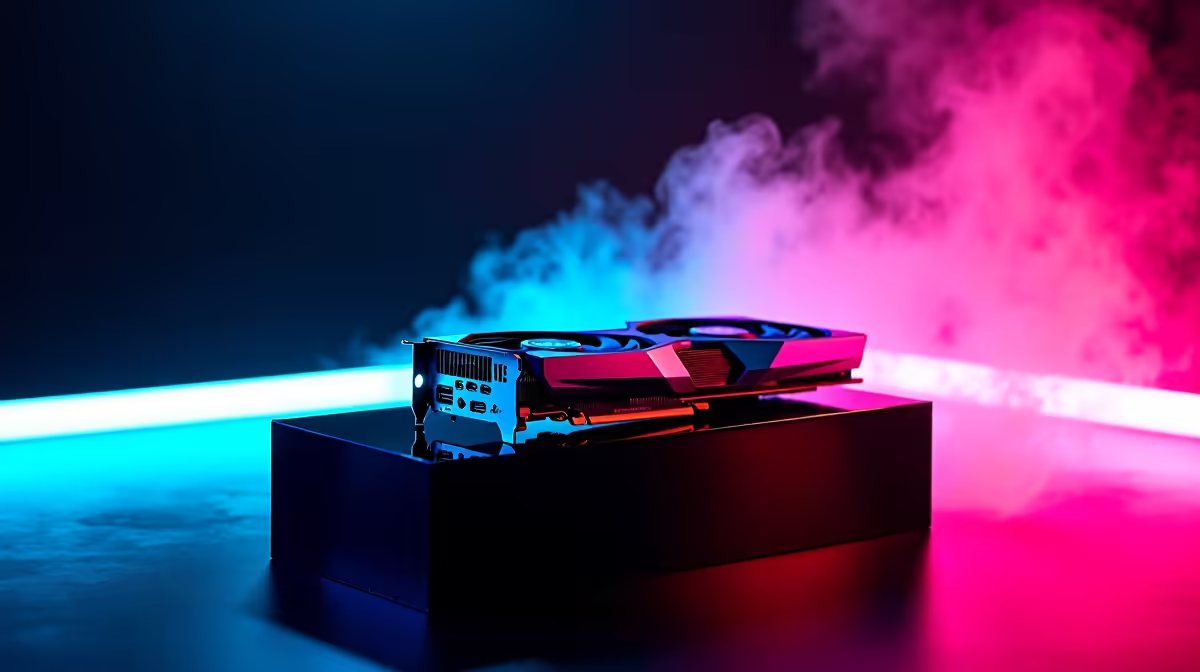
Every millisecond counts when you are holding an angle on Mirage. For South African gamers dealing with high ping... raw framerates are your absolute best defence. If you want to dominate the server, running the RTX 5070 CS2 at 1080p is a flawless strategy. Let us look at the benchmark numbers and optimal settings that will give you the ultimate competitive edge.
Why the RTX 5070 CS2 at 1080p Combination Rules 🚀
Counter-Strike 2 demands absolute precision from your hardware. The updated Source 2 engine looks gorgeous but requires serious graphical power to push maximum frames. At 1080p resolution, the RTX 5070 flexes its architectural muscles perfectly. You are not just buying a new GPU... you are buying crucial reaction time.
When smoke grenades bloom and molotovs burn, frame drops can cost you the round. If you are planning a serious system upgrade, browsing the latest graphics cards is your first step to better competitive rankings.
Expected FPS Benchmarks and Performance
When pairing this powerful card with a modern CPU, the results are genuinely staggering. Our RTX 5070 CS2 at 1080p benchmarks consistently push well past the 500 FPS mark on competitive settings. Even during chaotic site executes with multiple players, the 1% low framerates stay incredibly stable.
This rock-solid stability is crucial for gamers using 240Hz and 360Hz monitors. You must avoid frustrating CPU bottlenecks that ruin high framerates. Matching this GPU with premium gaming PC deals ensures you get every ounce of performance. If you prefer a plug-and-play solution, exploring pre-built desktop options is a brilliant move.
NVIDIA Reflex Pro Tip ⚡
Always enable NVIDIA Reflex Low Latency in your CS2 video settings. Set it to 'Enabled + Boost' to force your RTX 5070 to maintain maximum clock speeds... significantly reducing input lag during intense firefights.
Optimal Settings for Maximum Framerates 🔧
Achieving those massive benchmark numbers requires optimising your configuration. You want high visibility and absolutely zero stutter. Here are the optimal settings for your setup:
- Global Shadow Quality: High (crucial for seeing enemy player shadows early).
- Model / Texture Detail: Medium (keeps weapon skins looking crisp).
- Particle Detail: Low (keeps your FPS high around exploding utility).
- Ambient Occlusion: Disabled (removes unnecessary visual clutter).
- FidelityFX Super Resolution: Disabled (Native 1080p is always best).
These specific settings guarantee the highest framerates without sacrificing vital visual cues. Even if you travel often and prefer to game on high-performance laptops, these exact settings will keep you right at the top of the scoreboard.
Maximising Your ZAR Value ✨
Building a rig for the ultimate RTX 5070 CS2 at 1080p experience does not have to drain your wallet. South African tech buyers need to be smart with their hard-earned ZAR.
Keep a close eye out for weekly component specials to grab the supporting hardware you need at a massive discount. A solid motherboard and fast DDR5 memory will complete your high-refresh-rate dream machine... giving you the ultimate advantage in every single match.
Ready to Dominate the Server? Stop blaming hardware lag and start climbing the Premier ranks. For maximum power and unbeatable ZAR value in South Africa, Evetech has you fully covered. Explore our massive range of gaming PC specials and find the perfect machine to conquer your world.











