

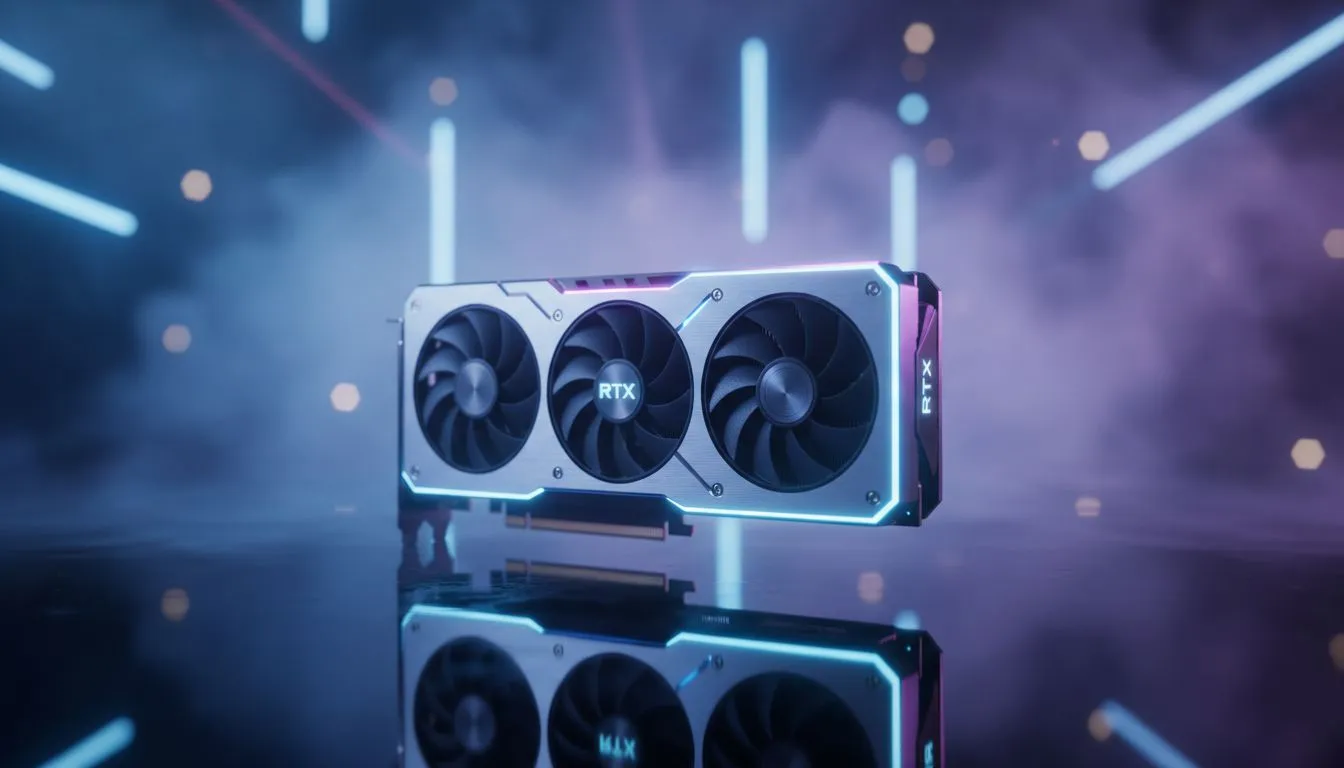
Mastering RTX 5070 Volumetric Fog Settings to Maximize Performance
You have finally secured that shiny new GPU for your rig in Johannesburg or Cape Town. But even with the RTX 5070, certain settings can eat your frame rate for breakfast. Volumetric fog is often the biggest culprit. Finding the right RTX 5070 Volumetric Fog Settings to Maximize Performance ensures your games look stunning without turning into a slideshow during intense firefights.
Understanding the Impact of Volumetric Effects
Volumetric fog adds incredible depth and atmosphere to your favourite titles. It simulates how light interacts with particles in the air... creating those beautiful "god rays" we all love. However, this effect is computationally expensive. Even when browsing the latest NVIDIA graphics cards, you must remember that every pixel of fog requires complex calculations.
On a high-end card like the RTX 5070, the goal is to balance visual density with fluid motion. If you notice stuttering in misty environments, the fog resolution is likely the bottleneck. Lowering this single setting can often provide a double-digit boost to your frames per second.
Performance Pro Tip ⚡
If you find your frame rates dipping in foggy areas, try lowering the 'Volumetric Lighting Quality' specifically. Most modern titles allow you to decouple this from general shadow quality. Setting this to 'Medium' often recovers up to 15% of your performance while retaining 90% of the visual fidelity on your RTX 5070.
Optimising Your RTX 5070 for Peak Stability
To get the most out of your hardware, start by settting your volumetric fog to 'Medium' or 'High' rather than 'Ultra'. The visual difference is often negligible at 1440p or 4K... but the performance gain is massive. If you are using premium MSI NVIDIA GPUs, you can leverage the excellent cooling to push slightly higher clocks, but the fog setting remains the most efficient way to save resources.
Always ensure your drivers are updated via GeForce Experience. NVIDIA often releases specific optimisations for volumetric rendering in new AAA releases. This is especially important for South African gamers who want to keep their hardware running efficiently during those hot summer months.
Comparing Hardware for Volumetric Workloads
While the RTX 5070 is a mid-to-high-range beast, it is worth looking at how other cards handle these loads. For those on a tighter budget, Intel Arc graphics cards offer surprisingly decent volumetric handling for the price. If your focus is more on rendering than gaming, workstation graphics cards might be a better fit... though they carry a higher price tag in ZAR.
Alternatively, if you prefer the Red Team, AMD Radeon graphics cards use a different architecture for fog. They often rely on raw compute power rather than dedicated ray-tracing cores. Regardless of your choice, the principle remains the same... adjust your volumetric settings first when you hit a performance wall.
Finding the Sweet Spot for Local Gamers
Every gamer has a different tolerance for frame drops. Some prefer a locked 60 FPS with every bell and whistle turned on. Others want 144 FPS for competitive play. By fine-tuning your RTX 5070 Volumetric Fog Settings to Maximize Performance, you can find a middle ground that keeps your gameplay smooth and your visuals crisp. Don't be afraid to experiment with 'Low' settings in multiplayer games where visibility is more important than atmosphere.
Ready to Find Your Perfect Match? The quest for the perfect balance of performance and visual fidelity starts with the right hardware. Whether you are hunting for the latest RTX 50-series or looking for the best value in South Africa, we have you covered. Explore our massive range of NVIDIA graphics cards and find the perfect machine to conquer your world.











