


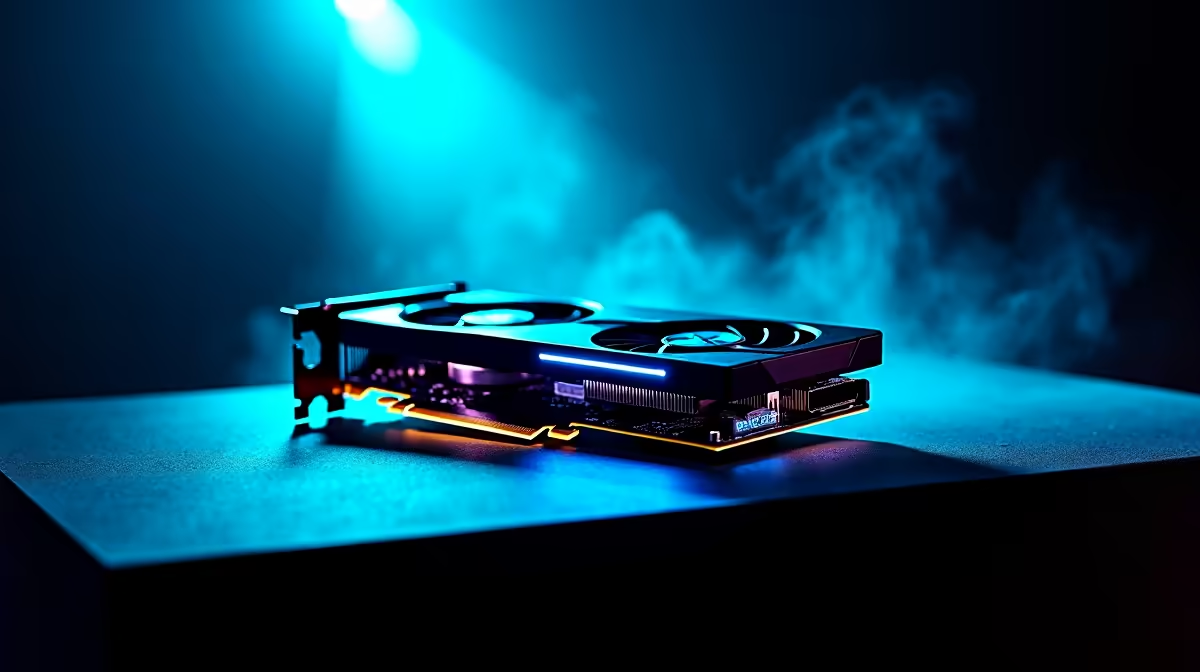
Getting your hands on an RTX 5070 in South Africa is a massive win for your setup. But once you boot up Cyberpunk or Alan Wake 2, that volumetric lighting can tank your frame rate. Finding the sweet spot between atmospheric fog and smooth gameplay is essential. We will show you how to master your RTX 5070 volumetric lighting settings to maximize visuals and FPS without breaking a sweat.
Understanding Volumetric Lighting Impact
Volumetric lighting creates those stunning "god rays" we see in modern titles. It simulates how light interacts with dust or moisture in the air. While beautiful, it is historically one of the most demanding settings for any GPU. If you are upgrading to one of the latest NVIDIA GeForce GPUs, you have plenty of power... but efficiency is still key for high-refresh-rate gaming.
The RTX 5070 features improved architecture designed to handle these complex calculations more efficiently than previous generations. However, even with the latest tech, pushing every lighting slider to the right can lead to diminishing returns. You want that moody, atmospheric glow without sacrificing the responsiveness required for competitive play.
Optimising RTX 5070 Volumetric Lighting Settings
Most gamers default to "Ultra" presets because they want the best value for their ZAR. However, the visual difference between "High" and "Ultra" for volumetric effects is often negligible during fast-paced action. Dropping this specific setting to "Medium" or "High" can often reclaim up to 15% of your performance. For those running MSI custom cooled models, the extra thermal headroom allows for more aggressive clock speeds to help offset the load.
While AMD Radeon graphics cards offer great raw rasterisation, NVIDIA's architecture handles complex light calculations with specific hardware cores. This makes the RTX 5070 a beast for lighting-heavy games. If you are coming from Intel Arc graphics cards, you will notice a significant jump in how these effects are rendered without the micro-stuttering often seen on entry-level hardware.
Performance Pro Tip ⚡
Always set Volumetric Fog to one notch below your overall preset. If you play on Ultra, set fog to High. This usually provides a 10 to 15 FPS boost in demanding titles with almost no visible loss in atmosphere... keeping your gameplay smooth during intense battles.
Balancing Visual Fidelity and Frame Rates
Don't forget that volumetric lighting isn't just for gaming. If you are using dedicated workstation graphics cards for rendering, these settings determine your final output quality. For gamers, the best approach is to use DLSS Ray Reconstruction. This AI-driven feature cleans up the "noise" in volumetric fog... providing a sharper image than native resolution while maintaining high frame rates 🚀.
By fine-tuning your RTX 5070 volumetric lighting settings, you ensure that your hardware remains relevant for years to come. You get to enjoy the misty streets of a rainy city or the sunbeams piercing through a forest canopy without watching your FPS counter drop into the red. It is all about finding that perfect balance between cinematic beauty and buttery-smooth motion ✨.
Ready to Find Your Perfect Match? The quest for the ultimate visual experience is easier with the right hardware. For maximum power, choice, and value in South Africa, a new GPU is the best investment you can make. Explore our massive range of NVIDIA graphics cards and find the perfect machine to conquer your world.











