

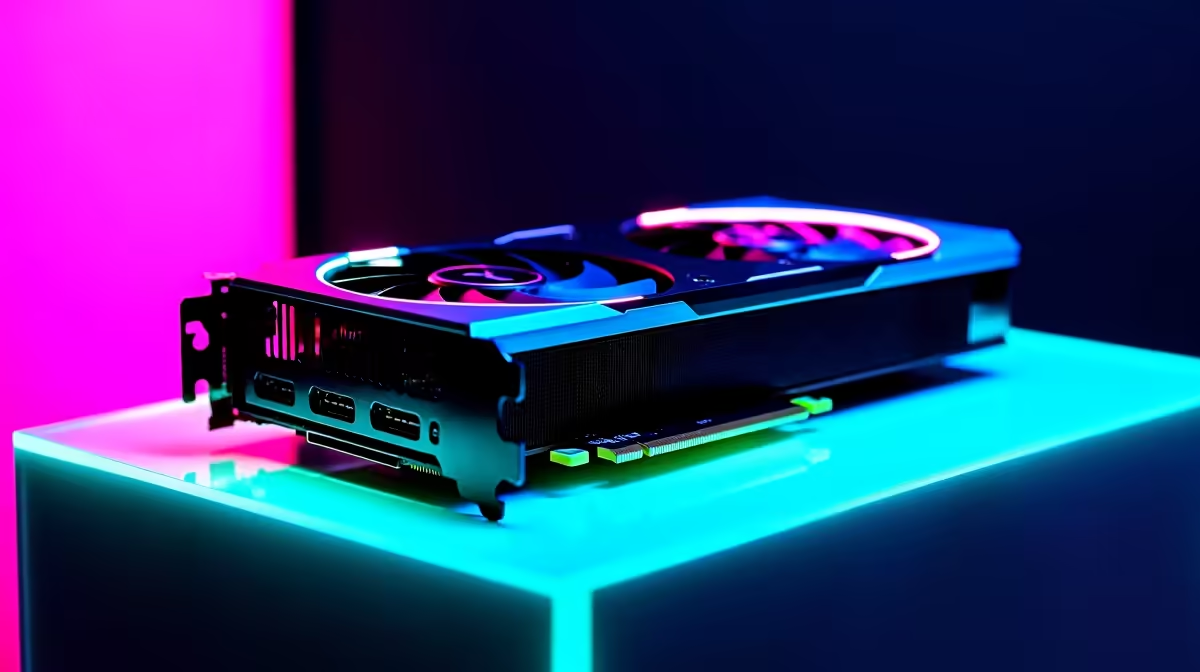
The RTX 5080 has finally landed... and it is an absolute beast. But when you drop serious ZAR on a flagship GPU, you face the ultimate dilemma. Do you crank every setting to the max, or chase those buttery-smooth frames? The RTX 5080 ray tracing on vs off debate is alive and well. Let us break down the real-world performance impact so you can optimise your rig perfectly.
The Visual Leap vs The Frame Cost
Ray tracing mimics how light behaves in the real world. Shadows soften beautifully... reflections mirror perfectly. But this incredible realism demands immense computational power.
When comparing RTX 5080 ray tracing on vs off, the visual difference is stunning. Cyberpunk streets look wet and neon-lit. However, raw rasterisation pushes frame rates into the stratosphere 🚀. If you keep ray tracing off, your GPU focuses purely on drawing traditional frames as fast as possible.
If you are upgrading from an older generation, browsing the latest graphics cards shows just how far Nvidia's architecture has come. The new 5080 handles the heavy rendering penalty far better than its predecessors ever could.
Real-World Performance Impact
Let us talk numbers. In heavy AAA titles, turning path tracing on can halve your native frame rate. That sounds scary... but Nvidia has a secret weapon.
Deep Learning Super Sampling (DLSS) and frame generation work magic here. They upscale your lower-resolution image and insert AI-generated frames. This means you can keep ray tracing on without turning your gameplay into a slideshow.
Building a custom gaming PC around the 5080 ensures you have the CPU and RAM to keep up. Bottlenecks are the enemy of high-end GPUs. If you want a plug-and-play solution instead, a high-end pre-built PC takes the guesswork out of component matching entirely.
Performance Pro Tip ⚡
Always pair ray tracing with DLSS. Set DLSS to 'Quality' for 1440p monitors or 'Performance' for 4K displays. This gives you the stunning visual impact of RT while recovering up to 40% of your lost frame rate.
Recommendations for Your Playstyle
So... should you leave it on or off? It depends entirely on what you play.
Competitive shooters like Apex Legends or Warzone? Keep ray tracing off. You need maximum FPS and minimal input latency. Every millisecond counts when you are pushing for the win.
Immersive single-player RPGs? Turn ray tracing on. Let the 5080 flex its muscles and deliver those breathtaking, cinematic visuals ✨.
Even mobile gamers are getting in on the action. Modern gaming laptops packing 50-series silicon offer desktop-class lighting effects on the go.
Before you pull the trigger on your next major upgrade, keep a close eye on our weekly specials. Maximising your hard-earned ZAR is just as important as maximising your frames.
Ready to Experience Next-Gen Graphics? The RTX 5080 ray tracing on vs off debate ultimately comes down to your personal playstyle. Whether you crave photorealistic lighting or blistering frame rates, you need the right hardware in South Africa. Explore our massive range of gaming PC deals and find the perfect machine to conquer your world.











