

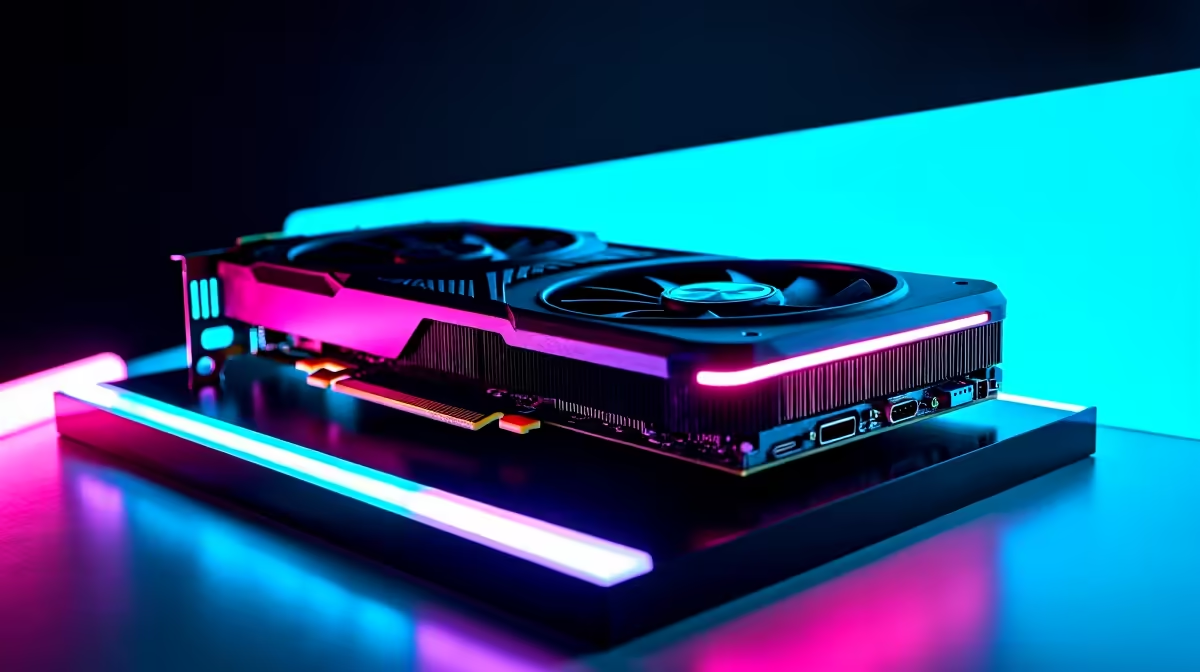
Are you a South African content creator trying to balance your ZAR budget with serious rendering power? The AMD Radeon RX 7600 has been making waves in the budget GPU market... but how does it handle heavy motion graphics? Let us dive into our comprehensive RX 7600 After Effects performance review for 2026 to see if this card is your next creative powerhouse.
Unpacking the Architecture for Creators ✨
When evaluating RX 7600 After Effects performance, you have to look beyond just gaming frame rates. Adobe After Effects relies heavily on VRAM and compute units for rendering complex compositions. The 8GB of GDDR6 memory on this RDNA 3 card handles standard 1080p and light 4K projects surprisingly well.
AMD has significantly improved their media engines in recent years. This means faster export times and a much smoother experience when applying heavy GPU-accelerated effects. If you are looking to upgrade your current rig for under R7,000, you can easily browse top-tier graphics cards to see exactly how the pricing stacks up locally.
Real-World Benchmark Results for 2026 ⚡
Synthetic numbers only tell half the story. In our real-world test for 2026, we loaded up a heavy timeline packed with colour grading, Rotobrush 3.0 tasks, and dense particle effects. The timeline scrubbing was incredibly smooth for a budget-tier card.
The inclusion of AV1 encoding also means your final exports are smaller in file size without losing visual fidelity... a massive win for local YouTubers dealing with slow upload speeds. While it might not rival the 16GB flagship models for massive 8K workloads, it definitely holds its own for daily agency tasks. For creators who want a ready-to-go solution without the hassle of building from scratch, checking out the latest pre-built PC deals that feature this GPU is a smart move.
Optimise Your Cache 🚀
To maximise your RX 7600 After Effects performance, always allocate your Media & Disk Cache to a dedicated Gen4 NVMe SSD. Keeping your cache off your OS drive prevents bottlenecking and drastically speeds up your timeline preview times.
Building the Ultimate Setup on a Budget
Pairing the right components is crucial. You do not want to bottleneck your new graphics card with an outdated processor. A fast multi-core processor will handle the frame calculations while your GPU accelerates the effects. This synergy is what separates a frustrating editing experience from a flawless one.
After Effects loves RAM... so never skimp on your memory allocation. We recommend at least 32GB for motion graphics. If you want a perfectly balanced machine that handles both gaming and productivity, exploring the best gaming PC deals at Evetech will give you plenty of options that double as formidable workstation rigs.
Mobility vs Desktop Power 🔧
Sometimes you need to take your creative projects on the road. While desktop GPUs offer raw thermal headroom and sustained clock speeds, modern mobile processors have closed the gap significantly. If you are constantly moving between shoots and the studio, you might want to look into high-performance notebooks for sale as a flexible alternative to a static desk setup.
Either way, testing the RX 7600 After Effects performance proves that you do not need to break the bank to create stunning visuals. Keeping an eye on daily tech specials ensures you never overspend your hard-earned Rands while building your dream editing suite.
Ready to Upgrade Your Creative Arsenal? Whether you are rendering complex 3D animations or smashing out daily vlogs, having the right hardware makes all the difference in South Africa. Explore our massive range of PC components and specials and find the perfect machine to conquer your world.











