

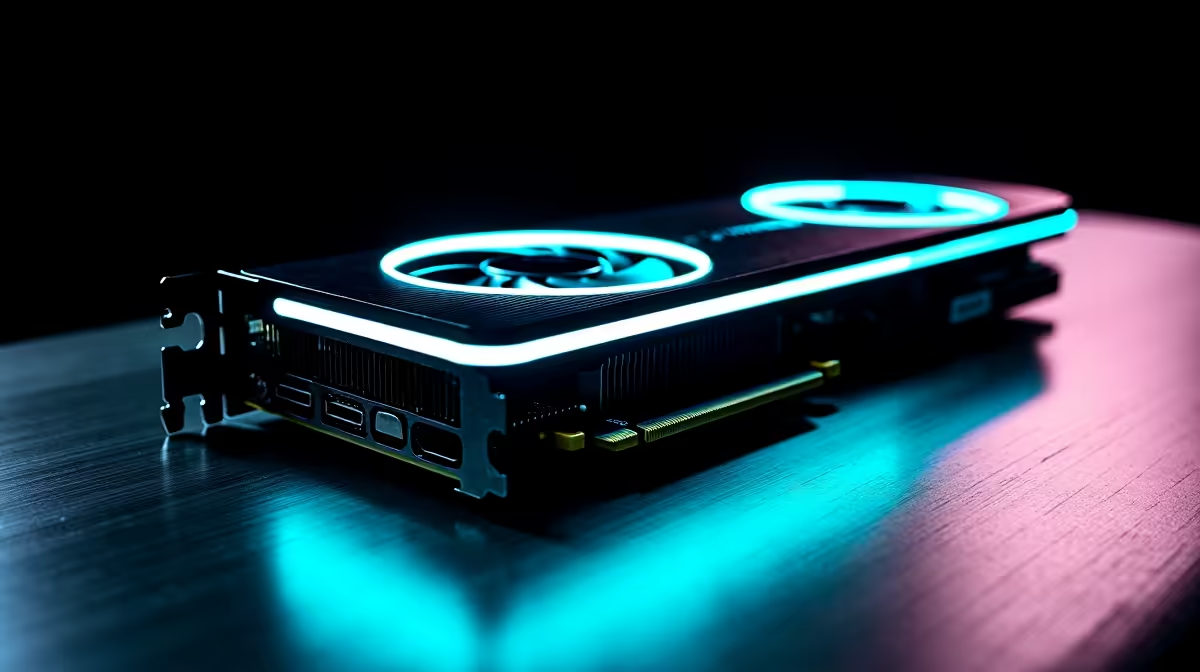
Dropping over R20,000 on a flagship GPU means you expect uncompromising 4K performance. The AMD Radeon RX 7900 XTX delivers massive rasterisation power... but what happens when you switch on ray tracing? That is where upscaling tech steps in. If you are comparing RX 7900 XTX DLSS vs FSR vs XeSS, we need to clear up a few technical realities to help you optimise your frame rates.
The Upscaling Reality Check
Let us address the elephant in the room. You cannot run Nvidia's Deep Learning Super Sampling (DLSS) on Radeon hardware. DLSS relies on proprietary Tensor cores found only on Team Green GPUs. If you plan to upgrade your graphics card to AMD's flagship, your primary upscaling options are AMD's own FidelityFX Super Resolution (FSR) and Intel's Xe Super Sampling (XeSS).
FSR 2 and FSR 3 Performance 🚀
Since FSR is AMD's native technology, it runs beautifully on the RDNA 3 architecture. When building a premium gaming PC, pairing a Ryzen CPU with the 7900 XTX unlocks Smart Access Memory for even better baseline frames. FSR scales your image dynamically without a massive performance hit.
At 4K Quality mode, FSR pushes frame rates significantly higher while maintaining exceptionally crisp textures. It is your absolute best bet for demanding titles like Cyberpunk 2077... especially when you want to keep GPU temperatures low during hot South African summers.
How Intel XeSS Fits In
Intel's XeSS is open-source and hardware agnostic. This means it works on everything from desktop rigs to high-end gaming laptops. On the 7900 XTX, XeSS uses the DP4a instruction set rather than Intel's dedicated XMX matrix cores.
The performance impact is slightly heavier than FSR. You might lose a few frames per second compared to AMD's native solution. However... XeSS often provides superior anti-aliasing. If a game suffers from shimmering edges with FSR, switching to XeSS Quality mode can smooth out those visual artefacts perfectly.
Final Recommendations 🔧
Your upscaling choice depends entirely on the specific game engine. We highly recommend starting with FSR on its highest quality preset. It is tailor-made for your Radeon architecture and delivers the highest raw frame output possible.
If you notice visual noise, test XeSS as a reliable fallback. For those who prefer a plug-and-play experience without constantly tweaking upscaling settings, grabbing a tuned pre-built PC takes the guesswork out of hardware bottlenecks. Always keep an eye on our latest tech specials to build your dream 4K setup without breaking the bank.
Frame Generation Pro Tip ⚡
When playing supported titles, always enable AMD Fluid Motion Frames (AFMF) or FSR 3 Frame Generation in your Adrenalin software. It artificially generates extra frames, making your gameplay incredibly smooth on high refresh rate monitors without taxing your GPU further.
Ready to Push Your Pixels? The upscaling wars give you more ways to boost your performance than ever before. Whether you are hunting for a Radeon powerhouse or exploring Nvidia alternatives, Evetech has you covered. Explore our massive range of graphics cards and find the perfect hardware to conquer your world.











