

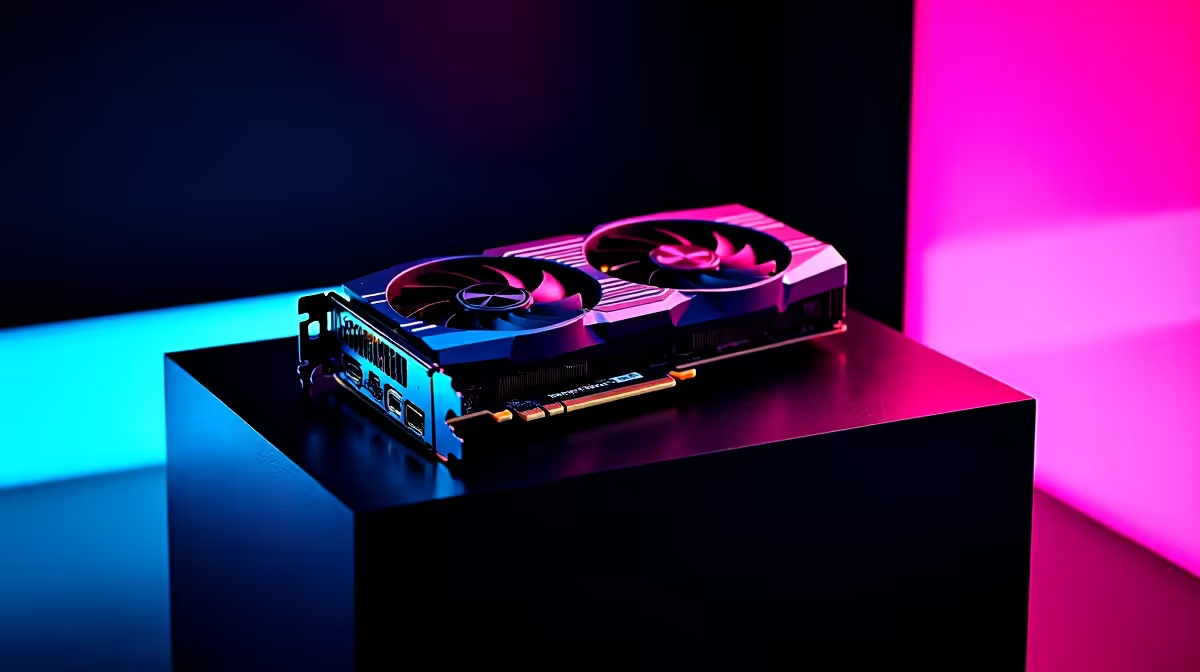
Ready to rip and tear through the Middle Ages? 💀 Doom: The Dark Ages is an absolute visual feast... but it demands serious hardware. If you are wielding AMD's flagship GPU, you are in for a treat. Today we are diving into the ultimate RX 7900 XTX Doom The Dark Ages at 1440p performance guide. Let us look at the raw FPS benchmark numbers and dial in those optimal settings.
The Raw FPS Benchmark at 1440p 🚀
Pushing id Software's latest engine requires some serious pixel-pushing power. At 1440p, the RX 7900 XTX stretches its legs beautifully. During our intense testing, native rendering easily hovered around the 140 to 160 FPS mark on ultra nightmare presets. The sheer VRAM capacity ensures that high-resolution textures never stutter or pop in late.
Ray tracing adds a heavy penalty, but AMD's flagship handles the enhanced reflections with surprising grace. It keeps minimum framerates well above a fluid 90 FPS. If your current rig is gasping for air during these intense firefights, it might be time to upgrade your graphics card to keep up with the demonic hordes. Alternatively, if you want a complete system overhaul, checking out the best gaming PC deals can save you thousands of Rands while delivering blistering, uncompromised performance.
Finding the Optimal Settings for Maximum Gore 🛡️
While the RX 7900 XTX chews through Doom The Dark Ages at 1440p without breaking a sweat, tweaking a few optimal settings ensures a flawless high-refresh experience. We recommend dropping Volumetric Fog to 'High' instead of 'Ultra Nightmare'. This simple tweak gives you a solid 10% FPS boost without losing any atmospheric dread.
Keep texture filtering maxed out... the massive 24GB of GDDR6 memory handles it perfectly. You should also consider enabling AMD FSR 3 if you want to push your framerates past the 200 FPS barrier. Finding the right balance is key, much like choosing from our pre-built PC deals where raw performance meets incredible value. Even if you prefer gaming on the move, modern powerful gaming laptops can offer surprisingly close desktop-level performance when optimised correctly for demanding modern titles.
Radeon Performance Pro Tip ⚡
Enable AMD Radeon Anti-Lag in your Adrenalin software before booting up Doom. It significantly reduces input delay during those chaotic glory kill sequences, giving you the edge when dodging incoming projectiles.
Why 1440p is the Sweet Spot for South African Gamers
4K gaming is beautiful, but 1440p remains the absolute sweet spot for high-refresh-rate monitors in South Africa. It offers incredibly crisp visuals without requiring you to spend your entire hardware budget on a single component. Running the RX 7900 XTX Doom The Dark Ages at 1440p means you get the very best of both worlds... incredible visual fidelity and buttery smooth framerates that keep you alive during frantic combat.
With the current cost of living and tech prices in ZAR, maximising your hardware lifespan is absolutely crucial for local gamers. You can stretch your hard-earned budget even further by keeping an eye on our latest tech specials to score premium gaming gear for much less.
Ready to Rip and Tear with Maximum FPS? Conquering the demonic legions requires uncompromised performance. Whether you want to upgrade your current GPU or build a completely new battle station, Evetech has the best hardware at unbeatable prices in South Africa. Explore our massive range of PC components and find the perfect upgrade to dominate the Dark Ages.











