

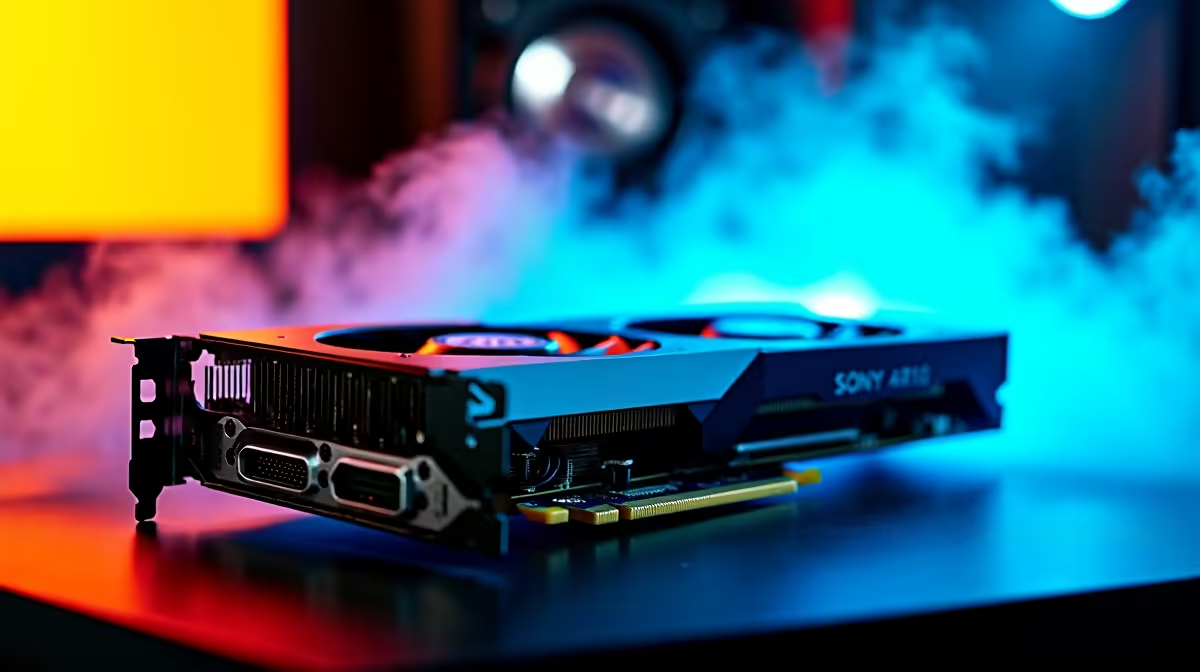
Dropping into Erangel with a stuttering rig is a quick ticket to the lobby. If you want those chicken dinners, you need serious frames. The upcoming Radeon RX 9070 promises blistering performance... but how does it actually handle Krafton's iconic battle royale? Let us break down the expected RX 9070 PUBG FPS numbers and show you exactly how to tweak your settings for a competitive edge. 🚀
Expected RX 9070 PUBG FPS Benchmarks
PUBG is notoriously CPU-heavy. However, a powerful GPU still dictates your visual fidelity at higher resolutions. Based on AMD's RDNA architecture trends, the RX 9070 is built to dominate 1440p gaming. You can expect to easily push past 165 FPS on ultra settings at 1440p. If you drop a few post-processing settings, hitting that buttery-smooth 240Hz mark becomes entirely possible.
Are you pushing 4K? The card should comfortably hover around 100 to 120 FPS. If you are planning an upgrade to hit these numbers, keeping an eye on the latest graphics cards for sale is a smart move.
Finding the Sweet Spot for Your Rig
A top-tier graphics card needs a processor that can keep up. Pairing the RX 9070 with an older CPU will create a massive bottleneck in PUBG. You need balance to see those high RX 9070 PUBG FPS numbers.
Do you want to avoid the hassle of building from scratch? Grabbing one of our expertly assembled pre-built gaming PCs ensures your components are perfectly matched. Alternatively, if you prefer customising every single part, explore our best gaming PC deals to craft your ultimate battle station.
The Best Settings for Maximum Frames ⚡
Competitive PUBG players rarely play on ultra settings. Visibility and frame rate always trump pretty graphics. To maximise your RX 9070 PUBG FPS, try these specific tweaks:
- Anti-Aliasing: High (keeps edges smooth for spotting enemies).
- Textures: Medium to High (keeps the game looking decent).
- View Distance: Ultra (crucial for spotting distant players).
- Everything Else: Very Low (removes distracting shadows and foliage).
Visibility Pro Tip 🔧
Turn up your digital vibrance in the AMD Adrenalin software. This makes the dull colours of PUBG pop, making it much easier to spot enemies hiding in the grass or shadows without impacting your frame rate.
Prefer gaming while travelling? Modern mobile graphics are catching up fast. Check out our massive range of high-performance laptops that can easily push competitive frames in PUBG.
Keeping Your Upgrades Budget-Friendly ✨
Building a high-FPS rig does not have to drain your bank account. Every Rand counts when you are putting together a new setup. We constantly update our pricing to give South African gamers the best possible value in ZAR. Keep a close eye on our weekly tech specials to stretch your budget further and secure premium parts for less.
Ready to Secure Your Chicken Dinner? Stop blaming lag for your losses. Upgrading your hardware is the quickest way to improve your competitive edge in PUBG. Explore our massive range of PC components and specials and find the perfect upgrade to conquer the battlegrounds.











