


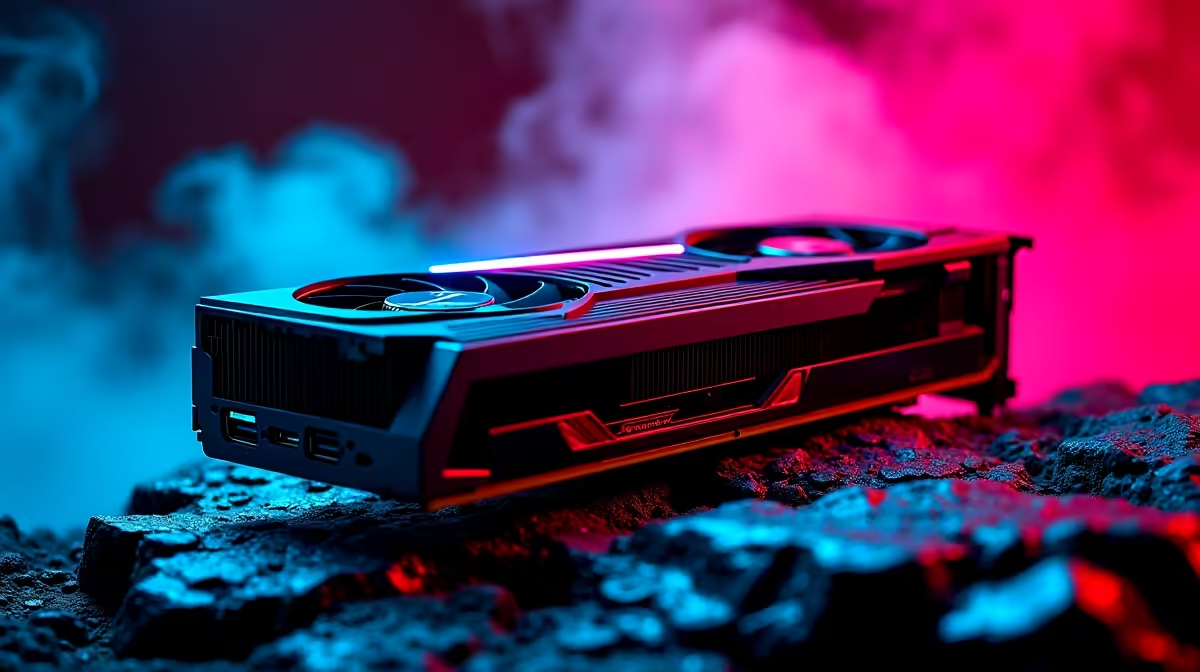
Ready to pull off the ultimate galactic heist? Ubisoft's latest open-world adventure is heavy on the GPU. If you want to experience the criminal underworld without stuttering during a firefight, you need serious pixel-pushing power. We took the highly anticipated AMD card for a spin. Here is our guide to the RX 9070 Star Wars Outlaws at 1440p experience... complete with reliable benchmarks and optimal settings.
FPS Benchmark: Pushing the RX 9070 in Star Wars Outlaws at 1440p
The Snowdrop engine is beautiful but punishing. Running Star Wars Outlaws at 1440p demands a robust system. So... how does the RX 9070 handle the pressure?
At native 1440p with Ultra settings, the RX 9070 delivers a highly respectable 65 to 75 frames per second. This guarantees smooth speeder bike chases across Toshara. To push past 100 FPS for buttery smooth combat, you must tweak a few sliders. If your current rig is struggling to keep up, it might be time to upgrade your graphics card to handle modern AAA titles.
Optimal Settings for Maximum Performance ⚙️
You do not need to sacrifice visual fidelity for high frame rates. To get the best out of your RX 9070 Star Wars Outlaws at 1440p setup, we recommend a balanced approach.
Turn Ray Traced Reflections to 'Medium' and keep Volumetric Fog on 'High' rather than 'Ultra'. This simple tweak saves massive GPU resources. Next, enable AMD FSR 3 on 'Quality' mode. This pushes your frame rate comfortably into the 110 FPS zone while keeping textures incredibly sharp.
If you want a machine already tuned for this exact experience, browse our best gaming PC deals to find a rig that matches your exact budget in ZAR.
Frame Generation Pro Tip ⚡
Always ensure Hardware-Accelerated GPU Scheduling is turned on in your Windows settings before enabling FSR 3 Frame Generation in Star Wars Outlaws. It reduces latency and prevents input lag during intense blaster fights.
Pairing Your GPU with the Right Hardware
A powerful GPU needs a strong supporting cast. Bottlenecking is a real issue when pairing a high-end card with an older processor. To maintain that flawless RX 9070 Star Wars Outlaws at 1440p performance, you need a modern Ryzen 7 or Intel Core i7 CPU.
You also need at least 32GB of DDR5 RAM to prevent stuttering in densely populated cities like Mirogana. Building a balanced system from scratch can be pricey. Luckily, you can grab one of our pre-built PC deals to save thousands of Rands while securing top-tier components.
Taking the Scoundrel Life on the Go 🚀
Maybe you prefer gaming during loadshedding or while travelling. Desktop power is great, but portability has its own massive appeal.
Modern mobile GPUs are incredibly capable of running demanding titles. If you want to explore the galaxy from the comfort of your couch, explore our notebooks for sale in South Africa. You can still achieve great 1440p performance on a mobile display. Plus, with our current weekly specials, you can score a premium portable machine without draining your bank account.
Ready to Upgrade Your Galactic Ride? Surviving the Outer Rim requires serious firepower. Whether you are hunting for a massive desktop upgrade or a portable powerhouse, Evetech has the best prices in South Africa. Explore our massive range of PC components and find the perfect hardware to conquer your world.











