

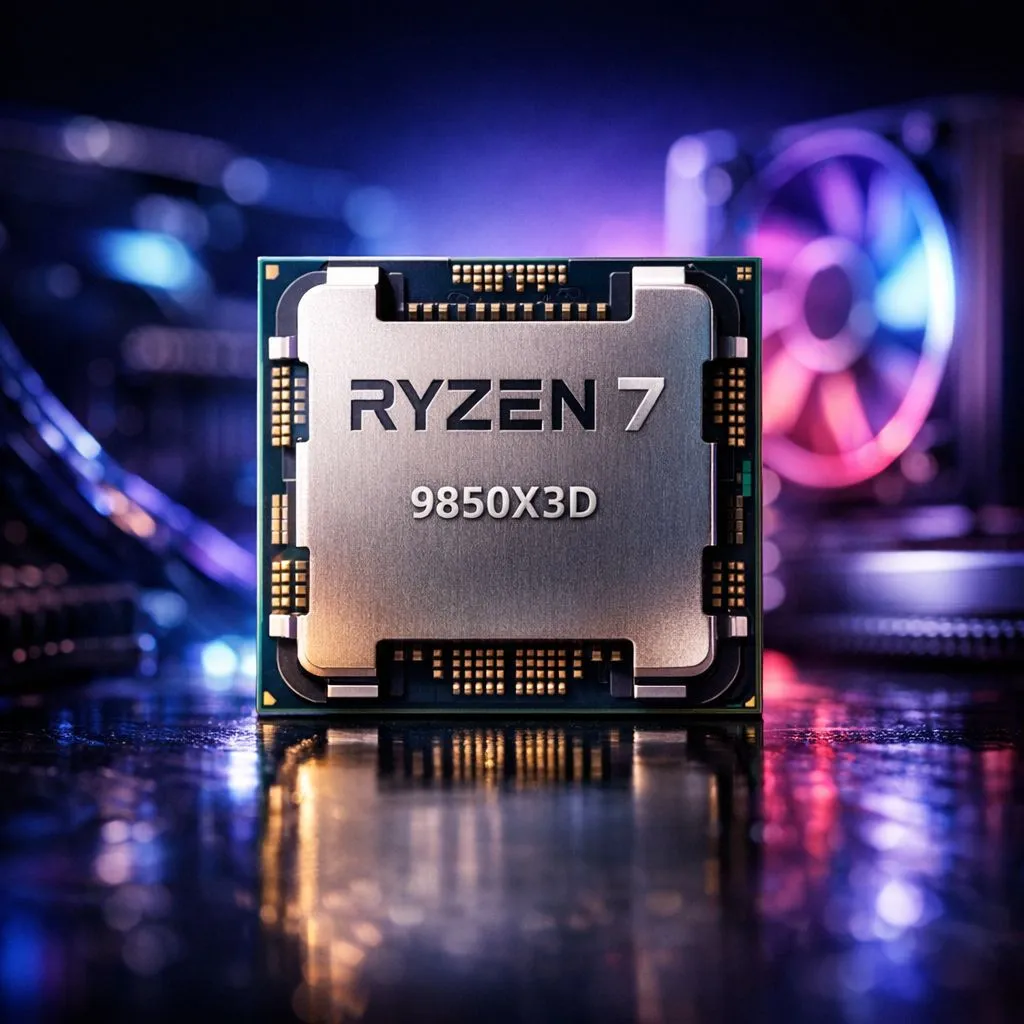
Optimising BIOS for Peak Performance
Chasing those elusive 240Hz refresh rates in Cape Town or Joburg requires more than just raw power. The Ryzen 7 9850X3D is a beast, but leaving it on stock settings is like driving a supercar in peak hour traffic. To truly unlock its potential, you need to fine-tune your BIOS and Windows environment. Let's dive into the Ryzen 7 9850X3D Settings to Maximize Your Frames. 🚀
The most significant performance gains come from Precision Boost Overdrive (PBO). When you buy AMD CPUs for high-end gaming, PBO is your best friend. Set PBO to "Advanced" and use a negative Curve Optimizer offset. This lowers voltage while allowing higher clock speeds. Most 9850X3D chips can handle a -20 or -30 offset. This reduces heat, which is vital for the South African summer.
Curve Optimizer Pro Tip ⚡
Start with a conservative negative offset of -15 on all cores. Test stability using a heavy workload like Cinebench. If your system remains stable, drop it by increments of 5. This reduces thermal throttling and lets your 3D V-Cache breathe, directly improving your 1% low frame rates in titles like Counter-Strike 2.
Memory Stability and Latency Tuning
High-speed memory is the fuel for your CPU. For the AMD Ryzen 7 series, the "sweet spot" remains 6000MT/s. Ensure you enable the EXPO profile in your BIOS. If your RAM is running at default JEDEC speeds, you are leaving frames on the table.
Low latency is just as important as raw speed. Aim for CL30 timings to keep the Infinity Fabric happy. While many enthusiasts still buy Intel CPUs for memory overclocking, AMD's 3D V-Cache technology is less sensitive to high frequencies. It prefers tight timings. This ensures that the massive L3 cache stays fed with data without delays. 🔧
Windows Environment and Driver Setup
Your operating system needs to know how to handle those extra cache layers. Always use the "Balanced" power plan in Windows 11. This allows the AMD chipset driver to manage core parking effectively. Without the latest chipset drivers, Windows might send gaming tasks to the wrong cores. This results in stuttering and lower average FPS. ✨
Even high-end 14-core Intel processors require specific thread scheduling to perform optimally. For the 9850X3D, ensure "Game Mode" is toggled on in Windows settings. This prioritises the game process and prevents background updates from stealing cycles. These small tweaks can save you thousands of ZAR in potential hardware upgrades by squeezing every bit of value from your current setup. ⚡
Ready to Build Your Ultimate Gaming Rig? Mastering your settings is only half the battle... you need the right hardware to lead the charge. Whether you are looking for the latest Ryzen chips or the best deals in South Africa, we have you covered. Explore our massive range of CPU specials and find the perfect machine to conquer your world.











