

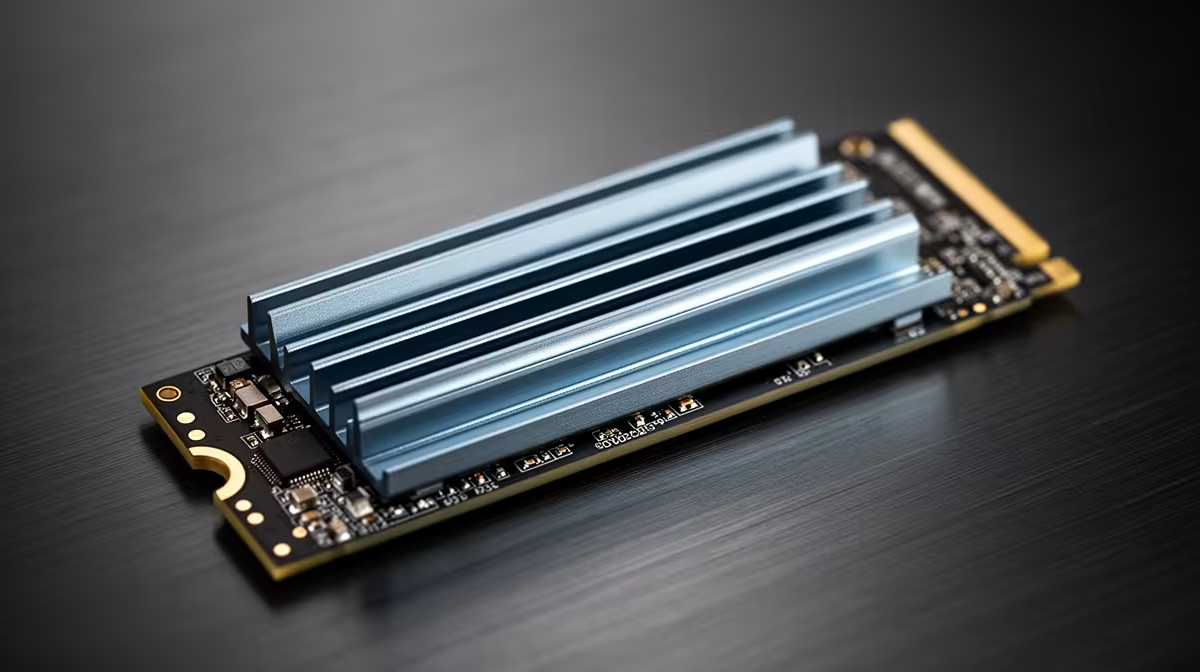
Juggling multiple high-demand apps in South Africa? You’re not alone. Whether you're streaming your Warzone session while chatting on Discord, or rendering a 4K video with 30 browser tabs open, your storage drive is feeling the pressure. The big question for any local power user is clear: in the SATA vs NVMe multitasking showdown, which SSD will prevent your high-end rig from grinding to a halt? Let's dive in.
Understanding the Core Difference: SATA vs NVMe
Before we talk multitasking, let's get the basics straight. Think of SATA (Serial ATA) as a reliable single-lane road. It’s been the standard for years, offering a massive speed boost over old-school hard drives. It gets the job done efficiently for everyday tasks and gaming.
NVMe (Non-Volatile Memory Express), on the other hand, is a multi-lane super-highway built specifically for the blistering speeds of modern solid-state drives. It connects directly to your motherboard's PCIe bus, the same interface your graphics card uses, slashing latency and unlocking immense bandwidth. ⚡
How Storage Speed Impacts Multitasking Performance
Here’s where the SATA vs NVMe multitasking debate gets interesting. True multitasking isn't about one big file transfer; it's about your drive's ability to handle countless small, simultaneous requests for data. This is measured in IOPS (Input/Output Operations Per Second).
An NVMe SSD can handle thousands of command queues at once, while a SATA SSD is limited to just one. When you’re running multiple programs, each one is fighting for the drive's attention. An NVMe drive acts like an expert traffic controller, effortlessly directing data to and from your CPU. A SATA drive, while capable, can become a bottleneck under heavy, simultaneous loads, leading to stutters and frustrating slowdowns. For a deeper look at the tech, you can explore all the modern solid-state drives available.
Check Your Motherboard! 🔧
Before you spring for a speedy NVMe drive, double-check your motherboard's specifications. You'll need a free M.2 slot that supports the PCIe NVMe protocol. Some older boards might have M.2 slots that only run at SATA speeds, so it pays to confirm before you buy.
The Real-World Test: Which SSD is Best for Power Users?
So, who really benefits from NVMe's multitasking muscle?
For Gamers & Streamers
While any SSD will drastically cut down game load times, NVMe's advantage becomes clear when you're doing more than just gaming. If you’re streaming your gameplay, recording high-bitrate footage, and running background apps simultaneously, an NVMe drive ensures smooth performance across the board. Your game won’t hitch just because your recording software is writing a massive file in the background. If this sounds like you, it’s worth it to browse our range of NVMe SSDs.
For Content Creators & Professionals
For video editors, 3D artists, programmers, and other creative professionals, the superior multitasking of an NVMe drive is non-negotiable. Scrubbing through a complex 4K timeline, compiling large codebases, or working with massive project files involves constant, simultaneous read/write operations. The performance uplift here is huge, saving you valuable time and keeping your creative flow uninterrupted. 🚀
Is a SATA SSD Still a Good Choice?
Absolutely! Don't count SATA out. For a dedicated games library drive or a budget-conscious PC build, a SATA SSD offers incredible value for your Rand. The leap from a mechanical hard drive to a SATA SSD is enormous, and for many users who aren't constantly pushing their system with heavy multitasking, it’s more than enough. If you're looking for reliable bulk storage or a cost-effective boot drive, be sure to check out these reliable 2.5-inch SATA SSDs. The key is matching the drive to your specific workload.
Ready to End the Lag? Your workflow deserves a storage solution that can keep up. Stop waiting and start creating with an SSD built for performance. Find the perfect drive in our latest SSD deals for performance that leaves lag in the dust.











