

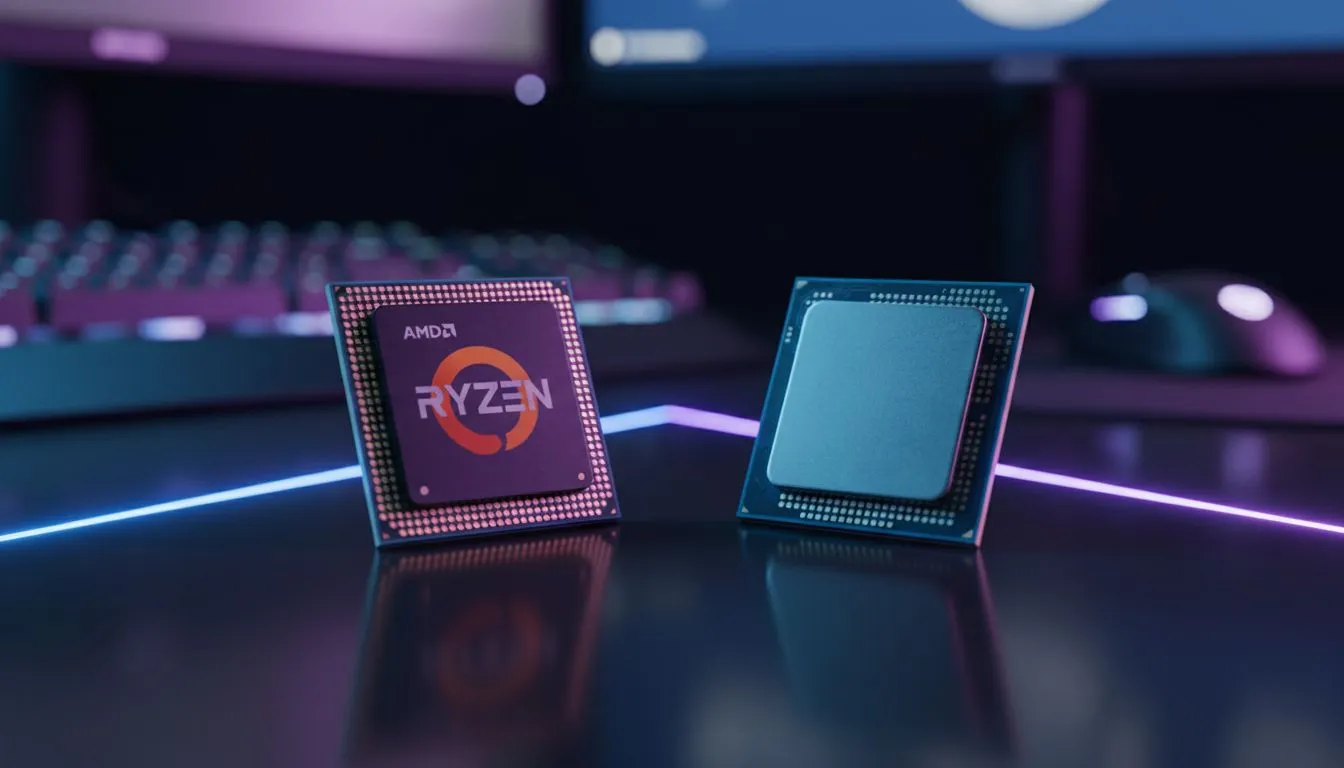
Understanding Siege system latency AMD vs Intel performance
In the high-stakes world of Rainbow Six Siege, a millisecond is the difference between a successful roam-clear and a quick trip back to the spectator cam. For South African players battling local ping and high-refresh monitors, hardware latency is the final frontier. You've got the 360Hz screen, but is your processor holding you back? Let's dive into the Siege system latency AMD vs Intel debate. ⚡
When we talk about input lag in tactical shooters, we are looking at the "click-to-photon" delay. While your GPU handles the frames, your CPU is responsible for processing player inputs and game logic. If your processor stalls, your mouse movements feel heavy... almost like you are playing through water. This is where the choice between Team Red and Team Blue becomes critical for competitive integrity.
How AMD's architecture handles input lag
AMD has made massive strides with their 3D V-Cache technology. By stacking L3 cache, they reduce the need for the CPU to fetch data from the slower system RAM. For a game like Siege, which relies heavily on quick data access for destruction physics and player positioning, this results in significantly lower frametimes. If you want to push your refresh rate to the limit, many local pros choose to buy AMD CPU hardware specifically for that X3D edge. The consistency in 1% lows ensures that your aim remains fluid even when a C4 goes off next to you.
Intel's approach to high-frequency gaming
Intel remains a titan in the space by focusing on raw clock speed and single-core throughput. Their latest architectures excel at pushing high instructions per clock (IPC), which is vital for reducing the initial processing stage of the latency chain. Gamers who prefer to buy Intel CPU components often find that the high "ring bus" speeds allow for incredibly fast communication between the processor cores. This snappy response is exactly what you need when holding a tight pixel peek on Clubhouse.
Latency Pro Tip ⚡
To truly minimise your input lag in Siege, always enable NVIDIA Reflex or AMD Radeon Anti-Lag in the settings menu. Combine this with a 'Full Screen' display mode rather than 'Borderless Windowed' to bypass the Windows desktop compositor, which can add up to 10ms of unnecessary delay to your mouse clicks.
Finding the sweet spot for South African gamers
Choosing the right platform often comes down to your total build budget in ZAR. While both brands offer exceptional performance, the "best" choice depends on your motherboard ecosystem and future upgrade paths. When you buy CPU processors online, you should consider that Intel often provides better stability for multitasking... like streaming your ranked matches to Twitch... while AMD currently holds the crown for the absolute lowest latency in pure gaming scenarios. 🚀
Ultimately, the Siege system latency AMD vs Intel battle is closer than ever. Intel offers the raw speed that feels incredibly responsive in Windows, while AMD's cache-heavy designs smooth out the micro-stutters that can ruin a clutch moment. If you are playing on a 144Hz or 240Hz panel, either flagship will serve you well, provided your RAM is tuned correctly to match the CPU's infinity fabric or memory controller. 🔧
Ready to Dominate the Leaderboard? Reducing your system latency is the fastest way to improve your K/D ratio in Siege. Whether you're Team Red or Team Blue, we have the hardware to keep your frames high and your lag low. Explore our massive range of CPU specials and find the perfect processor to conquer the competition.











