

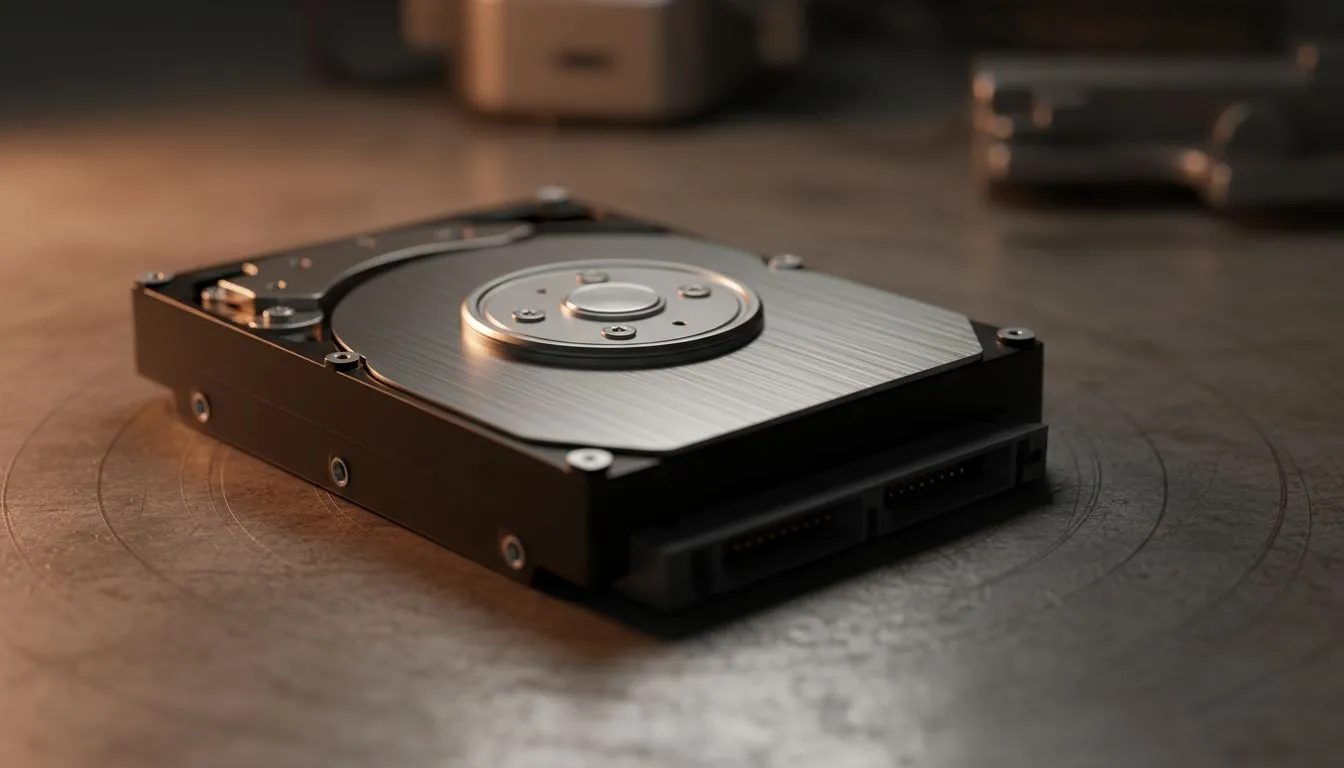
Imagine losing your entire game library or critical work projects during a sudden load shedding spike. For South African gamers and professionals, data loss is a constant threat. Understanding the Signs Your Hard Drive Is Failing: 11 Warning Signs can save your digital life before the "click of death" becomes permanent. Don't wait for total silence... spotting these red flags early allows for a stress-free transition to newer technology. 🔧
Identifying Early Hard Drive Failure Signs
The first hint of trouble often feels like a minor annoyance. You might notice your PC taking longer to boot or files taking ages to open. If your once-snappy system feels sluggish, it might not be a software issue. Modernising your storage by choosing to buy solid state drives is the most effective way to eliminate mechanical risks and restore your system's responsiveness.
1. Frequent Freezes and Blue Screens
Frequent system crashes or the dreaded Blue Screen of Death (BSOD) are classic symptoms. If these occur during simple tasks, your drive may be struggling to read essential system files.
2. Corrupted Files and Folders
Have you ever tried to open a folder only to find it empty? Or perhaps a file you saved yesterday is now "unreadable"? Data corruption is a major warning sign that your drive's sectors are physically degrading.
Mechanical Red Flags and Performance Drops
Mechanical hard drives (HDDs) use spinning platters. When these start to fail, the physical evidence is hard to ignore. If you hear grinding, thrashing, or repetitive clicking, your drive is likely on its last legs.
3. Strange Noises (The Click of Death)
A healthy drive is relatively quiet. Repetitive clicking sounds usually indicate that the read/write head is struggling to find its home position. For reliable replacements that won't break the bank, brands like ADATA SSDs provide excellent durability and silent operation. ⚡
4. Extremely Slow File Transfers
If moving a 10GB game takes hours instead of minutes, the drive is likely retrying read operations multiple times. Switching to industry leaders like Western Digital can ensure your data moves at the speeds you expect from modern hardware.
Data Safety Pro Tip ⚡
Always follow the 3-2-1 backup rule. Keep three copies of your data, on two different media types, with one copy stored off-site or in the cloud. In South Africa, where power surges are common, having an offline backup on an external drive is your best defence against hardware failure.
Advanced Warning Signs of a Dying Hard Drive
Sometimes the signs are more technical. Your operating system might try to warn you through S.M.A.R.T. (Self-Monitoring, Analysis, and Reporting Technology) data.
5. S.M.A.R.T. Error Messages
If your BIOS or a third-party utility reports a S.M.A.R.T. status of "Bad" or "Caution", take it seriously. It means the drive has already detected internal hardware failures. This is the perfect time to move your critical data to external SSDs for immediate safekeeping.
6. Disappearing Partitions
If a drive letter (like your D: drive) suddenly vanishes from Windows Explorer, the partition table might be failing. This often precedes a total drive blackout.
7. Excessive Heat
While all components generate heat, a failing motor in an HDD can cause the casing to become hot to the touch. Heat is the enemy of performance and longevity... especially in our warm South African summers.
Future-Proofing Your Storage Solution
If you are experiencing these Signs Your Hard Drive Is Failing: 11 Warning Signs, it is time to look toward the future. Traditional mechanical drives are becoming obsolete for primary storage. For those who demand the absolute pinnacle of technology, Gen 5 NVMe drives offer speeds that make traditional HDDs look like ancient history. 🚀
8. Boot Failures
"Boot Device Not Found" is a terrifying message. It means your motherboard can no longer see the drive containing your operating system.
9. Sector Errors
Running a "chkdsk" scan and finding "bad sectors" is a sign of physical wear. These sectors cannot be fixed... they can only be bypassed until the rest of the drive fails.
10. Software Installation Errors
If new software fails to install correctly or reports "write errors" during the process, your drive's surface may be compromised.
11. Long Search Times
Searching for a file should be near-instant on modern systems. If your PC hangs for thirty seconds just to find a document, the drive's indexing capabilities are likely failing.
Choosing the right external form factor ensures that even if your internal drive fails, your most important backups remain portable and accessible on any machine. ✨
Don't Wait for the Crash! Your data is irreplaceable, but your hardware isn't. If you've spotted any of these warning signs, it's time to upgrade before you lose your precious memories or work. Explore our massive range of SSD specials and secure your data with the fastest, most reliable storage solutions in South Africa.











