

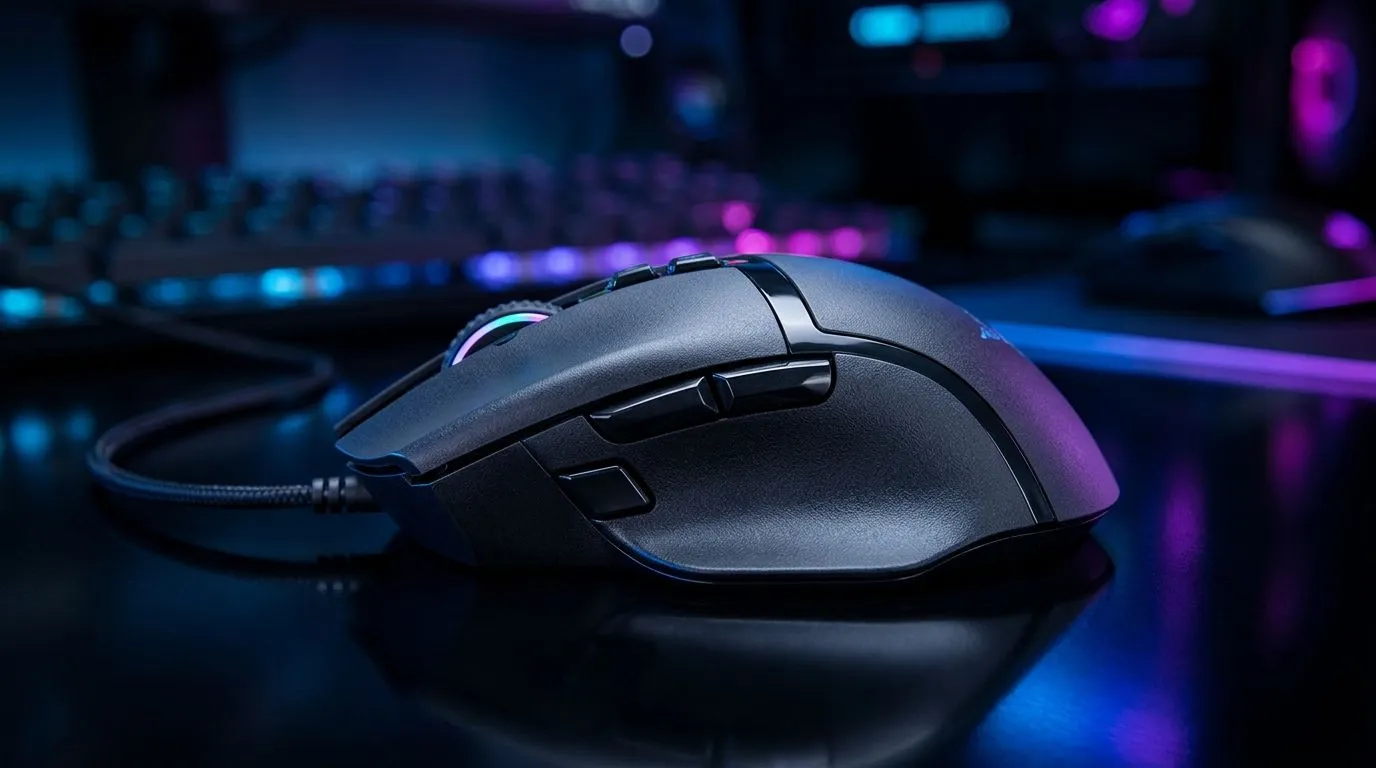
Six Programmable Buttons DPI Controls for Competitive Gaming: Why Your Clicks Matter ⚡
If you’ve ever lost a close round because your weapon switch was half a second late… you’re not alone. In South Africa, where we play on everything from budget rigs to high-end setups, small input changes can feel huge. That’s where six programmable buttons DPI controls for competitive gaming come in: faster reactions, cleaner keybinds, and less “where was that button?” stress during clutch moments. 🎮
In this guide, we’ll break down what DPI control actually does, how programmable buttons help you compete, and how to set everything up properly.
What DPI Controls Actually Change (And Why It Helps Aimers) 🎯
DPI (dots per inch) is your mouse sensitivity. Higher DPI means more cursor movement per inch of mouse travel. The competitive advantage comes from changing DPI on the fly, so you can:
- Use a low DPI for precise tracking (snappy headshots).
- Switch to a higher DPI for faster spins (when you need to reposition).
For most players, DPI switching is about consistency. You stop compensating for one fixed sensitivity in every scenario.
Setup Pro Tip 🚀
"Start with one DPI for aiming precision (low) and one DPI for target acquisition (higher). Then test in an aim trainer or your favourite offline range until the switch feels automatic. If it doesn’t feel instant, adjust the DPI steps before you grind ranked."
Six Programmable Buttons: Better Loadouts, Faster Decisions 🔧
Six programmable buttons give you room to move beyond “keyboard meets controller” gameplay. Instead of cramming everything onto WASD and 1–5, you can keep your fingers on movement while your mouse handles the rest.
Common high-impact binds include:
- Weapon profiles (primary/secondary swaps)
- Utility (flash, smoke, heal)
- Push-to-talk or ping
- Perspective/zoom toggles for certain genres
In competitive play, the best keybind is the one you never think about. Your mouse buttons become muscle memory.
DPI + Programmable Buttons in Real Matches (A Quick Story) ✨
Picture this: you’re defending in a tight round. Your crosshair placement is good, but when the enemy peeks from a new angle, your tracking needs to adjust fast. With DPI controls, you can drop to precision for micro-corrections, then bump DPI to reposition when they rotate. That’s not magic… it’s control.
Now add programmable buttons. You don’t have to claw for a keybind. Your utility stays ready, and your aim stays steady.
Buying Guidance: What to Look For in South Africa
If you’re shopping locally, focus on three things:
- Programmable button count (you want at least enough for your core binds).
- DPI steps and responsiveness (the switch should feel consistent).
- Comfort for your grip (if your hand shifts, your aim suffers).
Start your search with Evetech’s mouse accessories selection here: gaming mouse accessories. If you’re leaning toward a wired setup for stable input, check: wired gaming mice. Prefer freedom of movement? Browse: wireless gaming mice.
If you’re trying to match performance to budget, use deals to lock in value in ZAR: best gaming mouse deals. And for broader options, explore the category: gaming mouse range.
Final Checklist: Set It Up Like a Competitor
Before you queue again, do this quick pass:
- Set two DPI levels (precision and movement).
- Bind the four to six critical actions to mouse buttons.
- Practise the DPI switch 10 minutes daily, not just when you’re panicking.
- Save profiles and keep your binds consistent across sessions.
Do that, and your hands will stop fighting your hardware.
Ready to Find Your Perfect Match? The Mac vs Windows debate is complex, but for maximum power, choice, and value in South Africa, Windows is hard to beat. Explore our massive range of laptop specials and find the perfect machine to conquer your world.








