

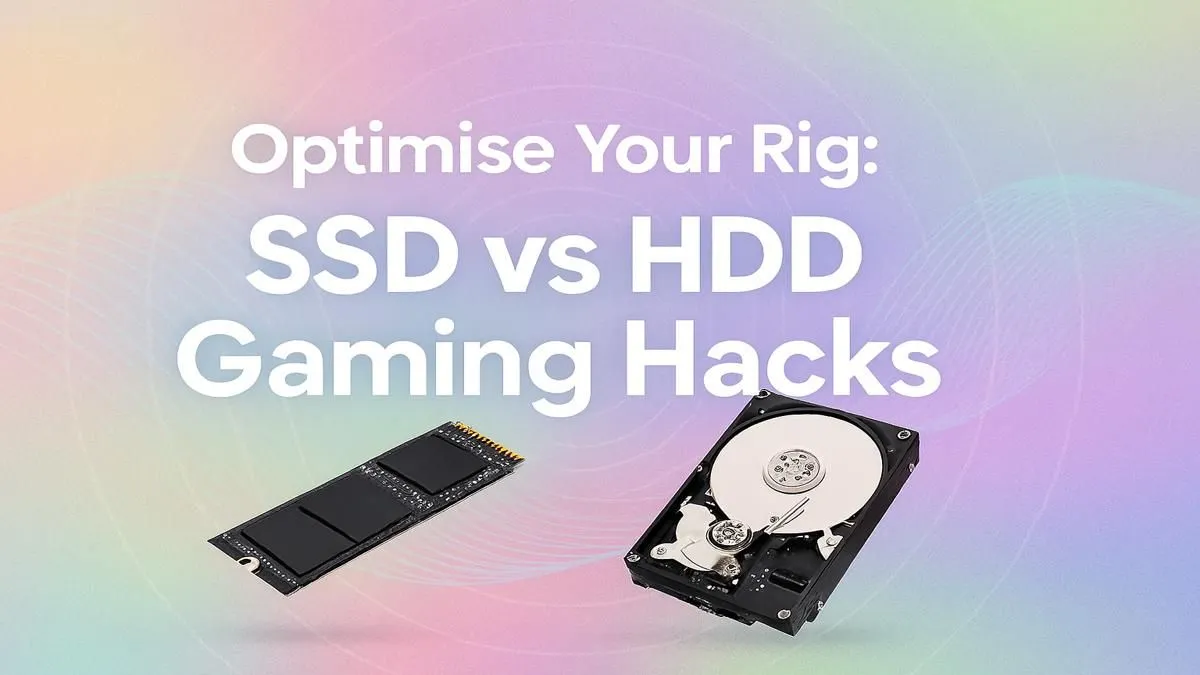
Staring at a loading bar while your mates are already dropping into the action? We’ve all been there. That agonizing wait is often the biggest bottleneck in an otherwise powerful gaming rig. The great SSD vs HDD for gaming debate isn't just about specs… it's about reclaiming your time and unlocking your PC's true potential. Ready to learn how a simple storage upgrade and a few optimisation hacks can completely transform your gameplay experience? Let's dive in.
Understanding the Core Difference: SSD vs HDD
At its heart, the battle of SSD vs HDD comes down to moving parts. Think of a traditional Hard Disk Drive (HDD) like a tiny record player. It has a spinning platter and a mechanical arm that physically moves to read and write data. It’s reliable technology that offers huge amounts of storage for a low price, making traditional hard drives fantastic for archiving media, backups, or a massive Steam library of games you don't play daily.
A Solid-State Drive (SSD), on the other hand, has no moving parts. It uses flash memory, similar to a USB stick or your smartphone's storage. This means data access is nearly instantaneous. It’s not just a small speed bump; it's a quantum leap forward in responsiveness.
The Real-World Impact on Your Gaming Experience
So, what does this mechanical difference mean for you, the gamer? Everything. The benefits of choosing an SSD for gaming are immediate and profound.
- Vastly Reduced Loading Times: This is the most obvious win. Games installed on an SSD load worlds, levels, and matches in a fraction of the time. Fast-travelling in Starfield or loading into a Warzone match becomes a seamless experience instead of a coffee break.
- Smoother Gameplay: Many modern open-world games stream assets like textures and models directly from your drive as you play. An SSD's speed prevents stuttering and texture pop-in, creating a more immersive and stable experience.
- Overall System Snappiness: Your entire PC benefits. Windows boots up in seconds, applications launch instantly, and even installing games is quicker. This upgrade makes your whole rig feel brand new.
For these reasons, most modern gaming PCs are built around Solid-State Drives (SSDs) as the primary drive.
Not All SSDs Are Created Equal: NVMe vs SATA
Once you've decided on an SSD, you'll encounter two main types: SATA and NVMe. The choice here further impacts your rig's performance.
SATA SSDs
These drives use the same connector as traditional hard drives and come in a 2.5-inch casing. They are a massive upgrade over any HDD and are a fantastic, budget-friendly choice for breathing new life into an older PC or for secondary game storage. While their speed is capped by the older SATA interface (around 550MB/s), they provide an excellent performance-per-rand value. You'll find many versatile 2.5-inch SSDs that offer a perfect entry point into solid-state speed.
NVMe M.2 SSDs 🚀
This is the pinnacle of consumer storage technology. NVMe (Non-Volatile Memory Express) SSDs are small sticks that plug directly into an M.2 slot on your motherboard, using the super-fast PCIe bus. This direct connection bypasses the SATA bottleneck entirely, allowing for staggering speeds that can be over 10 times faster than a SATA SSD. For the absolute best loading times and system responsiveness, blazing-fast NVMe SSDs are the undisputed champions.
Motherboard Check! 🔧
Before buying an NVMe SSD, check your motherboard's manual to confirm it has an M.2 slot. Also, check what 'key' it supports (usually 'M-Key' for modern NVMe drives) and its length compatibility (e.g., 2280) to ensure a perfect fit.
Optimisation Hacks: Making the Most of Your Storage
Getting the right hardware is half the battle. Here’s how to optimise your setup for the best results, especially for South African gamers balancing performance and budget.
The Hybrid Setup: Best of Both Worlds
The most cost-effective and powerful solution is a hybrid approach.
- Primary Drive: Use a fast NVMe SSD (500GB to 1TB is a great sweet spot) for your Windows operating system, key programs, and your most-played games.
- Secondary Drive: Use a large, affordable HDD (2TB or more) for your massive collection of older games, movies, photos, and project files.
This gives you lightning speed where it matters most, without breaking the bank. You can find the perfect drive to start your hybrid setup by checking out the latest SSD deals available right now.
Essential Software Tweaks ✨
- Enable TRIM: This is a crucial command that allows your operating system to tell your SSD which data blocks are no longer in use and can be wiped internally. This prevents the drive from slowing down over time. Windows 10 and 11 enable it by default, so you rarely have to worry about it.
- Never Defragment an SSD: Defragmentation is an old HDD maintenance task that physically rearranges data for faster access. Doing this on an SSD is pointless (data access is instant regardless of location) and causes unnecessary write cycles, reducing its lifespan.
The Verdict: Is an SSD Worth It for Gaming in South Africa?
Absolutely, yes. In the SSD vs HDD for gaming showdown, the SSD is the clear winner for performance. It is arguably the single most impactful upgrade you can make to your gaming PC. The increase in speed and responsiveness touches every part of your user experience, from booting up your machine to loading the final boss fight.
While a high-capacity NVMe drive can be a significant investment, the hybrid model offers a perfect compromise, giving you elite speed for your favourite titles and bulk storage for everything else. Stop waiting and start playing.
Ready to Banish Loading Screens for Good? The SSD vs HDD for gaming debate is over. An SSD is the single biggest performance boost you can give your rig. Explore our massive range of PC components and find the perfect drive to supercharge your PC today.








