


RX 9070 XT Elden Ring Nightreign at 4K: FPS Benchmark & Optimal Settings
RX 9070 XT Elden Ring Nightreign at 4K: FPS. Real-world benchmark data, FPS numbers & performance analysis. What SA gamers can actually expect.
Read moreSteam Deck 40FPS settings: reach stable 40FPS in Monster Hunter Wilds with targeted GPU, CPU, resolution, and battery tweaks for smoother, longer sessions. ⚙️🎮
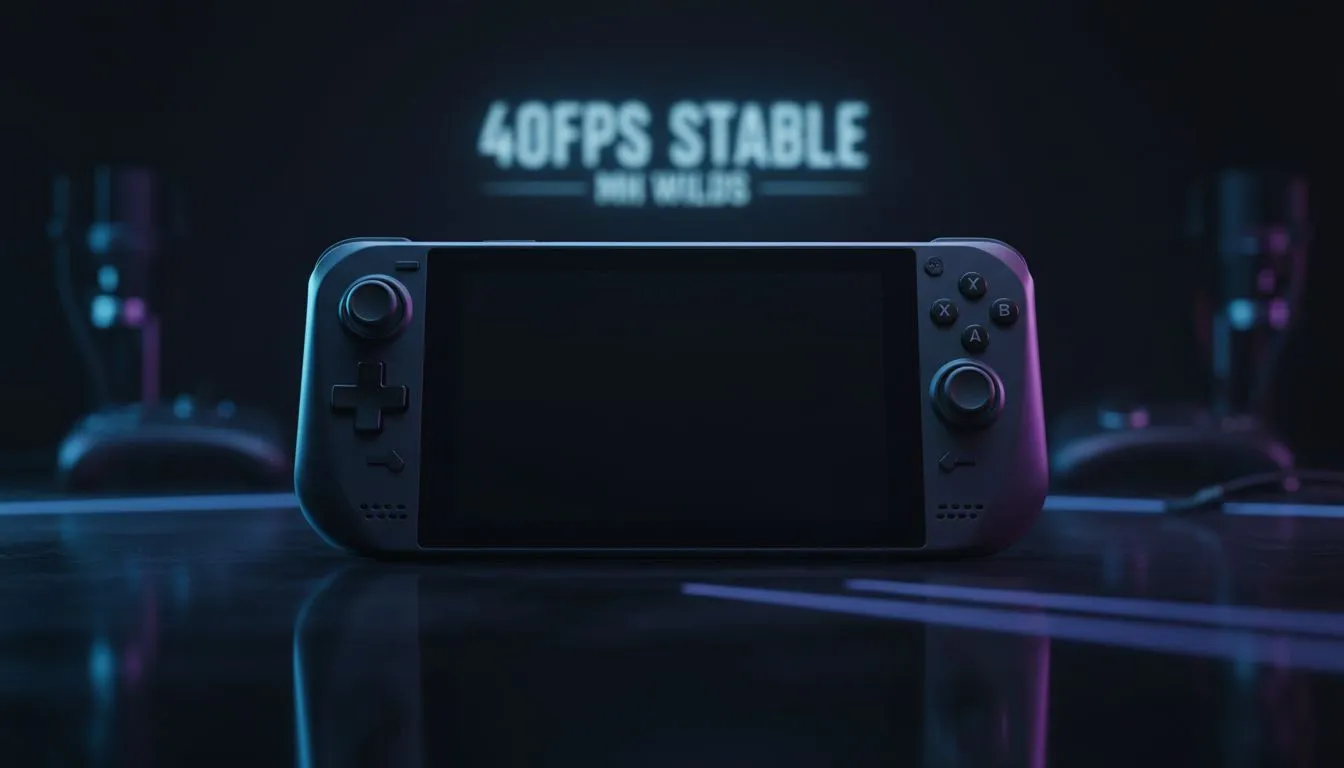
Monster Hunter Wilds is finally here, and while it looks incredible on a high-end rig, taking the hunt on the go is the real dream for many South African gamers. If you’ve tried running it on Valve’s handheld, you might have noticed some stuttering. Getting a stable experience requires some finessing. Here is how to achieve the best Steam Deck 40FPS Settings for MH Wilds. 🔧
For handheld enthusiasts in South Africa, the 40FPS target is the gold standard. It feels significantly smoother than 30FPS but consumes far less power than 60FPS... a vital consideration when you are gaming during a bout of loadshedding. While the market for handheld gaming consoles is growing, the Steam Deck requires specific tweaks to handle Capcom’s latest beast.
To start, set your Steam Deck’s refresh rate to 40Hz in the Quick Access Menu. This ensures perfect frame pacing, making the 40FPS target feel fluid rather than jittery.
Monster Hunter Wilds is a heavy title. To maintain stability, you need to be aggressive with your scaling. Set your resolution to 1280x800 and enable FSR 3 (FidelityFX Super Resolution). Set it to "Balanced" or "Performance" mode. This is where the magic happens, as it upscales the image while keeping the load on the GPU manageable.
If you find the screen size a bit restrictive for these lower resolutions, you might consider the larger displays found on Lenovo handheld devices, which can help mitigate some of the blurriness associated with heavy upscaling.
Always set your UMA Buffer Size to 4GB in the Steam Deck BIOS. This allocates more dedicated VRAM to the GPU, which helps prevent crashes in memory-intensive games like Monster Hunter Wilds during intense combat sequences.
To stay locked at 40FPS, keep most settings on "Low," but you can push "Textures" to "Medium" if you have the 4GB VRAM tweak enabled. Turn off heavy effects like Motion Blur and Depth of Field... these often just muddy the image on a smaller screen anyway.
For those who want a bit more raw power to push higher settings, the ASUS ROG Ally range offers a different architecture that sometimes handles these high-fidelity ports with a bit more headroom. However, with the right Steam Deck 40FPS Settings for MH Wilds, Valve’s machine remains incredibly competitive.
South African summers can be brutal on portable hardware. If your Deck is running hot, the fans will ramp up and potentially throttle your performance. Ensure your intake vents are clear. Some gamers prefer the ergonomic cooling designs seen on MSI handheld consoles, but a simple undervolt on your Deck can also keep those temps in check while hunting in the Forbidden Lands. 🚀
By locking your frame rate and using aggressive FSR, you can enjoy a stable, portable hunting experience without breaking the bank.
Ready to Find Your Perfect Match? Whether you are looking for the ultimate Steam Deck companion or a high-powered Windows alternative, we have the best gear in South Africa. Explore our massive range of handheld gaming consoles and find the perfect machine to conquer your world.
Use a 40FPS cap, 720p or 800p render scale, GPU TDP limit ~7-10W, 60% CPU limit, disable dynamic scaling and apply FSR 2 for stable 40FPS.
Set a 40FPS frame cap in the Steam overlay or in-game frame limiter; use performance profile with a GPU limit to hold stable 40FPS.
Yes. Lowering render scale to 720p or using 80% render scale with FSR improves GPU headroom and helps keep 40FPS consistent.
Start with GPU limit 7-10W and CPU limit around 60%; tweak incrementally until you hit consistent 40FPS without thermal throttling.
Battery saver can reduce power too much. Use a custom performance profile balancing battery and a GPU limit to sustain 40FPS longer.
Try Proton Experimental or the latest Proton GE build; compatibility and performance vary, and some versions improve frame stability for 40FPS.
Controller settings don't change FPS, but disabling unnecessary overlays and background apps frees resources to help maintain 40FPS.
RX 9070 XT Elden Ring Nightreign at 4K: FPS. Real-world benchmark data, FPS numbers & performance analysis. What SA gamers can actually expect.
Read more
RTX 5090 Marvel Rivals FPS: Performance Benchmark. Real-world benchmark data, FPS numbers & performance analysis. What SA gamers can actually expect.
Read more
Intel Arc A770 Escape from Tarkov Performance. Real-world benchmark data, FPS numbers & performance analysis. What SA gamers can actually expect.
Read more
Head-to-head comparison of RX 9070 XT vs RTX 6070: Gaming Performance for SA gamers. Performance benchmarks, Rand pricing & which delivers better value.
Read more
Head-to-head comparison of RTX 5060 Ti Mining vs Gaming: Does It Affect for SA gamers. Performance benchmarks, Rand pricing & which delivers better value.
Read more
Ryzen 7 7800X3D Gaming Benchmark: FPS Across 20. Real-world benchmark data, FPS numbers & performance analysis. What SA gamers can actually expect.
Read more
Complete ATX Case Size Guide: Interior Dimensions. Best deals curated with real SA discounts, price history & tips on getting genuine value.

What GPU Do You Need for AI & Machine Learning. Hardware requirements breakdown with recommended specs & SA pricing for each tier.

Top Settings for RTX 4060 at Ultrawide 1440p picks evaluated on performance, value & SA availability with current Rand pricing from Evetech.

Head-to-head comparison of FreeSync vs G-Sync Explained: Which Should Gamers for SA gamers. Performance benchmarks, Rand pricing & which delivers better value.

Every spec on PCIe 5.0 explained in plain English. What matters for gaming and creator work in 2026, what's marketing fluff, and how each number translates to real-world performance.

Every spec on bios explained in plain English. What matters for gaming and creator work in 2026, what's marketing fluff, and how each number translates to real-world performance.

Every spec on gaming setups explained in plain English. What matters for gaming and creator work in 2026, what's marketing fluff, and how each number translates to real-world performance.

Every spec on cooling systems explained in plain English. What matters for gaming and creator work in 2026, what's marketing fluff, and how each number translates to real-world performance.

Every spec on understanding how much vram is needed explained in plain English. What matters for gaming and creator work in 2026, what's marketing fluff, and how each number translates to real-world.

How to pick the right PCIe 5.0 for your build in 2026: the features worth paying for, ZAR value tiers, and the trade-offs between budget, mid-range and flagship picks.

Every spec on gpu explained in plain English. What matters for gaming and creator work in 2026, what's marketing fluff, and how each number translates to real-world performance.

Every spec on gpu explained in plain English. What matters for gaming and creator work in 2026, what's marketing fluff, and how each number translates to real-world performance for SA buyers.