

Understanding the Real Speed of Large File Backups
Ever started backing up a massive game folder or a 4K project only to see the speed plummet? It is a common frustration for South African users dealing with large file backups. While marketing boxes boast high speeds, the sustained transfer rates tell the real story. If your drive slows down after a few seconds, those "lightning fast" claims do not mean much for long sessions. ⚡
Why Sustained Transfer Rates Matter More Than Burst Speeds
Most modern solid state drives use a clever trick called SLC caching. This allows the drive to write data very quickly for a short duration. It feels snappy when you are moving a few photos or a small document. However... once that high-speed buffer fills up, the drive must write directly to the slower storage cells.
For gamers moving a 150GB Call of Duty update, the cache often runs out halfway through. This is when the sustained transfer rates kick in. A drive with poor sustained performance might drop from 5,000MB/s to 500MB/s. That turns a five-minute task into a much longer wait.
Backup Speed Pro Tip ⚡
When moving massive directories, disable your real-time antivirus scan for that specific folder temporarily. Windows Defender often scans every single file during the transfer... this can cut your sustained transfer rates in half. Just remember to turn it back on once the backup is complete!
Choosing the Right Hardware for Consistent Performance
If you want the absolute pinnacle of storage technology, look toward Gen 5 (NVME) drives. These drives offer incredible bandwidth... but they also generate significant heat. Consistent performance requires a good heatsink to prevent thermal throttling during those heavy backups.
Reliability is also a major factor for South African professionals. Brands like ADATA offer a fantastic balance of price and endurance. If you are looking for industry-standard reliability for your workstation, Western Digital remains a top choice for consistent write speeds. You might find a budget 1TB drive for under R1,200... but always check the sustained benchmarks before you commit.
Portable Solutions for Data on the Go
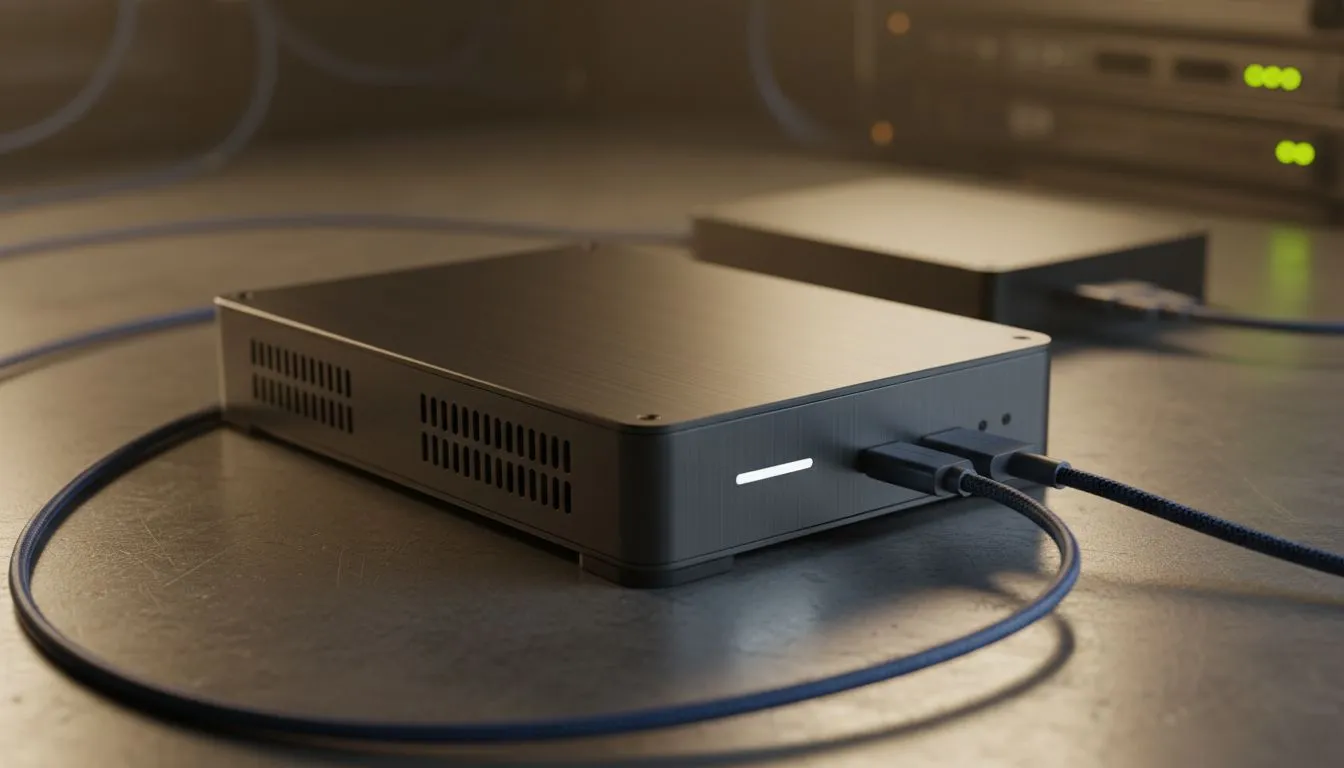
Not everyone wants to open their PC case to add storage. A high-quality external SSD is often the best solution for quick backups between devices. When browsing, make sure to filter specifically for the External form factor to ensure you get a rugged, portable unit. 🔧
These external units are particularly useful for console gamers. They allow you to move large libraries without waiting hours for the transfer bar to crawl across the screen. Just ensure your USB port supports the same speed as the drive to avoid unnecessary bottlenecks. 🚀
Ready to Find Your Perfect Match? Don't let slow transfer rates hold you back from securing your data. For the best performance and value in South Africa, upgrading your storage is the smartest move. Explore our massive range of SSD specials and find the perfect drive to keep your workflow moving fast.











