

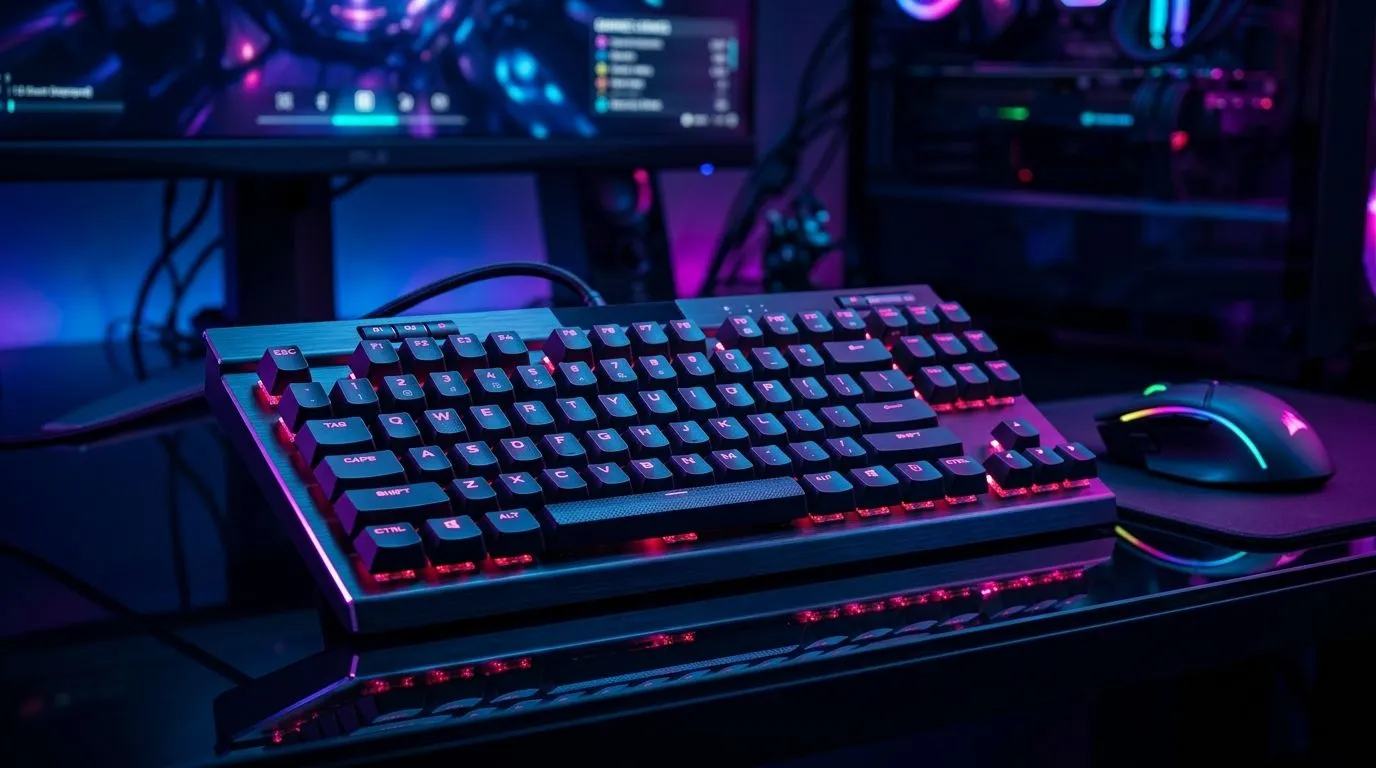
Tenkeyless Mechanical Keyboard Setup for Faster Mouse Movement: Why It Feels Better in SA
Ever noticed how your aim feels steadier after a desk tidy? A tenkeyless (TKL) mechanical keyboard can be the difference between “close enough” and clean tracking. In South Africa, where we all switch between ranked sessions and school or work… space matters. ⚡ With no numpad, your mouse has a little more room, and your arm doesn’t have to reach as far. That translates to smoother flicks and less micro‑movement fatigue.
Tenkeyless Mechanical Keyboard Setup for Faster Mouse Movement: The Setup That Matters
Let’s get practical. The goal is simple: reduce shoulder strain, keep your wrist neutral, and give your mouse more consistent movement across the same physical path.
Position your keyboard to improve control 🎯
Start by centring your body to the keyboard, then nudge the keyboard slightly left (for right-handed players) so your mouse sits in your natural arm line. If you use a low-dpi-to-high-sense hybrid, you’ll still benefit because your movement path is more repeatable.
A solid baseline:
- Keyboard height: set it so your wrists aren’t angled up.
- Desk distance: bring the keyboard closer by a few centimetres to shorten reaches.
- Mouse pad: extend it forward so your aim doesn’t “run out” mid‑fight.
Adjust your DPI and in-game sensitivity (then lock it) ⚙️
A TKL keyboard won’t “fix” bad settings, but it helps you benefit from them. Change DPI and sensitivity, test for an hour, then stop fiddling. You’re training consistency.
If you’re unsure what keyboard models fit your budget, Evetech makes it easy to compare options in one place.
Tenkeyless Mechanical Keyboard Setup for Faster Mouse Movement: Choose the Right Keyboard Deal and Layout
Most TKL buyers in SA pick between wired and wireless based on latency preferences and desk habits. Wired is simple and consistent; wireless is great if you value cable-free clean setups. Either way, the TKL form stays the same.
If you’re browsing for an upgrade, start here:
- Best gaming keyboard deals from Evetech: shop gaming keyboard deals
- Want budget-friendly options? buy the cheapest gaming keyboard in South Africa
- Prefer pairing ideas? buy a keyboard and mouse combo
- Specifically look at wired TKL options: cheapest gaming keyboard (Wired)
- Or explore wireless models: cheapest gaming keyboard (Wireless)
What to look for in a TKL for aim consistency 🔧
- Key travel and switch feel: you want predictable actuation, not mystery.
- Stabiliser rattle: especially on larger keys used for movement or utility.
- Programming software (if available): remap keys so your fingers stop “hunting”.
Productivity Pro Tip ⚡
If you’re using an ultrawide monitor for gaming plus Discord, map your most-used windows to hotkey layouts and keep your aim practice sessions distraction-free. On many systems, you can use OS window snapping plus in-game fullscreen settings to prevent accidental alt-tabbing mid-match.
Tenkeyless Mechanical Keyboard Setup for Faster Mouse Movement: Quick Micro-Training Plan (20 Minutes)
Try this micro-routine for two weeks:
- Warm-up strafes: 5 minutes, focus on smooth left-right movement.
- Center aim discipline: 10 minutes, keep crosshair near the target body.
- Flick then recover: 5 minutes, flick to head level, then return to stable tracking.
You’ll notice the TKL layout helps most during recovery. Less reach means less “over-correction” after a big move.
Tenkeyless Mechanical Keyboard Setup for Faster Mouse Movement: Ready to Buy (and Set It Up Right)
Don’t overthink it. Pick the layout that lets you keep your mouse movement natural, then commit to one sensitivity profile. If you’re in SA and trying to maximise performance without blowing your budget, a TKL upgrade is one of the most practical changes you can make.
Ready to Find Your Perfect Match? The Mac vs Windows debate is complex, but for maximum power, choice, and value in South Africa, Windows is hard to beat. Explore our massive range of laptop specials and find the perfect machine to conquer your world.











