

import React from "react";
Tri-Mode Wireless Gaming Controller: Wired vs Wireless Comparison (Wired vs Wireless, but smarter) 🎮
If you’re gaming on a budget in South Africa, “wireless” doesn’t always mean “better”. Sometimes it means extra lag, extra hassle, and an annoying battery check before ranked. Other times it’s freedom to move… and smoother setup for console couch sessions.
So let’s cut through the noise with a practical Tri-Mode Wireless Gaming Controller: Wired vs Wireless Comparison you can actually use. We’ll look at performance, feel, and real-world trade-offs like charging, stability, and what matters most in shooters and racing games. 🚀
Tri-Mode Wireless Gaming Controller: Wired vs Wireless Comparison (What tri-mode really changes) 🔧
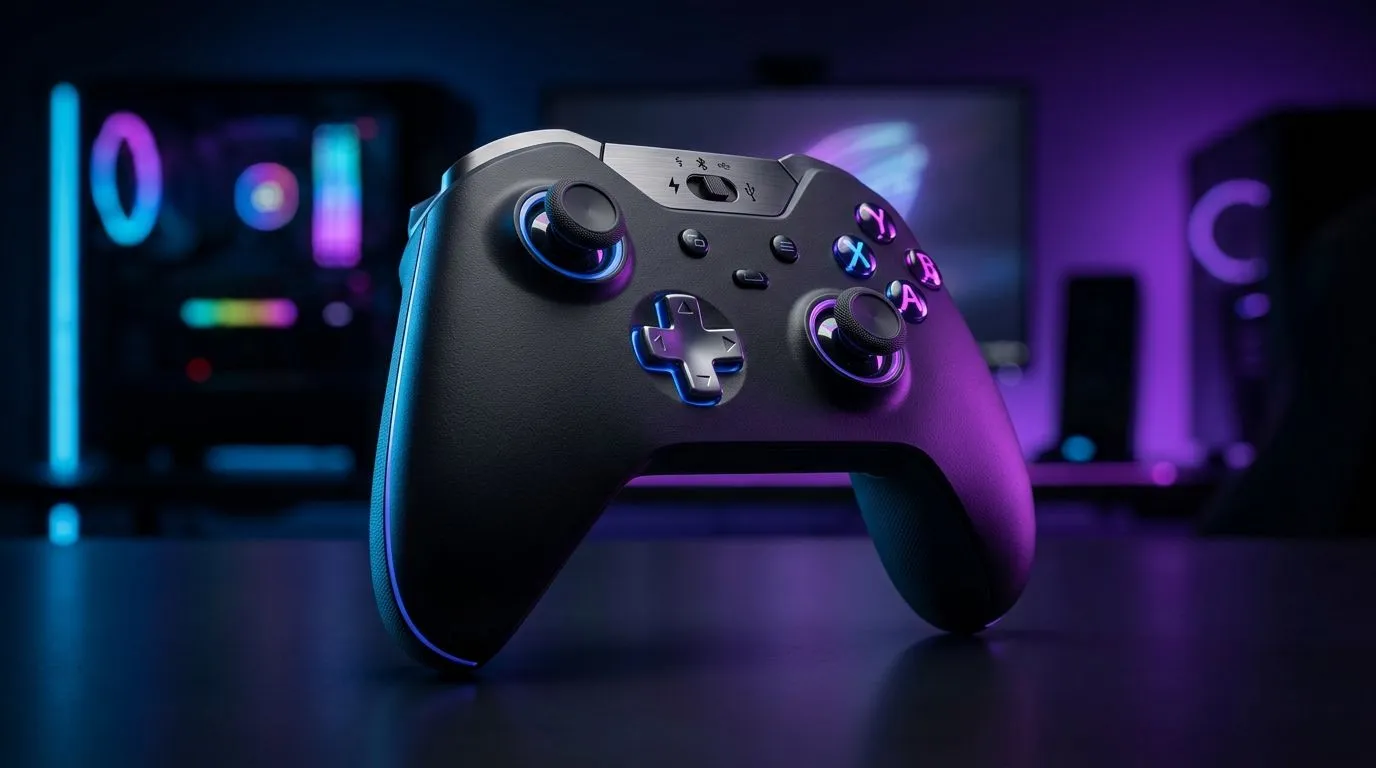
A tri-mode controller typically supports:
- Wired (USB for maximum stability)
- Wireless via 2.4GHz (low-latency dongle connection)
- Wireless via Bluetooth (convenient, but usually higher latency)
In practice, tri-mode lets you choose the right connection for the moment. Wired is the most consistent. 2.4GHz is often close to wired for latency-sensitive play. Bluetooth is convenient for switching devices, but it can cost responsiveness.
If you’re comparing options on Evetech, it helps to shop with your use-case first: competitive PC play, casual couch co-op, or device switching between PC and console.
Quick Buy Checklist ⚡
“Before you pay, decide which connection you’ll use most: wired for tournaments, 2.4GHz for low-latency PC sessions, or Bluetooth for convenience. Then choose a controller that supports that mode and is available in your preferred brand lineup on Evetech.”
Tri-Mode Wireless Gaming Controller: Wired vs Wireless Comparison (Latency and consistency) ⚡
Latency is where wired usually wins. With a cable, you remove radio interference and pairing delays from the equation. That can matter in:
- FPS flick shots
- rhythm timing
- high-speed racing inputs
2.4GHz dongles usually perform better than Bluetooth because they’re designed for fast, stable input. The trade-off is you need the dongle and you’re typically tied to the one host device.
Bluetooth can feel fine for story games and casual sessions, but for competitive play it may introduce slight delay and variation, especially with crowded Wi-Fi or other nearby devices.
Local reality: South African home networks
Load shedding, unstable power, and crowded areas can lead to weird device behaviour. Wireless quality depends on the environment. Wired sessions don’t care about your router… and that’s why many players keep a cable plugged in for “serious grind” nights.
Tri-Mode Wireless Gaming Controller: Wired vs Wireless Comparison (Battery and convenience) ✨
Wireless is amazing until the battery hits 3% mid-match. Wired removes battery anxiety completely, but your movement is limited.
Here’s the practical trade:
- Wired: best consistency, no charging interruptions, but desk-bound
- 2.4GHz: best balance for most PC gamers, still needs occasional charging
- Bluetooth: easiest switching, but more compromises for latency
If you’re planning to play late and don’t want to think about charging, check the controller’s charging setup and typical usage time. Also consider whether you can charge while playing.
Tri-Mode Wireless Gaming Controller: Wired vs Wireless Comparison (Which is best for you?) 🎮
Let’s keep it simple.
Choose wired if…
- You’re climbing in ranked and want maximum consistency
- You notice “feels off” moments on wireless
- You play long sessions and hate battery management
Choose 2.4GHz if…
- You want low-latency wireless on PC
- You like a clean setup (dongle near your USB ports)
- You switch between competitive and casual without changing devices
Choose Bluetooth if…
- You mainly play couch co-op
- You frequently switch devices
- You don’t care about sub-millisecond differences
If you’re unsure where to start, browse Evetech’s gaming controller range and compare what’s available for your platforms here:
- Explore controller options: buy gaming controllers at Evetech
- Prefer specific brand availability? See Raze controllers here
For a concrete example of a tournament-focused wired feel and competitive intent, you can also check this model listing: Razer Wolverine V3 Tournament Edition 8K at Evetech
Tri-Mode Wireless Gaming Controller: Wired vs Wireless Comparison (Pro setup tips) 🔧
A great controller won’t save a bad setup. Try these:
- Use the right port: For wired, avoid low-power USB hubs.
- Place the dongle close: For 2.4GHz, keep it within a short distance of your play area.
- Reduce Bluetooth clutter: Disconnect unused devices before you start.
- Update firmware: If the controller has a companion app, update before league night.
- Test your “feel”: Spend 10 minutes in your main game and decide based on your hands, not marketing.
If you’re shopping in ZAR and want options that fit your budget, pick a controller first, then decide whether wired or tri-mode wireless suits your style.
Ready to Find Your Perfect Match? The Mac vs Windows debate is complex, but for maximum power, choice, and value in South Africa, Windows is hard to beat. Explore our massive range of laptop specials and find the perfect machine to conquer your world.











