

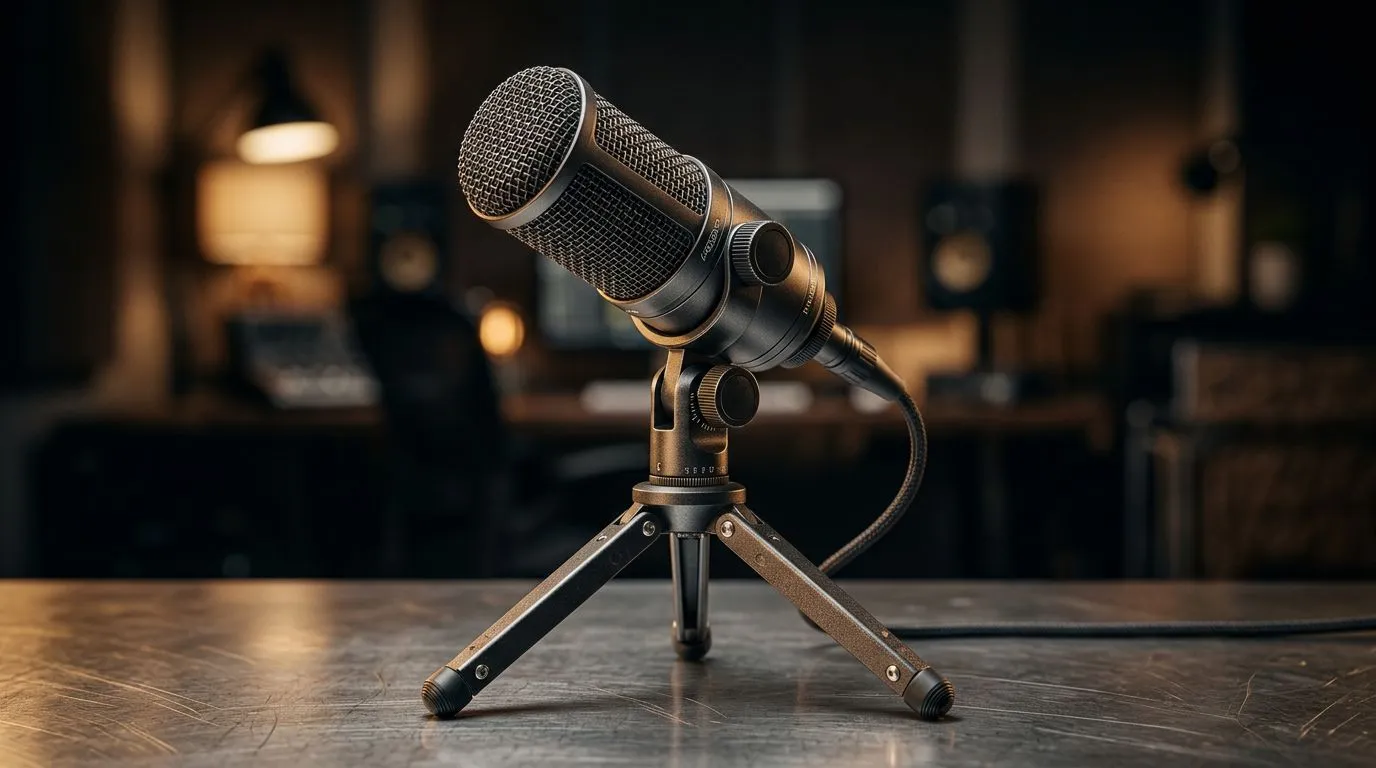
Why tripod mic placement matters for South African streams 🔧✨
If you’re streaming from Cape Town, Durban or Johannesburg, a cramped desk and poor mic placement will turn chat off faster than lag. Get the basics right and your voice cuts through — clear, warm, and free of plosives. This short guide gives practical tripod mic positioning advice for gamers and content creators who want consistent, studio-like clarity without breaking the bank.
Tripod microphone positioning basics and quick wins
Start by treating the microphone like a tiny instrument… it needs space to breathe. Position your mic on the tripod so the capsule sits 15–30 cm from your mouth, slightly off-axis to reduce plosives. If you use a cardioid mic, angle the back of the capsule toward noisy sources (PC fans, street noise). Test different heights: voice can sound thin if the mic sits too low.
For easy kit upgrades, check streaming essentials and mounts available at Evetech — a simple boom or weighted tripod can stabilise your setup and reduce desk rumble: https://www.evetech.co.za/PC-Components/buy-streaming-essentials-369.aspx
Micro‑story: quick A/B test that changed my stream
I moved a condenser on a cheap tripod from directly in front of my mouth to 20 cm off-centre and shaved off a harsh “s” in seconds. Viewers noticed the warmth immediately and engagement ticked up.
Mic Positioning Pro Tip 🔧
Place a small foam windscreen and angle the mic slightly downwards. Record a 30-second clip, move the tripod 5 cm further, and compare. Small shifts often fix big problems.
Advanced tripod microphone positioning and room tricks
Once distance is dialled in, lock in the angle and isolate vibrations. Use a shock mount and a pop filter if you can. If you want brand-specific solutions, Corsair accessories pair well with many streaming mics: https://www.evetech.co.za/PC-Components/buy-streaming-essentials-369.aspx?brands=CORSAIR
Lighting and desk layout affect perception too. A tidy, well-lit face improves perceived audio quality — match your mic’s presence with good on-camera visuals using Cololight lighting kits for ambience: https://www.evetech.co.za/PC-Components/buy-streaming-essentials-369.aspx?brands=Cololight
Pair your mic placement with a decent webcam so audio and video feel coherent. Browse compatible webcams and pick a mount that keeps the camera and mic aligned: https://www.evetech.co.za/PC-Components/buy-webcams-145.aspx
Final checks before you stream
Say the same phrase at your target volume and listen with headphones. Lower the mic if sibilance appears; raise it if the voice is boxy. Keep gain as low as possible while maintaining a clear signal. Remember the golden rule: consistent placement equals consistent quality.
Ready to Find Your Perfect Match? The Mac vs Windows debate is complex, but for maximum power, choice, and value in South Africa, Windows is hard to beat. Explore our massive range of laptop specials and find the perfect machine to conquer your world.








