


When your livelihood depends on pixels and timelines, every second counts. Meet Lerato, a freelance video editor in Durban. She had a powerhouse editing rig, but her workflow was constantly being sabotaged by… cables. Unreliable display signals were causing colour shifts on her grading monitor, and transferring 4K footage felt like watching paint dry. It was a classic case of having a supercar stuck in first gear, and it was costing her time and money. ⚡
The Challenge: Breaking the Data Bottleneck
Lerato’s work requires both speed and absolute visual fidelity. Her generic, out-of-the-box cables were failing on both fronts. Her main 4K colour-grading monitor would flicker, and file transfers from her camera cards and project drives were taking up a huge chunk of her day. She needed an end-to-end connection overhaul that could handle huge files and deliver a rock-solid, colour-accurate video signal without compromise.
The Solution & Implementation
Our Recommended Gear
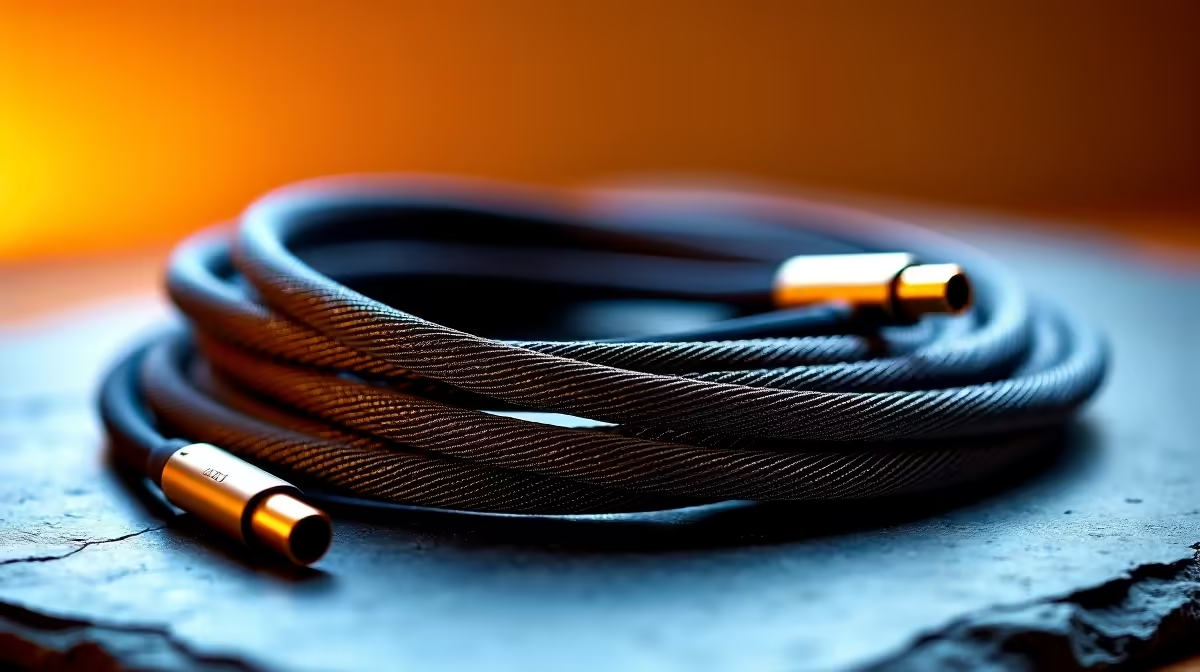
Lerato decided to stop compromising and invest in a suite of ultimate cables to match her professional hardware. The flickering was solved with a certified, high-bandwidth DisplayPort cable from the premium GIZZU range, ensuring a stable, artifact-free signal to her monitor. To decimate her transfer times and declutter her desk, she invested in a powerful Thunderbolt 4 docking station from the top-tier Promate collection. She also replaced her secondary monitor’s connection with a reliable cable from the professional HP line-up for consistency. Her entire strategy was built around choosing from a selection of the best-in-class cables over R400, ensuring every link in the chain was rock-solid.
Implementation Steps
- System Takedown: Lerato powered down her entire editing suite, including her PC, monitors, and external drives.
- Cable Purge: She removed every old video and data cable from her setup.
- Connect with Confidence: She installed the new GIZZU DisplayPort cable, connected the Promate dock to her PC’s Thunderbolt port, and hooked up the HP cable to her second screen.
- Clean Routing: All peripherals and drives were then plugged into the dock, and she neatly routed the new, thicker cables behind her desk.
Lerato's Pro Tweak
To easily identify her connections, Lerato used small, coloured Velcro ties on each end of her new cables—blue for DisplayPort, black for the Thunderbolt dock, and grey for her secondary monitor. It’s a simple trick that saves time when troubleshooting or reconfiguring her setup.
The Results: A Streamlined & Faster Workflow
By overhauling her connections, Lerato removed the hidden bottlenecks in her system. The investment paid for itself within weeks through increased productivity and the elimination of frustrating technical hiccups. 🚀
| Metric | Before | After |
|---|---|---|
| Video Signal | Intermittent flickering/colour shifts | 100% stable, colour-accurate signal |
| 50GB File Transfer | 15+ minutes | Under 3 minutes |
| Desk Clutter | High (tangle of 6+ cables) | Minimalist (2 main cables visible) |
| Workflow Friction | Daily troubleshooting required | Seamless plug-and-play operation |
“I honestly thought ‘a cable is just a cable.’ I was wrong. The upgrade was night and day. I’m no longer second-guessing my monitor’s colour accuracy, and the time I’m saving on data transfers alone is letting me take on more client work. This wasn’t an expense; it was an investment in my business.” – Lerato M.
Stop Compromising on Connections Your high-performance hardware is only as good as the cables connecting it. Eliminate bottlenecks and unlock the full potential of your rig with our ultimate cable solutions. Shop our premium Promate range and experience the difference that quality makes.











