


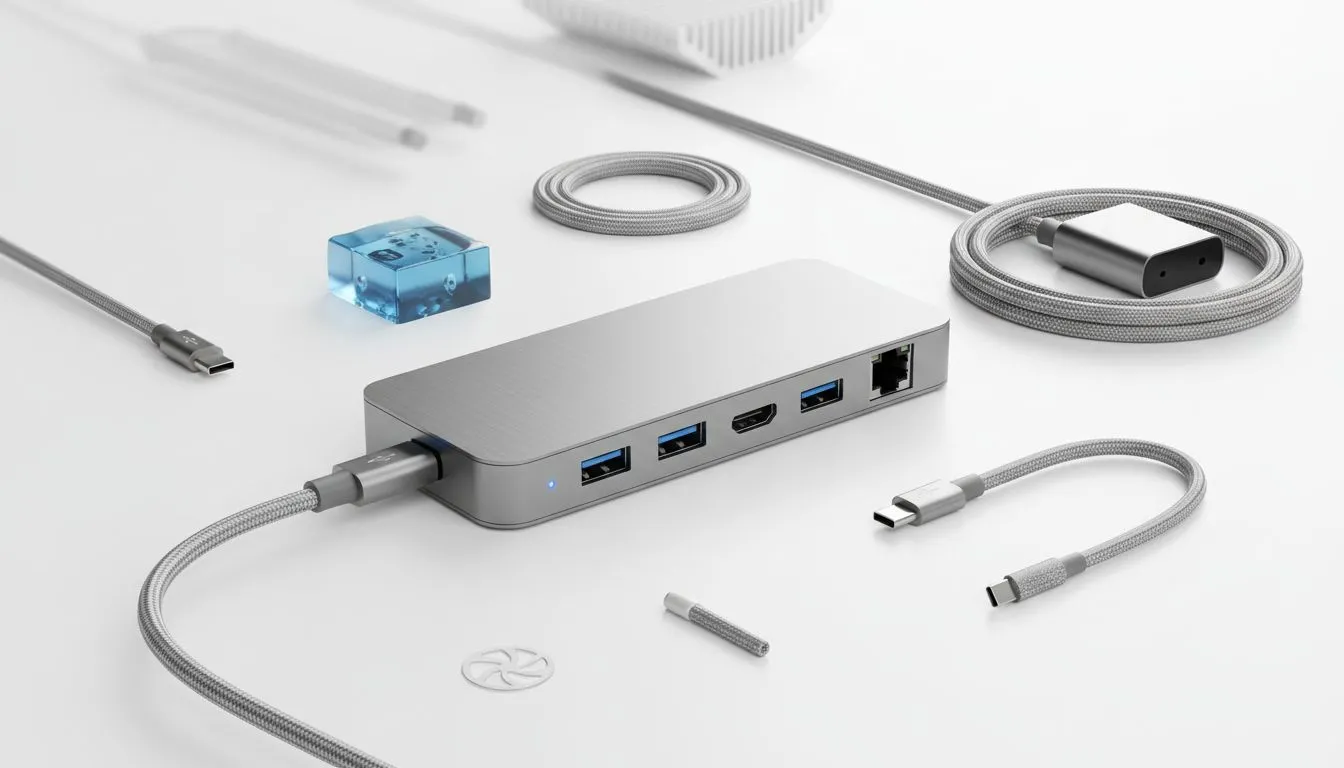
Understanding the Frustration: Why Your USB-C Hub Disconnects
You're in the zone, whether it's conquering virtual worlds or crushing a deadline, and then it happens: your external monitor flickers, your mouse freezes, or your external drive vanishes. That dreaded moment when your USB-C hub disconnects isn't just a minor inconvenience; it's a productivity killer and a serious buzzkill for any South African tech user relying on seamless connectivity. You've invested in a powerful setup, and a flaky hub shouldn't be the weakest link. Let's dive into the common culprits behind these frustrating drops and equip you with the knowledge to stabilise your connection.
Power Play: Insufficient Juice for Your Gear ⚡
One of the most frequent reasons for a USB-C hub dropping connection is simply a lack of power. Modern USB-C hubs aren't just data conduits; they often power multiple hungry devices, charge your laptop, and drive external displays. If the power supply to your hub (or the hub itself) can't meet the collective demands of all connected peripherals, things start to go offline. Think about it: your laptop, an external SSD, a keyboard, a mouse, and perhaps even a high-refresh-rate monitor are all drawing power. If the hub's power delivery (PD) rating is too low, or if you're using a low-wattage charger, those intermittent USB-C hub disconnects become inevitable.
Many users overlook the importance of an adequately powered hub. Especially in South Africa, where stable power can sometimes be a luxury, ensuring your hub has its own robust power input or that your laptop's charger provides sufficient passthrough power is critical. Look for hubs with dedicated power input ports and check their PD capabilities. Sometimes, upgrading to an active docking station with its own power brick can solve a multitude of problems, providing a stable backbone for all your devices. For robust solutions that handle the demands of multiple peripherals, explore our wide range of USB-C docking stations.
Cable Chaos: The Weakest Link in Your Setup
It might seem obvious, but the cable connecting your device to the USB-C hub is often the unsung hero—or the silent saboteur. Cheap, damaged, or incorrect cables are a prime suspect for USB-C hub disconnects. Not all USB-C cables are created equal. Some are designed purely for charging, others for data transfer, and only a select few (like Thunderbolt 3/4 or USB4 cables) can handle high-speed data, video output, and power delivery simultaneously.
If your cable is too long, poorly shielded, or physically damaged (even a tiny kink can cause issues), it can lead to signal degradation and intermittent connection drops. Always opt for high-quality, certified USB-C cables from reputable brands. Ensure the cable supports the full capabilities of your hub and connected devices. A cable rated for 100W Power Delivery and high-speed data transfer will make a world of difference compared to a generic charge-only cable. When reliability is key, investing in quality pays off. Consider brands known for their robust build quality; you can find reliable Promate USB-C hubs and accessories that often come with excellent cables.
Heatwave Havoc: Overheating and Performance Drops 🔥
South Africa can get hot, and so can your tech! USB-C hubs, especially those packed with numerous ports and handling high data transfer rates or video output, can generate significant heat. When a hub overheats, its internal components can become unstable, leading to throttling, performance issues, and ultimately, your USB-C hub disconnects randomly.
If your hub feels unusually hot to the touch, it's a clear sign. Poor ventilation, heavy workloads, or even just being placed in a confined space can exacerbate this. Try to ensure your hub has adequate airflow around it. If you're consistently pushing your hub to its limits with multiple 4K monitors, external GPUs, or charging a power-hungry laptop, consider a hub with better thermal management, perhaps one made of aluminium which dissipates heat more effectively, or even an active cooling solution. Even in the more budget-friendly segment, you can find options that balance cost with decent performance; check out our range of affordable USB-C docking stations under R1000.
Optimising for Cooling ✨
If your USB-C hub is prone to overheating, try elevating it slightly off your desk using a small stand or even just a couple of bottle caps. This simple trick can dramatically improve airflow underneath and around the device, helping to dissipate heat more efficiently and potentially prevent those frustrating drops.
Software & Driver Drama: The Digital Side of Disconnects
Sometimes, the problem isn't hardware but the software running your system. Outdated drivers for your laptop's USB-C port, the hub's firmware, or even your operating system itself can cause compatibility issues that manifest as USB-C hub disconnects. Manufacturers constantly release updates to improve stability and fix bugs.
Make sure your laptop's drivers (especially for Thunderbolt/USB-C controllers) are up to date. Check the hub manufacturer's website for any firmware updates. A quick trip to Windows Update or macOS System Settings can often resolve these underlying digital gremlins. If you've recently updated your OS, sometimes a rollback or a fresh driver install might be necessary.
Choosing Wisely: Preventing Future USB-C Hub Disconnects 🔧
The best way to stop future USB-C hub drops is to choose the right hardware from the start. Consider your needs:
- Power Delivery (PD): Does it offer enough wattage to charge your laptop while powering other devices?
- Port Selection: Do you need HDMI, DisplayPort, Ethernet, multiple USB-A, or an SD card reader?
- Data Speeds: Do you require high-speed transfers for external SSDs (USB 3.2 Gen 2, Thunderbolt 3/4)?
- Brand Reputation: Stick to reputable brands known for quality and reliability.
Investing in a slightly more premium hub might seem like an extra expense upfront, but it pays dividends in stability and peace of mind. A reliable hub ensures your workflow remains uninterrupted, your gaming sessions are smooth, and your creative projects stay on track. For those seeking a balance of performance and value, exploring premium docking stations up to R2000 can open up a world of stable, high-performance connectivity.
Conclusion
Dealing with USB-C hub disconnects is incredibly frustrating, but by systematically troubleshooting power, cables, heat, and software, you can pinpoint and resolve most issues. A stable, reliable USB-C hub isn't just a convenience; it's an essential component for a productive and enjoyable tech experience. Don't let a flaky connection hold you back—empower your setup with the right knowledge and hardware.
Ready to Upgrade Your Connection? Tired of frustrating disconnects? It's time to invest in a reliable USB-C hub or docking station that keeps your workflow smooth and your gaming uninterrupted. Explore our comprehensive range of docking stations and hubs at Evetech and find the perfect solution for your setup today!











