

RTX 5050 Avowed FPS: Performance Benchmark & Best Settings
RTX 5050 Avowed FPS: Performance Benchmark. Real-world benchmark data, FPS numbers & performance analysis. What SA gamers can actually expect.
Read moreConsidering a VR gaming PC upgrade in South Africa? Discover which components deliver the biggest performance boost, from GPUs to CPUs. We'll guide you through benchmarks, settings, and what to expect for a smoother, more immersive virtual reality experience. 🚀 Get ready to play!
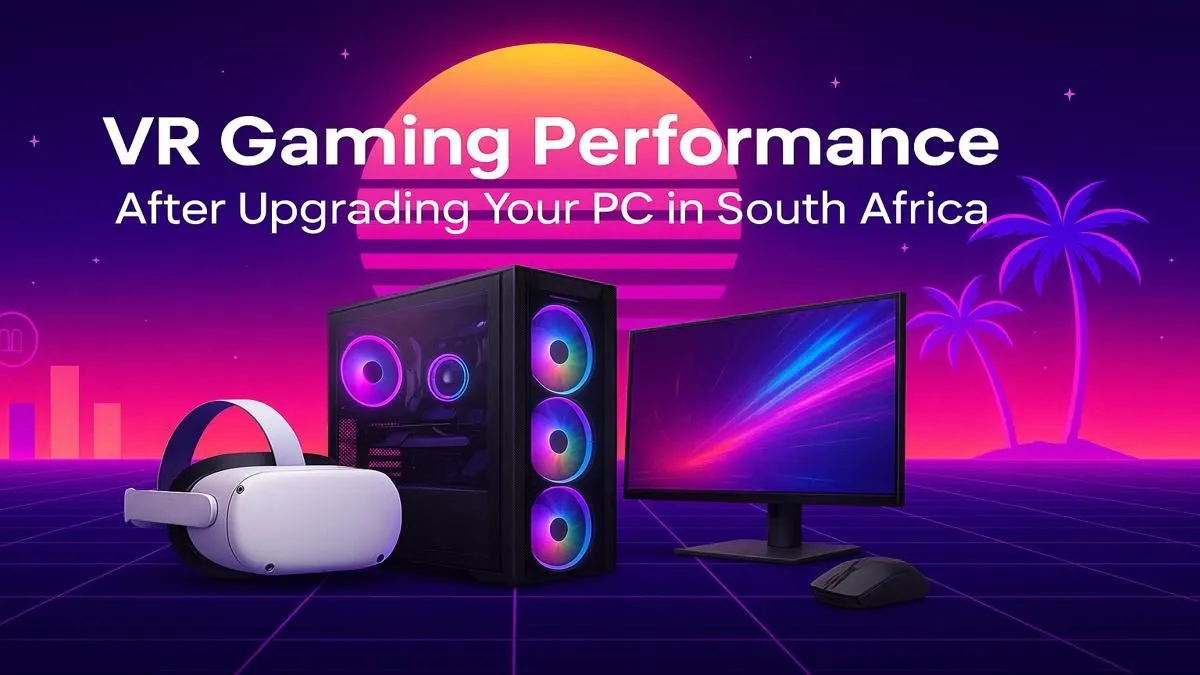
So, you’ve dived into the incredible world of virtual reality, but something feels… off. Is that stutter in Half-Life: Alyx or the blurry visuals ruining your immersion? That’s your PC begging for a boost. For gamers in Mzansi, getting that silky-smooth VR experience requires a smart approach. This guide covers everything you need to know for a successful VR gaming PC upgrade in South Africa, ensuring your rig is ready for any virtual world.
Virtual reality isn't like traditional flatscreen gaming. It's far more demanding. Your PC has to render two separate high-resolution images—one for each eye—at a rock-solid 90 frames per second or higher. Anything less, and you get that uncomfortable lag that leads to motion sickness.
The most common bottlenecks for a smooth VR experience are your Graphics Card (GPU), your Processor (CPU), and occasionally, your RAM. A balanced system is key to avoiding frustrating performance drops right when the action gets intense.
When planning your VR gaming PC upgrade, focus on the components that deliver the biggest performance leap. It’s about working smarter, not just spending more rands. Here’s where to direct your budget for the best results.
Your GPU does almost all the heavy lifting in VR. It's the single most important component for high-fidelity virtual reality. For a good entry-level experience in games like Beat Saber or VRChat, an NVIDIA GeForce RTX 3060 or 4060 is a solid starting point.
However, to truly crank up the settings in graphically intense titles and guarantee a smooth future-proof experience, you should aim higher. Cards like the RTX 4070 SUPER or AMD's RX 7800 XT offer a brilliant balance of price and power, making them a top choice for a South African VR PC upgrade.
While the GPU renders the world, the CPU handles game logic, physics, and tracking data. A weak processor will bottleneck even the most powerful graphics card, leading to inconsistent frame rates. You don't need the absolute best, but a modern CPU with strong single-core performance is crucial. Exploring the latest CPU processors will show you options that can easily keep up with the demands of modern VR headsets. 🚀
Before buying a beastly new GPU, check your Power Supply Unit (PSU). Does it have enough wattage and the correct PCIe power connectors? Also, confirm the new card will physically fit in your case! Measure the space from your PC's I O bracket to the front drive cages. Nothing's worse than an upgrade part that you can't install.
A full rebuild isn't always necessary. Sometimes, a strategic component swap is all you need. However, if your motherboard and CPU are several generations old, a platform upgrade offers the best value for money. This is where barebone kits shine.
An upgrade bundle is a fantastic way to get a new motherboard, CPU, and RAM combo without the compatibility headaches. For Team Blue fans, modern Intel barebone kits provide a powerful foundation for a high-performance VR rig. They are optimised to work together straight out of the box.
Alternatively, if you're looking for excellent multi-core performance and value, the latest AMD barebone kits featuring Ryzen processors are an incredible choice for a gaming and productivity machine that can handle any VR challenge you throw at it. ✨
Ready to Build Your Ultimate VR Rig? A stutter-free virtual world is within your grasp. A strategic VR gaming PC upgrade can transform your experience from frustrating to breathtaking. Explore our range of VR-Ready Gaming PCs and find the perfect machine to dive into new realities.
The Graphics Processing Unit (GPU) is the single most critical component. A powerful GPU upgrade for VR gaming ensures higher frame rates and resolutions, reducing motion sickness.
While 16GB of RAM is the recommended minimum for a good experience, upgrading to 32GB can provide a smoother performance, especially in more demanding VR titles and for multitasking.
Yes, a CPU for VR gaming performance is crucial. It handles physics, tracking, and game logic. Upgrading prevents bottlenecks, especially in simulation-heavy VR games.
An SSD significantly reduces loading times for VR games and environments. While not a direct frame rate boost, it dramatically improves the overall user experience.
You can use tools like the SteamVR Performance Test or check the specific requirements for your VR headset against your current PC components to identify potential bottlenecks.
Generally, you'll want at least an NVIDIA GeForce RTX 3060 or AMD Radeon RX 6600 XT, an Intel Core i5-12400 or AMD Ryzen 5 5600X, and 16GB of RAM for a solid experience.
RTX 5050 Avowed FPS: Performance Benchmark. Real-world benchmark data, FPS numbers & performance analysis. What SA gamers can actually expect.
Read more
RTX 5050 Fable at 1440p: FPS Benchmark & Optimal. Real-world benchmark data, FPS numbers & performance analysis. What SA gamers can actually expect.
Read more
RX 7600 Black Myth Wukong 2 at 1080p: FPS. Real-world benchmark data, FPS numbers & performance analysis. What SA gamers can actually expect.
Read more
Head-to-head comparison of RTX 5060 vs RX 9070: Ray Tracing Performance for SA gamers. Performance benchmarks, Rand pricing & which delivers better value.
Read more
Head-to-head comparison of RX 7800 XT Mining vs Gaming: Does It Affect for SA gamers. Performance benchmarks, Rand pricing & which delivers better value.
Read more
RTX 4060 Ti Hogwarts Legacy FPS: Performance. Real-world benchmark data, FPS numbers & performance analysis. What SA gamers can actually expect.
Read more
Top Valorant Settings for RTX 5070: FPS Optimisation picks evaluated on performance, value & SA availability with current Rand pricing from Evetech.

RDNA 3.5 Graphics in Ryzen AI 400? Can You Game. Plain-English explanation of what it means, why it matters & how it affects your buying decisions in SA.

GPU Price Index : December Report. Current stock data & price tracking for SA buyers. See what is available and where prices are heading.

RX 9070 XT Elden Ring Nightreign at 4K: FPS. Real-world benchmark data, FPS numbers & performance analysis. What SA gamers can actually expect.

Core i5-14600K + B760 + RTX 5060 Build Under. Full parts list, Rand pricing & expected performance. Build confidently with SA-available components.

RX 7600 Apex Legends at 4K: FPS Benchmark. Real-world benchmark data, FPS numbers & performance analysis. What SA gamers can actually expect.

RX 7900 XTX GTA 6 at 4K: FPS Benchmark & Optimal. Real-world benchmark data, FPS numbers & performance analysis. What SA gamers can actually expect.

Head-to-head comparison of RTX 5070 vs RX 9070 XT: Gaming Performance for SA gamers. Performance benchmarks, Rand pricing & which delivers better value.

Top Laptop with Ryzen 5 + RTX 4090 Laptop: Picks picks evaluated on performance, value & SA availability with current Rand pricing from Evetech.

Top Budget GPU for Marvel Rivals picks evaluated on performance, value & SA availability with current Rand pricing from Evetech.

Valorant Settings on RTX 5070: Performance. Real-world benchmark data, FPS numbers & performance analysis. What SA gamers can actually expect.

Top Budget GPU for Assassins Creed Shadows picks evaluated on performance, value & SA availability with current Rand pricing from Evetech.