

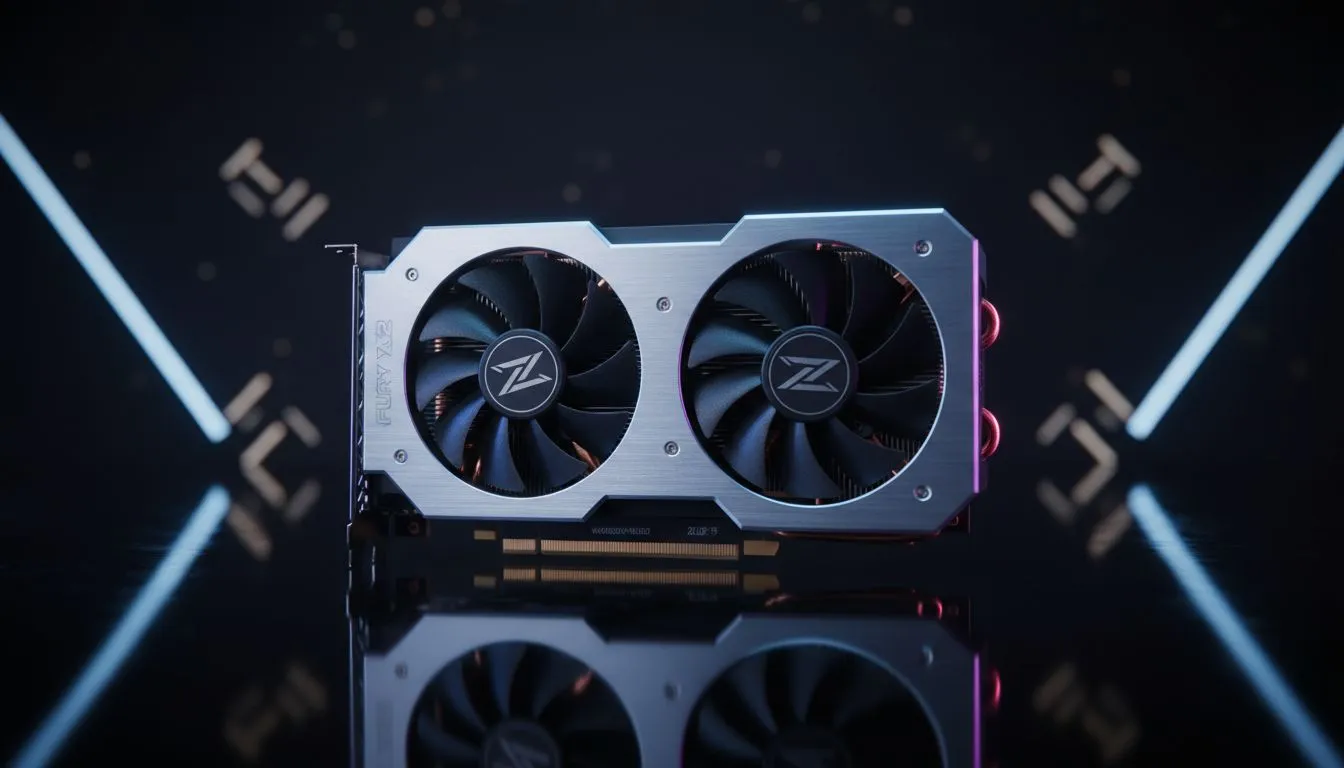
Master Warzone Low-End Optimization for Maximum Frames
Dropping into Al Mazrah or Ashika Island only to have your frames drop harder than a load-shedding schedule? We've all been there. Warzone is notorious for eating resources, leaving budget PC users in South Africa struggling to maintain a steady 60 FPS. You don't need a R50,000 rig to compete... you just need the right Warzone low-end optimization to squeeze every drop of performance from your current hardware.
Tweaking In-Game Settings for Fluid Gameplay
The first step to better performance is aggressive setting management. Warzone’s "Basic" preset is often still too heavy for older machines. You want to set Texture Resolution to Low or Very Low. While this makes the game look a bit softer, it frees up vital VRAM. Turn off shadows where possible... especially "Spot Cache" and "Ambient Occlusion"... as these eat through your processing power.
If your hardware supports upscaling, use it. For those using entry-level Intel Arc graphics cards, Intel’s XeSS technology provides a massive boost without making the game look like a pixelated mess. If you are on an older machine, set your Render Resolution to 90% instead of 100%. It is a small visual sacrifice for a much smoother experience during intense gunfights. 🔧
VRAM Management ⚡
Keep an eye on the VRAM usage bar in the Warzone settings menu. If it turns red, your game will stutter regardless of your FPS. Aim to keep it at least 200MB below your maximum capacity to allow Windows to handle background tasks without crashing your match.
Windows Tweaks and Driver Updates
Software conflicts are often the silent killer of frame rates. Ensure your Windows "Game Mode" is toggled on... it prioritises your CPU cycles for the game rather than background updates. Speaking of updates, never skip your GPU drivers. Whether you are running legacy NVIDIA and ATI graphics cards or the latest gear, manufacturers frequently release "Game Ready" patches specifically for Call of Duty titles.
For those running MSI graphics cards, using utility software like Afterburner can help you monitor your thermals. High heat leads to thermal throttling, which causes those annoying micro-stutters just as you are about to secure a kill. 🚀
Knowing When to Upgrade Your Hardware
Sometimes, software optimisation can only take you so far. If you are still rocking a card from five years ago, it might be time to look at modern budget kings. AMD Radeon graphics cards are currently offering some of the best price-to-performance ratios in South Africa, especially with FSR 3.0 support which can double your perceived frame rate on budget builds.
Just be careful when shopping second-hand or looking at specialty parts. You should generally avoid workstation graphics cards for Warzone. While they have plenty of memory, their drivers are not optimised for the fast-paced latency requirements of a Battle Royale. Stick to gaming-specific hardware to ensure you aren't fighting your own PC while trying to fight the enemy. ⚡
Ready to Dominate the Lobby? Software tweaks are great, but nothing beats the raw power of a modern GPU. If you are tired of playing on "Potato Mode" and want a real competitive edge in South Africa, we have the hardware to get you there. Explore our massive range of graphics card specials and find the perfect machine to conquer your world.











