

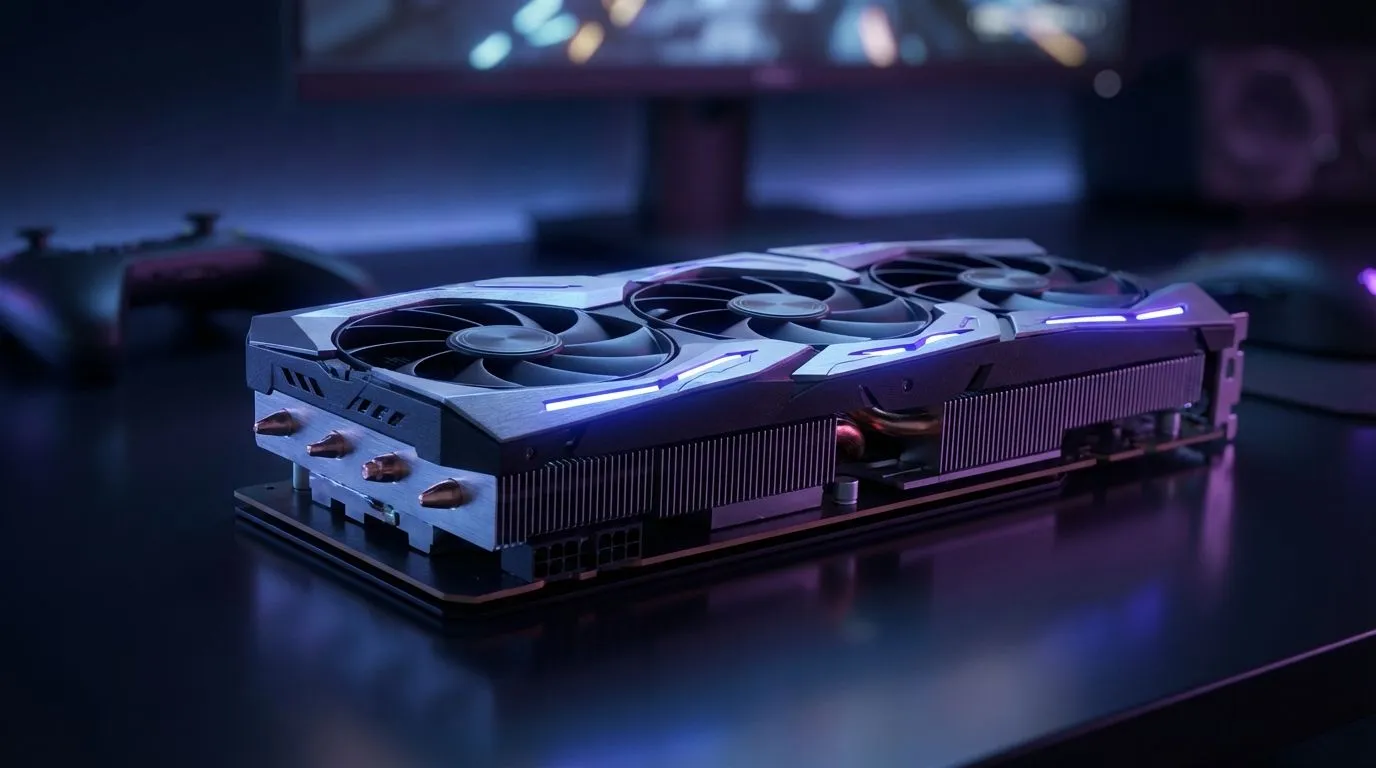
In the high-stakes lobbies of Warzone, a split-second delay or a blurry pixel can end your match. Whether you are dropping into urban sprawls or scouting the bushveld, performance is everything. Our guide to Warzone Pro Settings 2026: Max FPS & Long-Range Visibility ensures you spot enemies before they spot you. Let’s dial in your rig for peak South African competitive play. 🚀
Visual Clarity and Long-Range Visibility
To see targets across the map, you must balance resolution and anti-aliasing. Most pros stick to 1440p for that sweet spot of clarity. If your frames are dipping, upgrading to the latest NVIDIA graphics cards is often the first step to success. Turn off motion blur and film grain immediately. These settings only serve to hide your enemies in a cloud of artificial fuzz. You want every pixel to be sharp and every colour to be distinct. ✨
Maximising Frame Rates for Smooth Gameplay
High FPS reduces input lag... which is vital when playing on local servers. Many local streamers rely on MSI graphics cards for thermal reliability during hot summer afternoon sessions. Set your texture resolution to "Normal" and keep shadows on "Low" to keep the engine lean. This ensures your GPU focuses on delivering frames rather than rendering shadows you will never notice. Stable frames are better than high peaks that drop during heavy combat. ⚡
Visibility Pro Tip ⚡
Use the "Filmic SMAA T2X" anti-aliasing setting but set the strength to low. This reduces shimmering on power lines and distant fences without making the image look muddy. It is essential for spotting snipers peaking from windows in the distance.
Hardware Choice and Performance Tweaks
While certain brands dominate, the market has shifted. Some budget-conscious players find great value in Intel Arc graphics cards for dedicated encoding and solid 1080p performance. If you prefer raw power, the latest AMD Radeon graphics cards offer massive VRAM buffers for texture streaming. Even those using workstation graphics cards for 3D design can tweak their drivers to hold a steady frame rate.
In South Africa, we often face unique challenges like high latency to international servers. Having a steady frame rate helps compensate for these delays. You should also ensure your power supply is protected during load shedding cycles. You can often find entry-level options for under 5,000 ZAR that still perform admirably. Investing in a quality cooling solution will also help you optimise your system and prevent thermal throttling. 🔧
Ready to Dominate the Lobby? Achieving pro-level performance requires the right hardware to back up your skills. Whether you need raw speed or crystal-clear visuals, we have the gear to get you there. Explore our massive range of laptop specials and find the perfect machine to conquer your world.











