

There is nothing more frustrating than your ping spiking mid-clutch because of a weak WiFi signal. In South African homes, we often face a unique challenge: thick brick and mortar. Is your hardware failing you, or is your house literally blocking your victory? Let's dive into why your connection is dropping and how to fix those dead zones for good 🚀.
Solving Your Weak WiFi Signal in Thick-Walled Homes
South African architecture is famous for its durability. While double-brick walls and concrete slabs are great for security, they are absolute nightmares for radio frequencies. If you notice your speeds drop the moment you step into the next room... your walls are likely the culprit.
WiFi signals, especially the faster 5GHz band, struggle to penetrate solid objects. Every wall between you and your access point absorbs a portion of that energy. If you are living in an older home with thick internal walls, even a high-end setup can struggle. You might spend thousands of Rands on a fibre line only to get a fraction of the speed in your bedroom.
Signal Strength Pro Tip ⚡
Use a free WiFi analyser app on your smartphone to map out your home. Walk from room to room and watch the dBm levels. Anything lower than -70dBm will cause lag and buffering. This helps you identify exactly where the signal drops off before you start moving furniture or buying new gear.
When to Upgrade and Buy Wireless Routers
Sometimes the problem isn't the house; it is the "free" router your ISP gave you three years ago. These entry-level units often lack the beamforming technology required to push through obstacles. If you have more than five devices connected at once, the processor inside that basic unit might be hitting its limit.
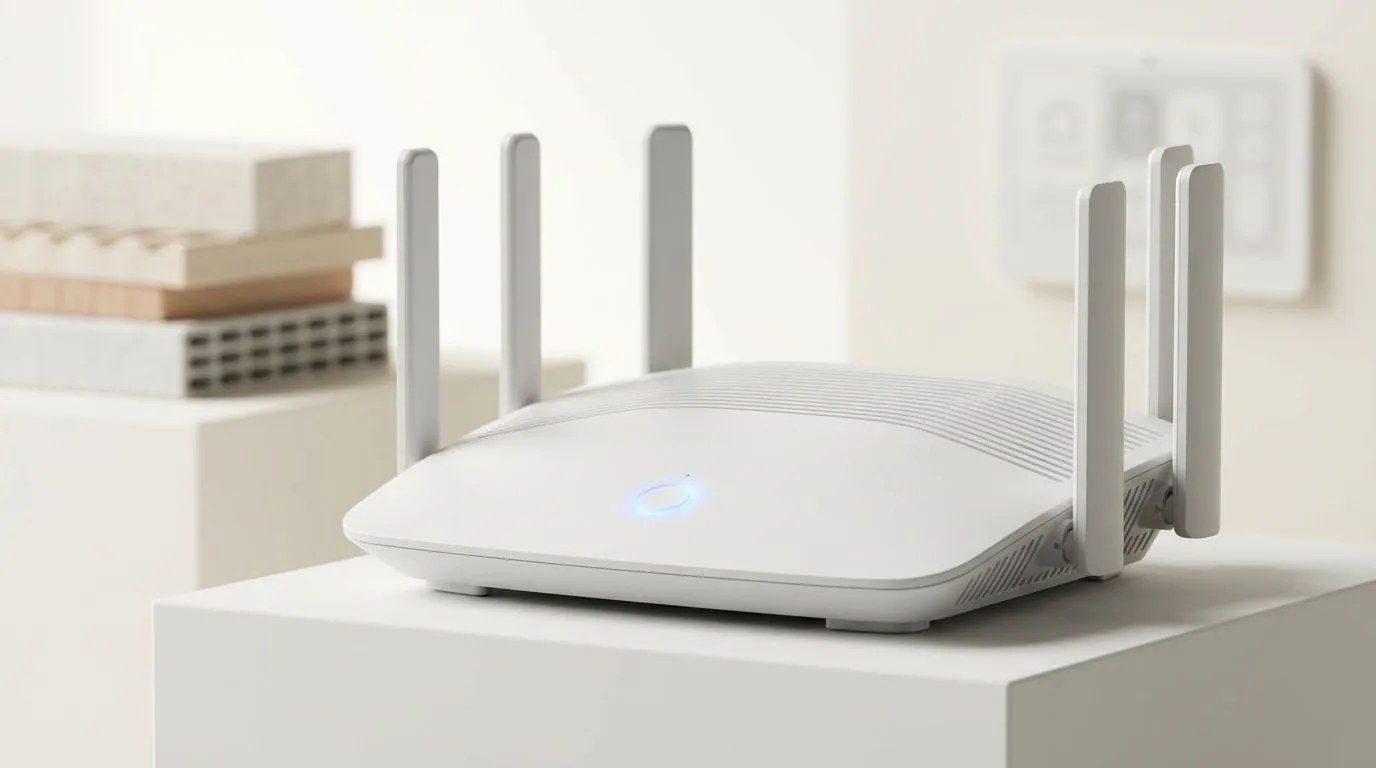
When you decide to buy wireless routers that feature WiFi 6 or Mesh capabilities, you are investing in better signal management. Modern routers use multiple antennas to "steer" the signal toward your device rather than broadcasting it in a simple circle. This can often overcome the interference caused by appliances or thick furniture 🔧.
Eliminating Dead Zones with Better Wireless Networking
If moving your router to a central location doesn't solve the issue, it is time to look at your broader wireless networking strategy. For many South Africans, a single access point simply isn't enough to cover a multi-storey home or a house with a garden cottage.
You don't always need to drill holes and run Ethernet cables through your ceiling. High-quality wireless range extenders can pick up your existing signal and rebroadcast it into those stubborn dead zones. This is a cost-effective way to ensure your Netflix stream doesn't buffer in the lounge while someone else is gaming in the study ✨.
Don't Forget Your Device's Receiver
We often blame the router, but what about the machine you are using? If your gaming PC is tucked under a heavy wooden desk, the internal antenna might be suffocating. Laptop cards can also wear out or become outdated.
Upgrading to dedicated wireless adapters with external antennas can make a massive difference. A USB or PCIe adapter with high-gain antennas allows you to position the receiver away from the metal chassis of your PC... providing a much clearer line of sight to the router. It is often the cheapest way to fix a weak WiFi signal without replacing your entire setup.
Ready to Kill the Lag for Good? Don't let thick walls or old tech stand between you and a perfect connection. Whether you need a powerhouse router or a simple signal boost, we have the gear to get you back in the game. Explore our massive range of networking specials and enjoy seamless connectivity across your entire South African home.











