

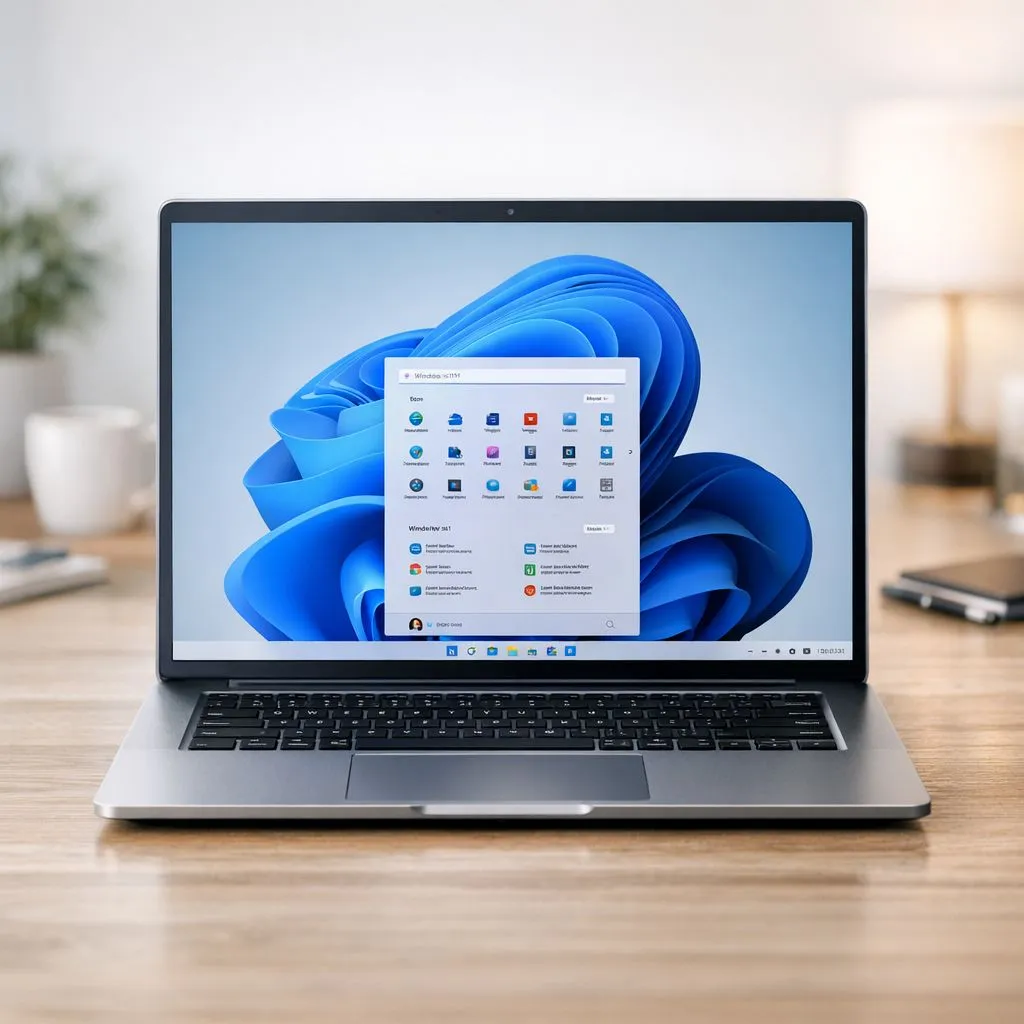
Stuck in the grind between work, varsity assignments, and that epic gaming session you’re dying to start? We get it. In South Africa, we hustle hard and play harder. What if your PC’s operating system could actually help you crush your to-do list faster? Enter the often-overlooked Windows 11 productivity features, designed to streamline your tasks and give you back precious hours. Let's dive into how you can maximise your workflow and unlock more time for what matters… like gaming. 🚀
Master Your Multitasking with Snap Layouts & Desktops
One of the most powerful upgrades for productivity in Windows 11 is the revamped window management. Forget awkwardly dragging windows to the corners of your screen.
Snap Layouts
Simply hover your mouse over the maximise button on any window, and a small grid pops up, offering several pre-defined layouts. With one click, you can snap your apps into perfect alignment. Imagine having your university research paper open next to your browser, with your Spotify playlist neatly tucked into a corner. This level of organisation is a massive boost for any workflow, and these features truly shine on the larger, high-resolution screens that many of the best gaming laptop deals now offer.
Virtual Desktops
Take it a step further with Virtual Desktops. Create separate, clean desktops for different tasks. One for work, one for study, and one purely for gaming with Discord, Steam, and your game launchers ready to go. You can even set different wallpapers for each to get you in the right headspace. It's the ultimate way to compartmentalise your digital life and maintain focus.
A Smarter Start Menu and Taskbar for Focused Work
The redesigned, centred Start Menu and Taskbar aren't just for looks; they're core to the new Windows 11 workflow. By moving icons to the middle, Microsoft reduced the eye travel needed to launch your most-used apps. The Start Menu now cleverly uses a "Recommended" section to surface files you've recently worked on, saving you from digging through folders. It's a subtle but effective time-saver, whether you're running on the latest hardware from our range of Intel laptops on special or an older machine.
Another neat addition is the Widgets panel. Get a quick glance at the weather, your calendar, or the latest news without derailing your focus by opening a full web browser. Customise it to show what you need, and keep distractions at bay. ✨
Keyboard Shortcut Pro Tip ⚡
Master your multitasking with keyboard shortcuts. Press Win + Z to instantly bring up the Snap Layouts menu for your active window. To switch between your Virtual Desktops without using your mouse, use Ctrl + Win + Left Right Arrow. It's a faster, more efficient way to navigate your setup.
Seamless Integration for Collaboration and Focus
Microsoft has baked powerful tools directly into the OS to help you connect and concentrate.
Microsoft Teams Chat
The Chat icon pinned to the taskbar is a lightweight version of Microsoft Teams, allowing you to quickly message or video call contacts without launching the full application. It's perfect for a quick check-in with your project group or a call with family, keeping your communication streamlined. This level of integrated performance is a powerful tool, especially when paired with a capable CPU found in our current Ryzen laptop deals, which handle multitasking with ease.
Focus Sessions
Buried within the Clock app is one of the best Windows 11 productivity features: Focus Sessions. This tool helps you block out distractions by integrating with Microsoft To Do and even your Spotify account. Set a timer for a work block, select a task, pick a focus playlist, and minimise interruptions. It’s a brilliant way to enforce deep work and power through your tasks efficiently.
Under-the-Hood Performance Optimisations 🔧
Beyond the visible features, Windows 11 brings performance enhancements that contribute to a smoother workflow. The OS is better at managing system resources, prioritising the apps you have in the foreground to ensure they get the CPU and memory they need.
These optimisations are particularly noticeable on modern hardware, and you don't have to break the bank to see the benefits, with powerful gaming laptops under R20k readily available that can take full advantage of the new OS. For gamers, technologies like DirectStorage promise to drastically cut down on loading times by leveraging the speed of NVMe SSDs—a benefit you'll especially notice on the latest GeForce RTX gaming laptops on special. A faster system isn't just for gaming; it means a snappier, more responsive experience across everything you do.
Ready to Maximise Your Workflow? These Windows 11 productivity features are designed to help you work smarter, not harder. To get the most fluid and responsive experience, you need the right machine. Explore our massive range of laptop specials and find the perfect PC to conquer your to-do list... and your opponents.











