

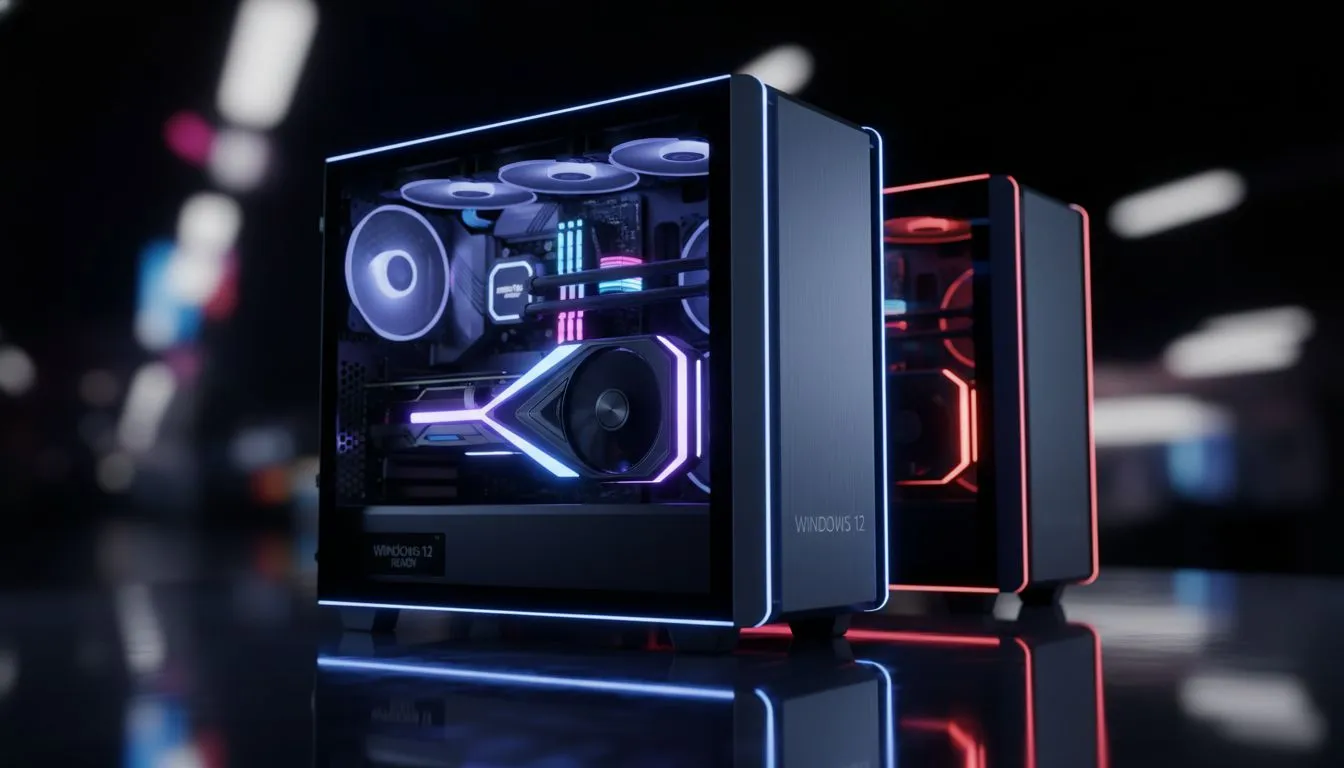
Evaluating the Performance: Windows 12 vs Windows 11 CS2
Every millisecond counts when you’re holding an angle on Mirage. With Windows 12 on the horizon, South African gamers are asking if the upgrade will actually deliver more frames in Counter-Strike 2. Is Windows 11 still the sweet spot for competitive play, or will the next-gen OS leave it in the dust? Let’s dive into the Windows 12 vs Windows 11 CS2 performance debate. ⚡
The Current King: Windows 11 Stability in CS2
Windows 11 has matured significantly since its rocky launch. For most local players using budget gaming PCs, the operating system provides a stable foundation for the Source 2 engine. It handles Intel’s hybrid architecture... specifically those P-cores and E-cores... much better than its predecessor. In CS2, where frame pacing is just as important as the peak FPS number, Windows 11 offers a reliable experience for those climbing the Premier ranks.
CS2 Latency Tip ⚡
Always ensure 'NVIDIA Reflex Low Latency' is set to 'Enabled + Boost' in your CS2 settings. This helps reduce system latency even further, ensuring your mouse clicks register as fast as possible on the server, regardless of your Windows version.
Windows 12: The Promise of a Leaner Kernel
The buzz around Windows 12 suggests a "CorePC" modular approach. This essentially means the OS can scale down, removing unnecessary background services that usually hog CPU cycles. For gamers looking at PCs under R20k, this reduction in "bloatware" could translate directly into higher 1% low FPS. If the OS footprint is smaller, your processor can dedicate more resources to calculating smoke physics and player positions in the heat of a B-site execute. 🔧
Real-World FPS Expectations for South African Gamers
While we wait for official benchmarks, early leaks suggest that Windows 12 focuses heavily on AI integration. While AI might not sound like an FPS booster, improved thread scheduling can make a massive difference. If you are currently browsing the latest pre-built PC deals, you want an OS that knows exactly how to prioritise CS2 over a background Chrome tab or a Discord update.
Optimisation Pro Tip ✨
Disable 'Game Mode' if you notice stuttering on older CPUs. While it generally helps, some South African users find that it occasionally interferes with the way CS2 handles sub-tick updates on specific hardware configurations.
Hardware Synergy: Getting the Most from Your Build
To truly see the difference in Windows 12 vs Windows 11 CS2 tests, you need hardware that isn't hitting a bottleneck. High-refresh-rate gaming at 240Hz or 360Hz requires a serious machine. Those rocking enthusiast-grade rigs will likely see the biggest gains from the kernel optimisations expected in the next Windows iteration. Even without a new OS, keeping your drivers updated and your storage lean is the best way to maintain a competitive edge.
If you are hunting for the best gaming PC deals, remember that software is only half the battle. A clean installation of Windows 11 currently provides the most consistent frame times... but the potential for Windows 12 to streamline the gaming experience is hard to ignore. 🚀
Ready to Dominate the Server? Whether you’re sticking with the proven stability of Windows 11 or preparing for the future of Windows 12, your hardware needs to keep up. Explore our massive range of gaming PC specials and find the perfect machine to boost your FPS and climb the leaderboards.











