

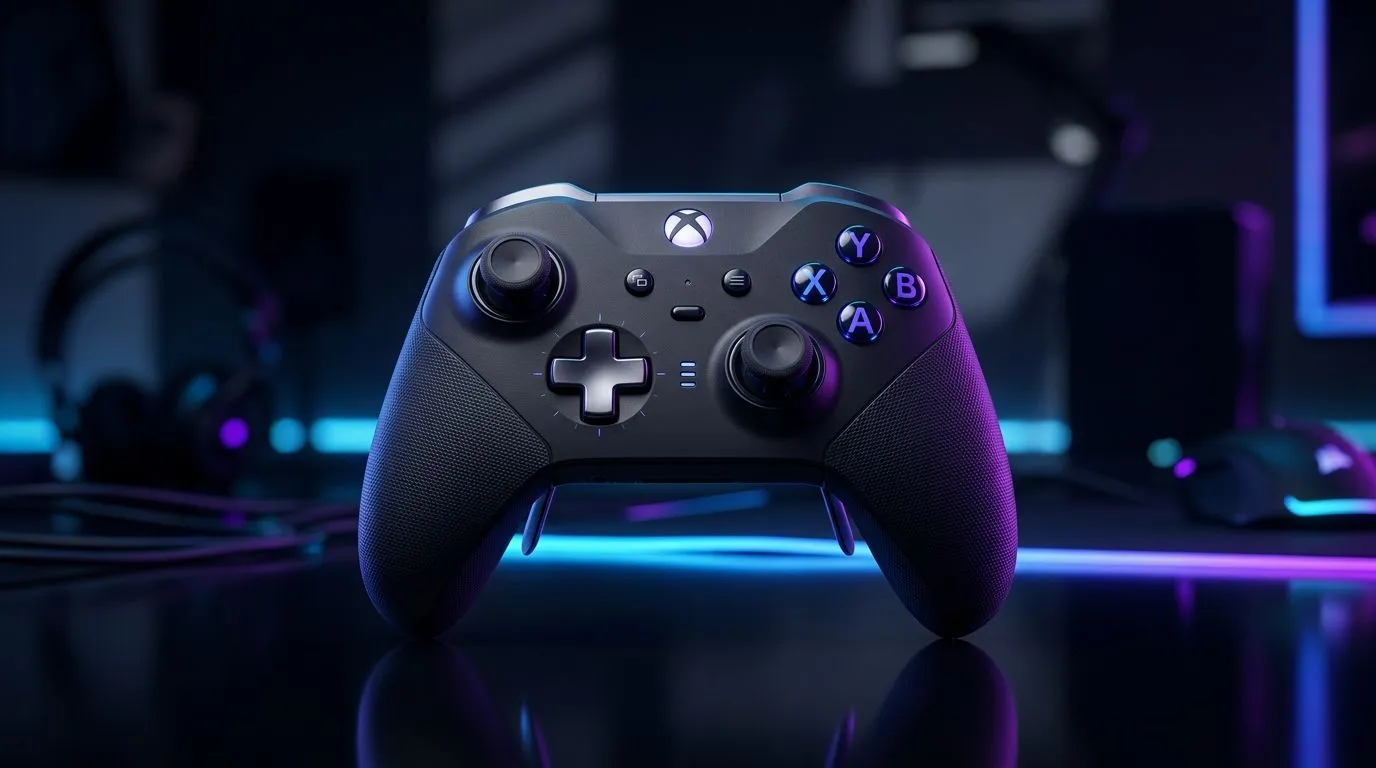
Wireless gamepad performance advanced features explained: what SA players actually feel 🔧
If you’ve ever lost a firefight because your aim felt “late”, you already know performance is more than specs. In South Africa, power cuts, Wi‑Fi congestion, and different setups (PS5, PC, laptops) can expose lag. The good news? Modern controllers use advanced wireless features to smooth input timing, reduce interference, and stabilise performance.
In this guide, we’ll break down wireless gamepad performance advanced features explained in plain English, then help you pick the right controller for your games and your budget in ZAR.
Wireless gamepad performance advanced features explained: latency, polling, and why it matters ⚡
When we say “input lag”, we mean the time between your button press and what happens on screen. Wireless adds extra steps: controller sends data, device receives it, your game processes it.
Key features that improve timing include:
- Higher polling rates: The controller reports inputs more often to the receiver. This can make movement feel more consistent during fast strafes and flick shots.
- Low-latency wireless modes: Some pads switch to modes tuned for quicker tracking.
- Stable connection protocols: Better pairing and less “drop-off” under load can prevent micro-stutters.
For competitive play, prioritise a controller that advertises a meaningful wireless performance mode and supports reliable PC connection. If you’re buying right now, it helps to browse a shortlist first and then compare feature depth, not just brand name.
Micro-check: where lag shows up in real matches
- Timing-sensitive games (shooters, fighters): you feel it as “missed” inputs.
- Rhythm games: you notice it instantly.
- Third-person action: you’ll feel it during quick camera and aim corrections.
Wireless gamepad performance advanced features explained: wired vs wireless, and when wireless wins 🚀
“Just use wired” is good advice… until your setup changes. Wireless can win if:
- Your TV/monitor setup makes cable routing annoying.
- You want controller comfort with a desk or sofa setup.
- Your PC supports clean, stable wireless reception.
However, for any wireless pad, your real-world results depend on environment. If other devices are busy (routers, Bluetooth devices, hot spots), wireless controllers may perform worse.
Setup Pro Tip ✨
On PC, place your wireless receiver closer to the play area (USB extension or short cable) and avoid burying it behind your monitor. Less distance and fewer obstacles can reduce jitter and keep your wireless mode feeling consistent.
Wireless gamepad performance advanced features explained: trigger feel, mapping, and “real” performance ✨
Advanced wireless performance isn’t only about timing. Your input quality matters too. Many premium pads improve:
- Trigger response (tighter actuation, adjustable settings)
- Custom button mapping (faster reactions for skills and reloads)
- Profiles per game (so you’re not reconfiguring mid-session)
If you want to go deeper into controller options for different play styles, start with Evetech’s controller buying guide:
- Explore controllers for your next upgrade via https://www.evetech.co.za/PC-Components/buy-gaming-controllers-365
And if you already have a preference for advanced tournament-style performance, check out this example deal page:
- Consider the Razer Wolverine V3 Tournament Edition 8K here: https://www.evetech.co.za/razer-wolverine-v3-tournament-edition-8k/best-deal/24274
Wireless gamepad performance advanced features explained: choosing the right wireless ecosystem (PC vs consoles) 🎮
Before you buy, match the pad to your platform. A wireless mode that feels great on PC might behave differently on a console due to pairing and system handling.
If you’re shopping with brand filters in mind, you can narrow your search (for example, Razer):
- Browse Razer controller options here: https://www.evetech.co.za/PC-Components/buy-gaming-controllers-365?brands=Raze
Quick buying checklist (fast and practical)
- Do you play competitive shooters? Prioritise low-latency wireless features.
- Do you use a laptop? Check that the connection type suits your ports and USB layout.
- Do you customise builds? Choose a pad with reliable mapping and profiles.
- Are you sensitive to stutter? Keep your receiver accessible and reduce wireless clutter.
Wireless gamepad performance advanced features explained: next step before you “just buy” 👇
A great wireless pad feels like your character reacts instantly. But the best choice depends on your games, your setup, and your tolerance for wireless quirks.
Before you checkout, shortlist 2–3 models and compare their wireless performance features, then confirm availability and pricing in ZAR on Evetech.
Ready to Find Your Perfect Match? The Mac vs Windows debate is complex, but for maximum power, choice, and value in South Africa, Windows is hard to beat. Explore our massive range of laptop specials and find the perfect machine to conquer your world.








