

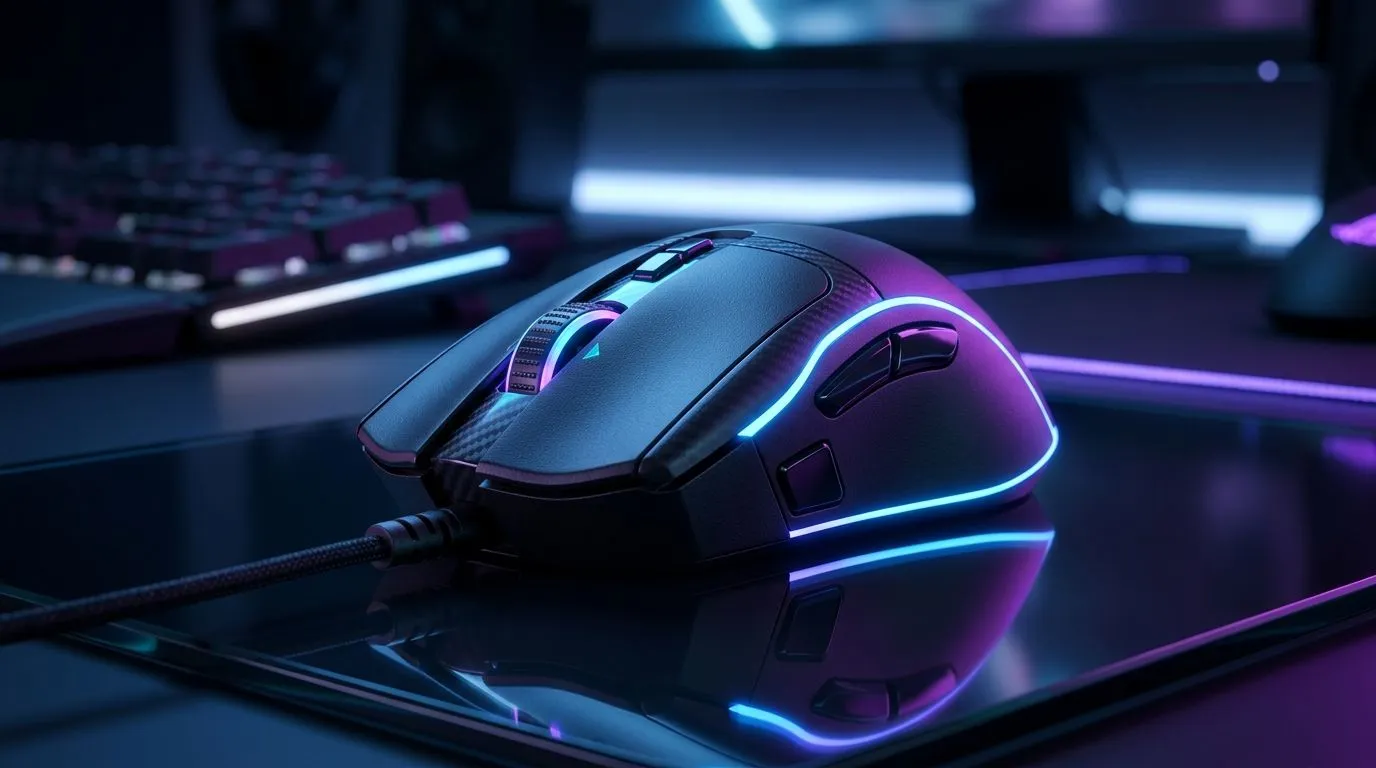
Wireless Gaming Mouse Battery Efficiency: Keep Performance High in SA Conditions
Switching to wireless was meant to be simple… yet anyone in South Africa knows the real challenge is consistency. Load shedding, long gaming sessions, and that “why is my aim jittery?” moment all have one common thread: battery performance. 🔋
This guide breaks down Wireless Gaming Mouse Battery Efficiency: Keep Performance High using practical settings and smart purchasing choices. You’ll learn what actually drains power, how to spot a low-battery problem early, and how to stretch runtime without sacrificing responsiveness. ⚡
What Actually Affects Battery Efficiency (and Your FPS Feel)
Wireless mouse battery life isn’t just about the battery size. It’s mostly about power draw and how often the mouse transmits data. Key factors include:
- Polling rate (Hz): Higher polling (like 1000Hz) can increase power use. If your setup doesn’t need it, dropping slightly can help.
- Sensor settings: DPI and active tracking influence energy use. You do not need extreme DPI for every game.
- RGB and lighting: Bright LEDs are a battery tax. Turn them down or off for longer sessions.
- Wireless distance and interference: Thicker desks, metal surfaces, and crowded 2.4GHz environments can increase retransmits and drain faster.
- Switching off sleep incorrectly: Some mice still “wake” constantly if the idle timer is too short.
Evetech stocks both wireless and wired options, so you can match your preference to your routine: wired for maximum consistency, wireless for convenience.
Quick Settings Tweaks That Don’t Kill Your Aim
Before you buy a new mouse, try these tweaks tonight. ✨
Power-friendly polling and DPI habits
- Start at 1000Hz only if you truly feel the benefit in your game.
- If you notice no competitive advantage, experiment with lower polling for better battery efficiency.
- Use a sensible DPI step, not constant high DPI. Your in-game muscle memory will adapt faster than your battery will.
Productivity Pro Tip ⚡
On Windows, use the PowerToys FancyZones utility to create custom snap layouts for your windows. It's a lifesaver for managing multiple apps on an ultrawide monitor, letting you organise your timeline, preview window, and asset folders perfectly for video editing.
RGB control you’ll actually stick to
- Set RGB to low brightness or reactive off.
- If you stream or record, keep RGB off while gaming, then enable it for overlays.
A battery-efficient mouse keeps your sensor stable and your tracking smooth… and saves you from that scramble to find replacements mid-match.
Choosing the Right Mouse for Battery Efficiency
If battery life is a priority, shop like it’s a budget item. Because in practice, it is. 🔧
Check Evetech’s wireless accessory and mouse ranges to compare features side-by-side. A few places to start:
- Explore mouse accessories that support cleaner desk setups and better wireless experience: mouse accessories on Evetech.
- If you prefer zero wireless variables, browse wired options too: wired gaming mice.
- When you want convenience without constant charging, focus on wireless: wireless gaming mice.
For buyers watching ZAR closely, timing matters:
- See the latest deals here: best gaming mouse deals.
- Want a spec-led shortlist? Use the category page: Evetech gaming mouse category.
CALLTOACTION
Ready to Find Your Perfect Match? The Mac vs Windows debate is complex, but for maximum power, choice, and value in South Africa, Windows is hard to beat. Explore our massive range of laptop specials and find the perfect machine to conquer your world.











