

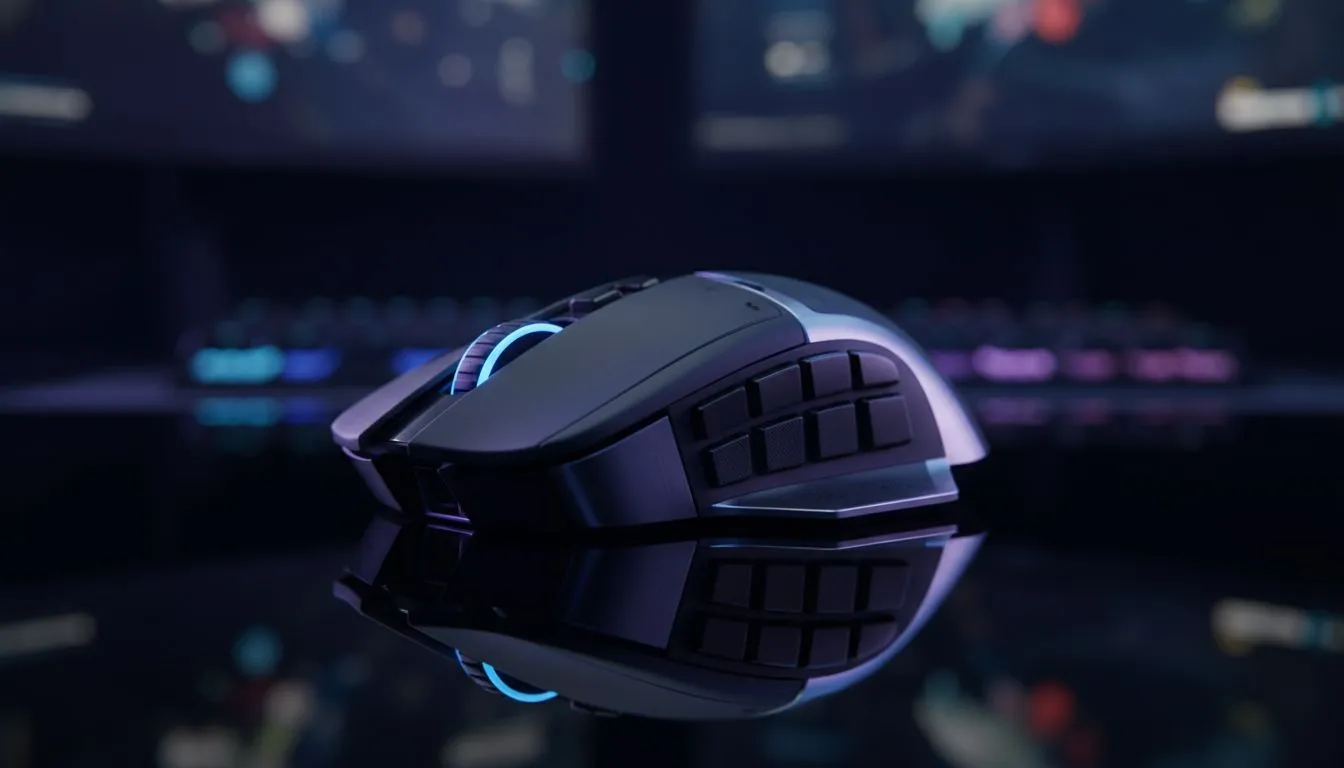
Wireless gaming mouse loadshedding: quick hook for South African gamers
If your game lags because the lights just went out, you know the sting of loadshedding. This short guide helps South African gamers keep aim, DPI and sanity intact when the power drops — with practical fixes for wireless gaming mouse loadshedding, backup tactics and purchase pointers. Read on for quick wins and a few Evetech links to save you time. ⚡🎮
Wireless gaming mouse loadshedding: why it matters in-game
When the power goes, your mouse shouldn't be the reason you lose a round. Wireless mice can be brilliant for freedom of movement, but they need power, a stable connection and a plan for outages. If you want to compare models and features before deciding, start by browsing a wide selection of gaming mice at Evetech: gaming mouse category.
Small story: a Cape Town raid that survived a blackout
Last month I hopped into a squad match during stage two loadshedding. My wireless mouse had a hot-swap battery pack and I kept playing. The squad assumed I had a UPS. I didn’t — just a charged spare and a mouse that supported on-board profiles.
Wireless gaming mouse tips during loadshedding 🔧
- Keep a charged spare battery or a small USB power bank; many wireless mice charge over USB-C, so a 10 000 mAh bank gives hours of play.
- Learn your mouse’s wired fallback mode. Some wireless mice work as plug-and-play USB when you plug the cable in. See wired options for comparison: buy wired mouse.
- Reduce polling rate in software if latency spikes when your system switches power modes; it can stabilise a finicky connection.
- Keep firmware and mouse drivers updated so firmware-level power-saving modes behave predictably. Explore accessories to help with cables, dongle extenders and charging docks: mouse accessories.
Power-Safe Pro Tip ⚡
a dedicated 5V USB power bank near your desk. If your wireless mouse supports wired charging or operation, plug it in immediately during loadshedding. That small habit saves ranked matches and your K:D ratio.
Wireless mouse buying choices for loadshedding survival 🚀
When choosing a new model, prioritise:
- Battery strategy: swappable AA batteries vs internal rechargeable cells. For quick swaps, AA is simple; rechargeable offers cleaner cableless play. Check wireless stock and filter by battery type here: buy wireless mouse.
- Dongle reliability: low-latency USB receivers often outperform Bluetooth for gaming. For best value and deals, see Evetech’s current offers: best gaming mouse deals.
- Ergonomics: comfort matters more during long FPS sessions. Try models in-store where possible, or read specs and reviews to confirm fit.
Final setup checklist before your next match
- Fully charge mouse and power bank overnight.
- Keep a short USB-C cable beside your mat for instant wired play.
- Store a small pouch with spare AA batteries if your mouse supports them.
- Save your preferred DPI and profile to the mouse’s onboard memory when possible.
Ready to Find Your Perfect Match? The Mac vs Windows debate is complex, but for maximum power, choice, and value in South Africa, Windows is hard to beat. Explore our massive range of laptop specials and find the perfect machine to conquer your world.











