


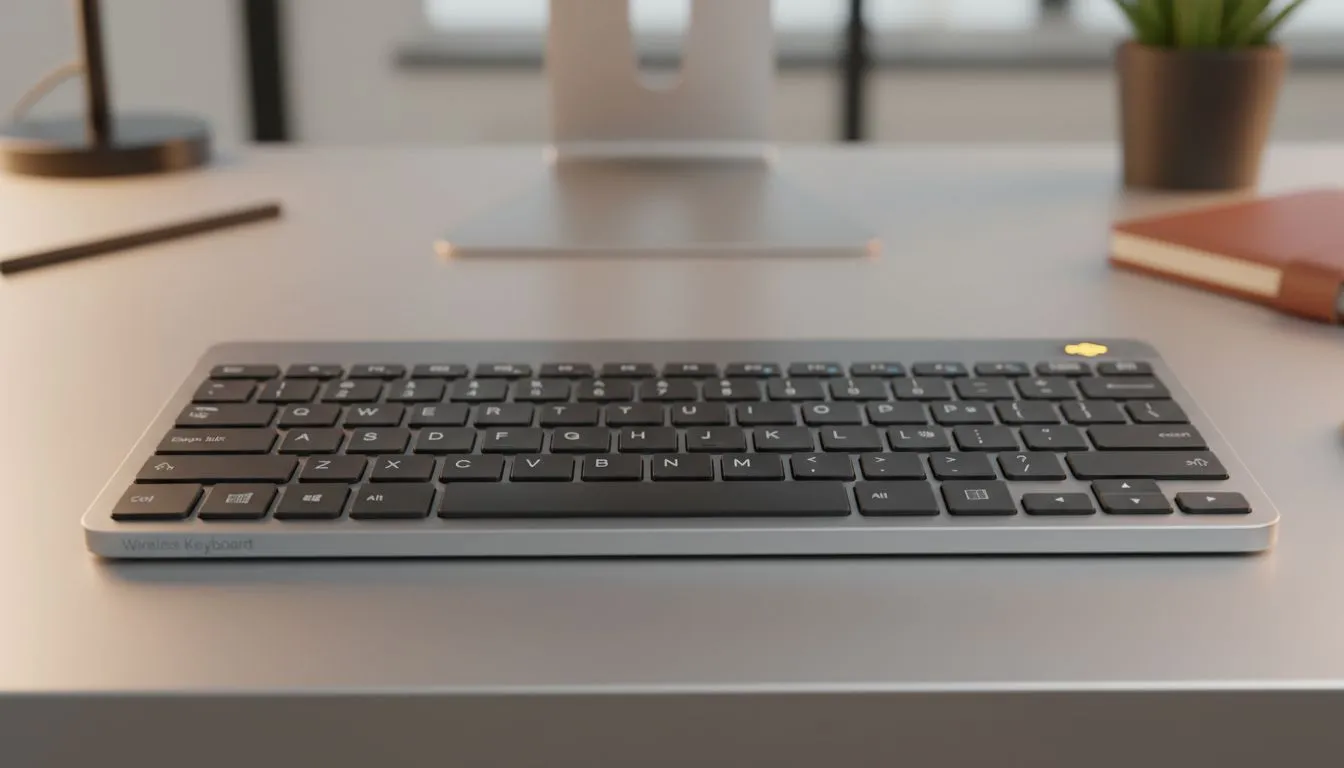
There is nothing worse than your keyboard dying mid-clutch when you are defending a site in Counter-Strike. For South African gamers, wireless freedom is great, but battery anxiety is real. Understanding wireless keyboard battery life: how long should it last is crucial before you upgrade your setup. Whether you are working from home or grinding ranks, you need a deck that stays powered up through every session. ⚡
The Standard Expectations for Battery Longevity
When asking about wireless keyboard battery life: how long should it last, the answer depends heavily on the power source. Basic office keyboards using AA batteries can often last between six months and two years. However, high-performance gaming peripherals are different. Finding the best gaming keyboard deals often comes down to finding a balance between features and efficiency. A high-end rechargeable board typically lasts between 20 and 40 hours with heavy use... or significantly longer if you manage your settings correctly.
Why RGB is Your Battery’s Worst Enemy
We all love the aesthetic of a glowing setup, but those vibrant colours come at a cost. RGB backlighting is the primary reason battery life varies so drastically. If you run your LEDs at 100% brightness, you might find yourself charging every few days. Even the cheapest gaming keyboard in South Africa can see its battery life extended by 500% simply by turning the lights off. Most modern software allows you to set a sleep timer... ensuring the LEDs dip out when you are away grabbing a snack.
Power Saving Pro Tip ⚡
To maximise your uptime, set your keyboard's RGB brightness to 50% or use a static colour rather than reactive effects. On many wireless models, this simple change can double the number of days you go between charges without sacrificing the look of your desk.
Choosing Between Bluetooth and 2.4GHz
Connectivity choice plays a massive role in how long your peripheral survives. Bluetooth is incredibly energy-efficient and is perfect for typing out emails or browsing. However, gamers usually prefer the 2.4GHz "Lightspeed" style connections for lower latency. If you want the best of both worlds, investing in a keyboard and mouse combo ensures both devices can be managed through a single software suite to optimise power consumption.
Finding the Right Balance for Your Setup
Ultimately, the choice depends on your tolerance for cables. If charging sounds like a chore, you might prefer wired keyboards that never need a break. But for those who crave a clean, cable-free desk, modern wireless gaming keyboards use advanced sensors to sip power. Most premium models now feature "fast charge" via USB-C... giving you hours of play from just a few minutes of plugged-in time. 🔧
Ready to Find Your Perfect Match? Wireless technology has never been more reliable or long-lasting. Whether you need a battery beast for the office or a low-latency weapon for gaming, we have the gear for you. Explore our massive range of keyboard specials and cut the cord today.











