

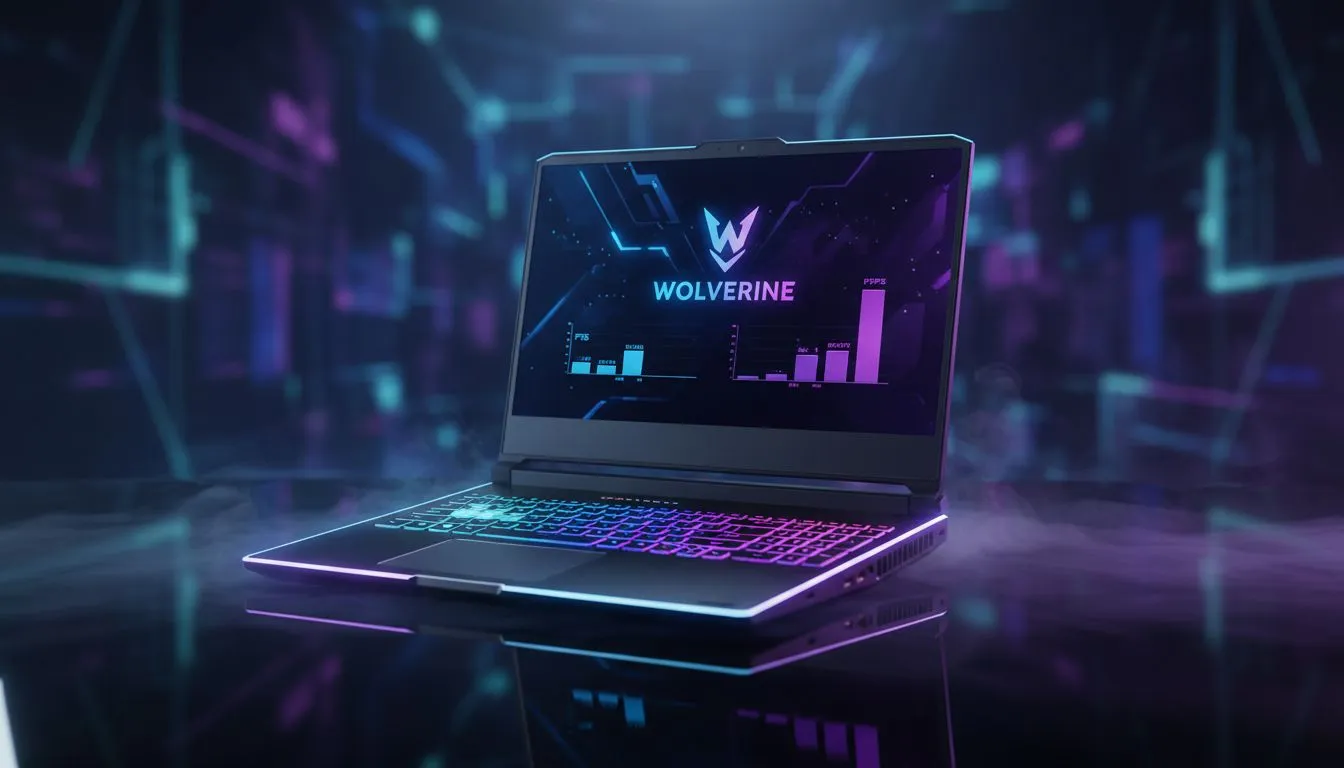
Finding Your Wolverine Laptop Settings for Max FPS
Navigating the balance between raw power and mobility is a constant struggle for South African gamers. Whether you are facing a sudden bout of loadshedding or competing in a local tournament, your machine needs to adapt. Mastering your Wolverine laptop settings: Max FPS vs Battery Life ensures you stay in the game longer. It is all about knowing when to unleash the beast and when to conserve energy ⚡.
When you are plugged into the wall, your priority is clear: performance. To get the most out of your hardware, start by visiting the geforce rtx gaming laptops on special page to see the latest driver updates for your GPU. Ensure your Windows power plan is set to "Best Performance" and your laptop's proprietary software is in Turbo or Overclock mode. This allows the silicon to draw maximum wattage, pushing those frame rates as high as they can go.
Optimising Wolverine Laptop Settings for Battery Life
When the lights go out in Jozi or Cape Town, your strategy must shift. Finding the right Wolverine laptop settings: Max FPS vs Battery Life balance becomes a survival game. The first step is to lower your screen's refresh rate. If your panel supports 144Hz or higher, dropping it to 60Hz can save significant power. You should also explore our intel laptops on special for models known for their efficient idle power consumption.
Loadshedding Survival Tip 🔋
Lower your screen brightness to around 50% and disable all RGB lighting on your keyboard. These small adjustments can add up to 45 minutes of extra runtime during a power outage, giving you enough time to finish your quest or save your work.
Choosing the Right Hardware for Efficiency
Not all chips are created equal when it comes to power management. If you prioritse efficiency without sacrificing too much speed, checking out the latest ryzen laptop deals is a smart move. AMD's architecture is often praised for its impressive performance-per-watt ratio. This makes it easier to manage your Wolverine laptop settings: Max FPS vs Battery Life because the baseline power draw is naturally lower.
For those on a tighter budget who still need a reliable machine, we recommend looking at how to buy gaming laptops under r20k. Even entry-level rigs benefit from these tweaks. By undervolting your CPU or limiting your global frame rate in the Nvidia Control Panel, you can keep heat down and battery life up 🚀.
The Final Verdict on Performance Tuning
Ultimately, your Wolverine laptop settings: Max FPS vs Battery Life will depend on your immediate environment. If you have a stable power source, let the fans spin up and enjoy the visual glory. If you are on the move, be aggressive with your power-saving profiles. You can find a wide variety of machines capable of both extremes in our best gaming laptop deals section ✨.
Ready to Find Your Perfect Match? The Wolverine laptop settings: Max FPS vs Battery Life debate is complex, but for maximum power, choice, and value in South Africa, Windows is hard to beat. Explore our massive range of laptop specials and find the perfect machine to conquer your world.











